All tools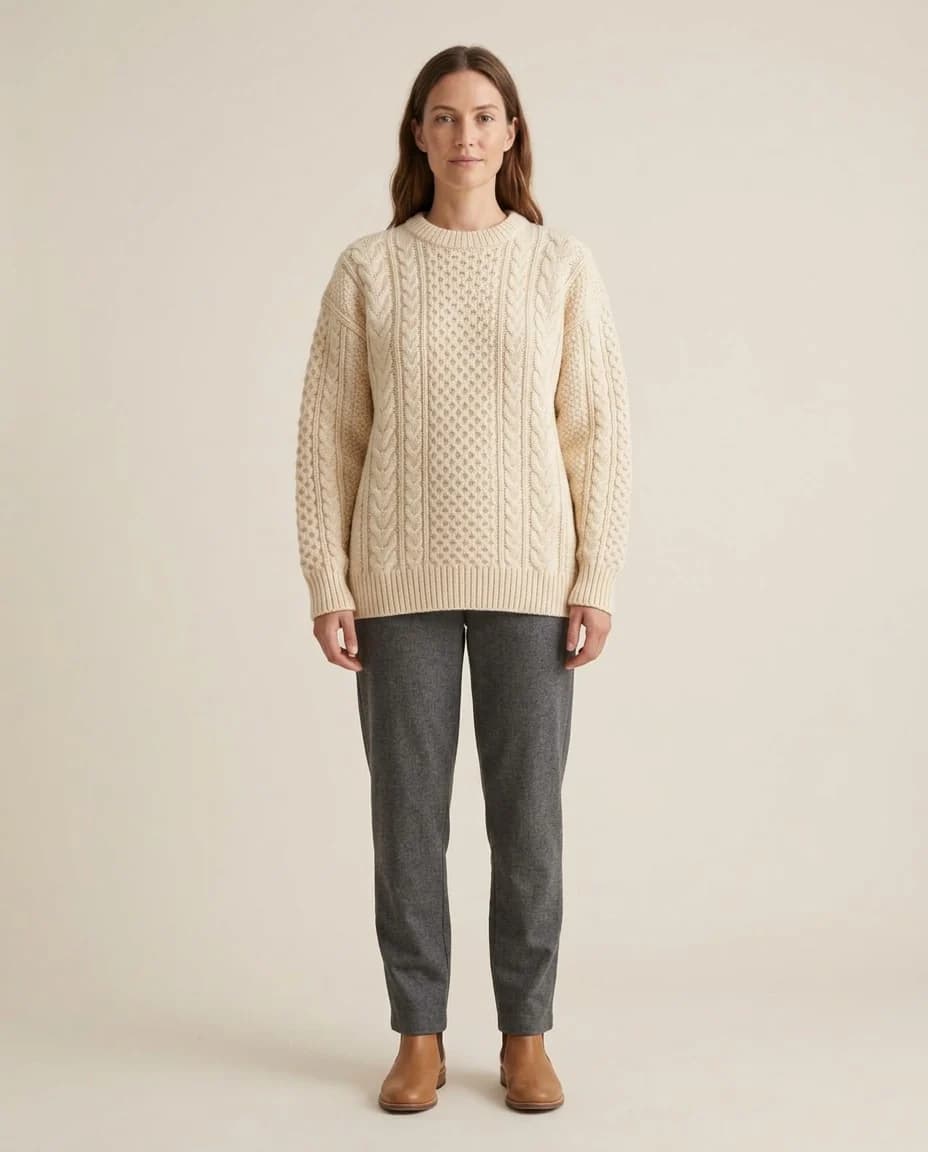
A real example from the platform
Try the free generator
Resize images for every channel
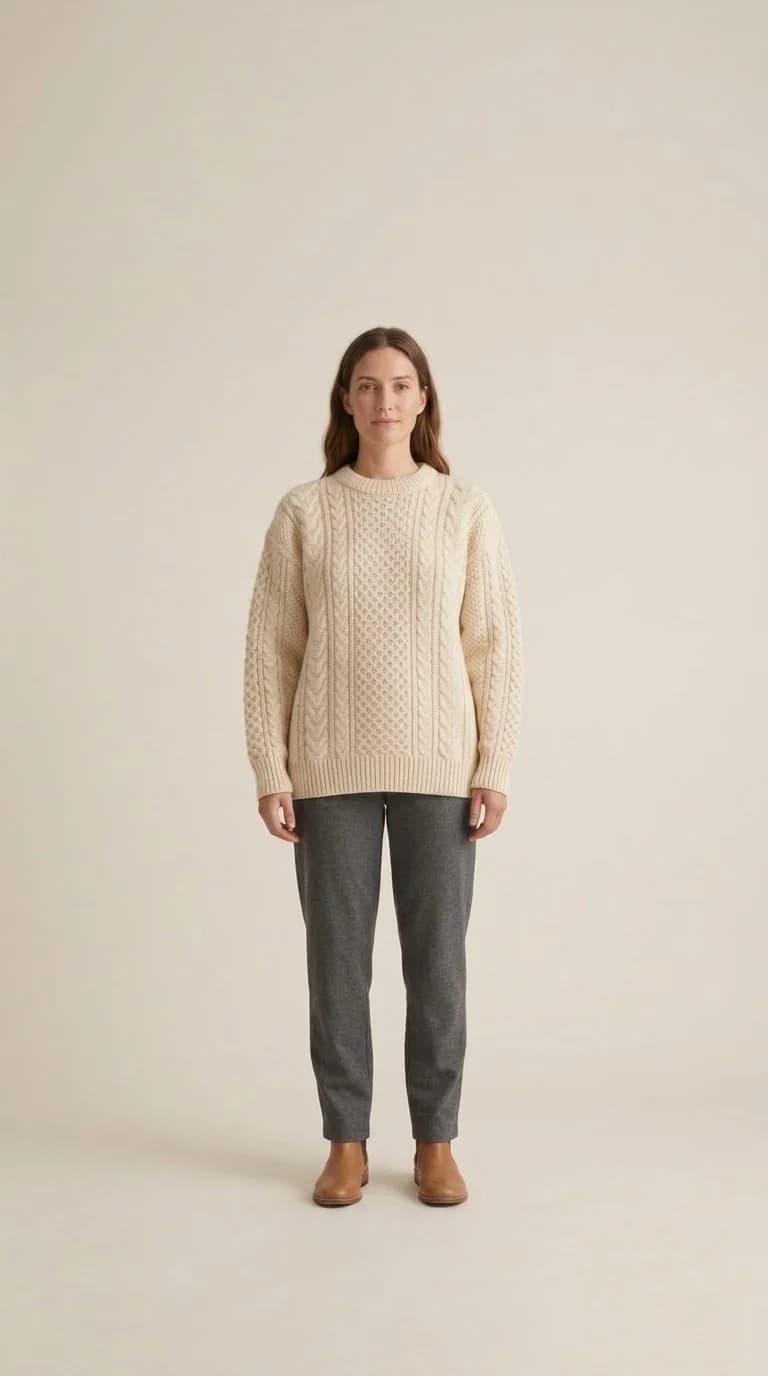
It converts a finished image to another aspect ratio, extending the scene or cropping it intelligently while keeping the product whole.
When to use it
When you need the same image at different sizes: square for the product page, 9:16 for a story, 4:5 for an Instagram post.
What you need
A finished image and the ratio you want. Ten are available, each named by its use rather than its numbers.
Three common mistakes
- Cropping by hand instead. Cropping takes away from the image; this extends the scene and keeps the product whole.
- Extending too far. Going from 9:16 to 16:9 invents half the picture. Move in smaller steps.
- Ignoring your platform's size. Every store accepts a particular size — check it before exporting, not after.
Cost
| 1k1024×1024 | 2k2048×2048 | 4k4096×4096 |
|---|---|---|
| 2 | 3 | 4 |
Per single image, shown before you press generate.
See the full plans and credit pricing
Common questions
- Why not just crop the image myself?
- Because cropping cuts into the product. This widens the scene around the piece instead of trimming it, so you get the new proportion with the product still whole inside it.
- Which sizes do I actually need?
- Square for the product page, 4:5 for an Instagram post, 9:16 for a story. Ten ratios are available, each named by its use rather than its number, and every channel asks for its own.
- Is there a limit to how far it can widen?
- In practice yes. Going from 9:16 to 16:9 in one step makes the system invent half the picture. Move in shorter steps and the result stays closer to your original.
Other tools
Suited for
Still looking for a brand name?
The free brand name generator suggests names in Arabic and English, each with its meaning. No sign-up.
Fotisma