Skip to content
Fotisma
All tools

AI photo editing by description

You describe the change you want on an existing image and it is applied. A colour, a background or a small detail — one sentence instead of a design tool.

Try it now

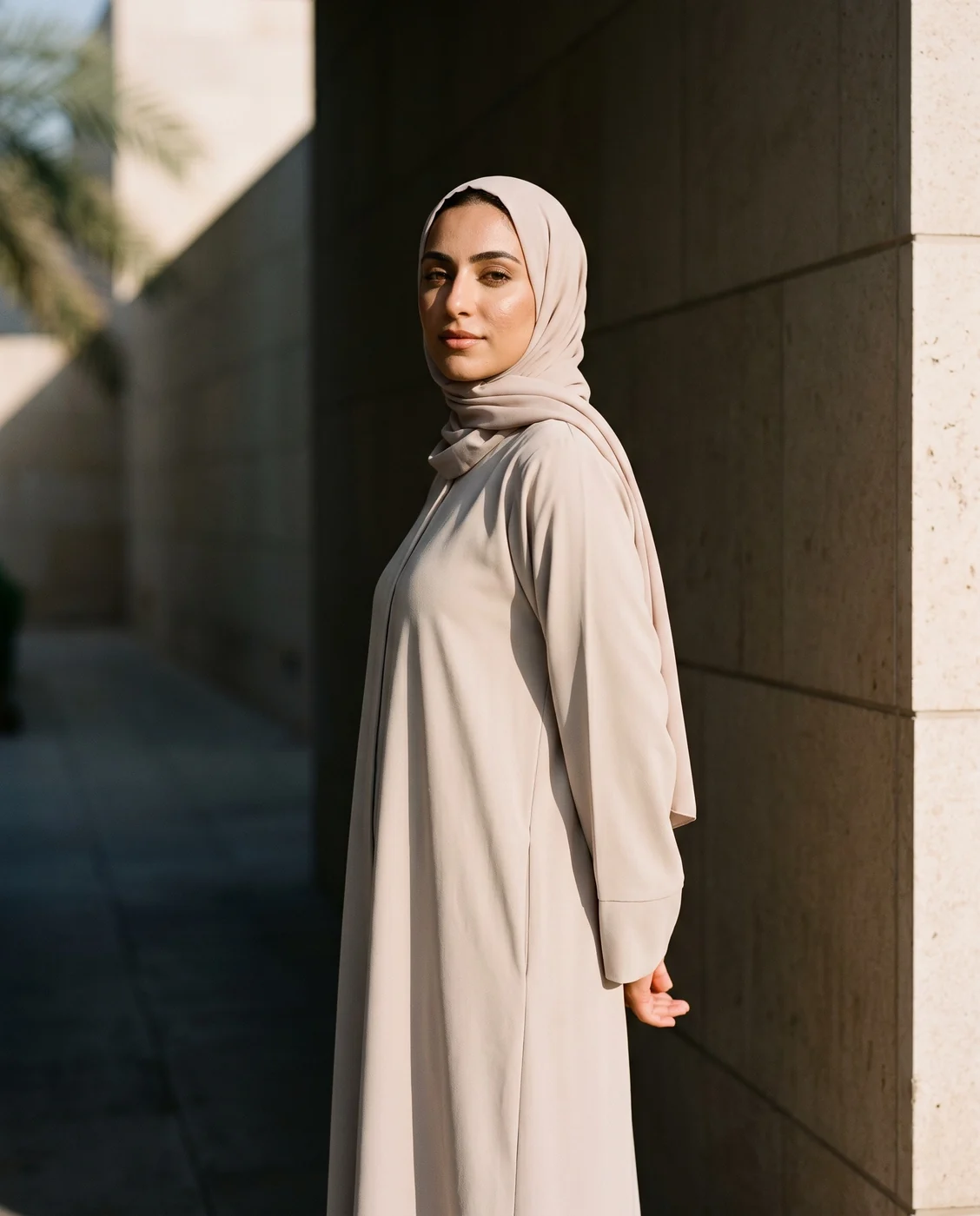
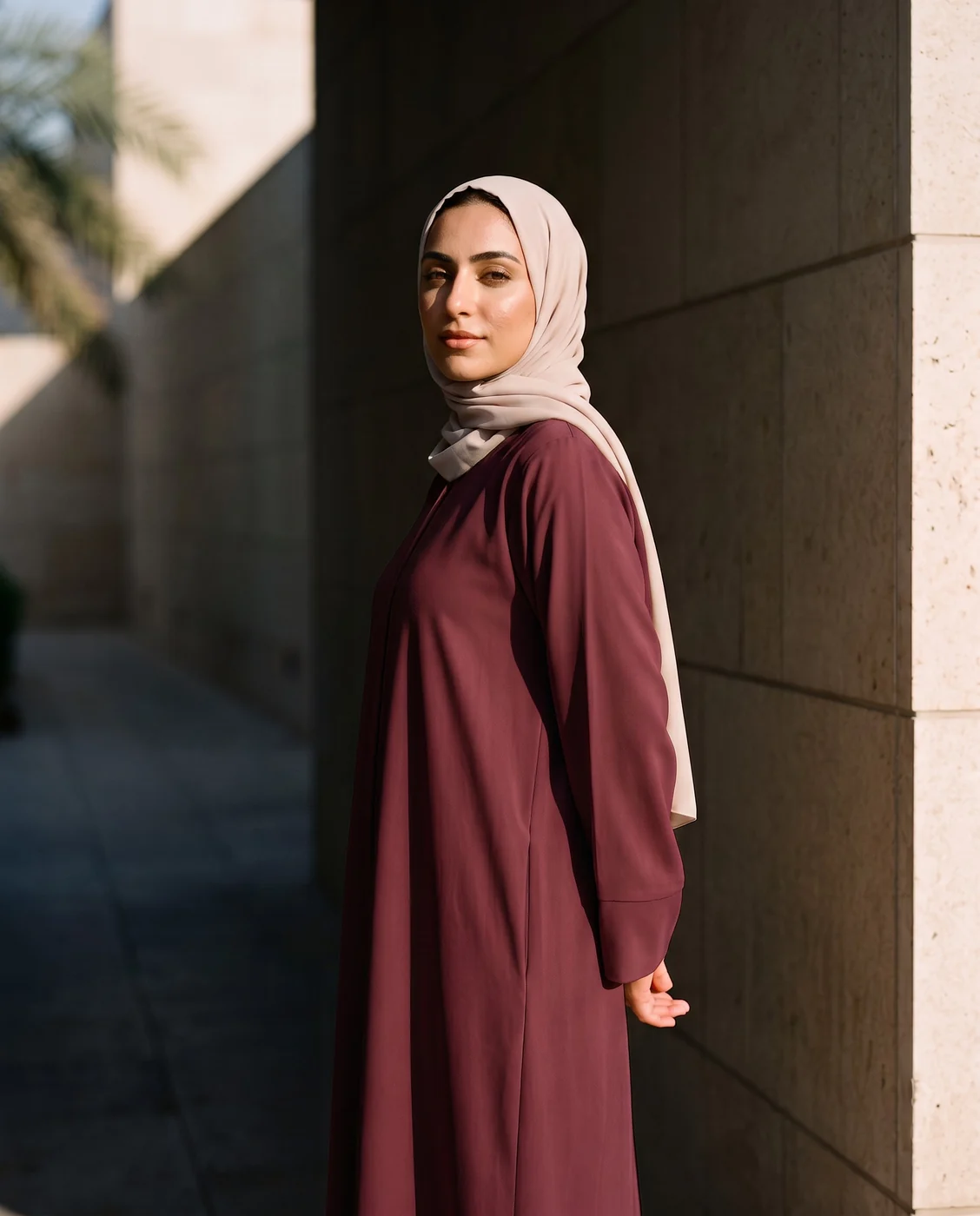
A model in a hijab wearing a cream abaya in a stone corridor
Change the abaya to burgundy
The same photo with the abaya turned burgundy by one written instruction
A real example from the platform

When to use it

When you need one change, not a new image: recolouring a garment to show a range, cleaning up a detail, or swapping a background without regenerating.

What you need

A finished image and a clear description of what should change.

Three common mistakes

  • Asking for several changes at once. Make one change at a time, then edit the result.
  • A vague description. Make it nicer cannot be executed. Say exactly what changes and what stays.
  • Forgetting to say what must not change. State plainly that the garment and its colour stay as they are.

Cost

1k1024×10242k2048×20484k4096×4096
234

Per single image, shown before you press generate.

See the full plans and credit pricing

Common questions

Does it replace design software?
For described edits, yes: a colour, a background, a distracting detail, in one sentence instead of opening a program. Pixel-level control is still the work of a real image editor.
Why was my edit not applied as asked?
The two usual causes: several changes requested in one sentence, or a vague description like "make it nicer". Make one change at a time, and say exactly what changes.
How do I stop the product itself from changing?
Say plainly what must stay: "the piece and its colour remain as they are". Anything you do not protect in the description may be reimagined along with the rest of the image.
Try it now

Other tools

Suited for

Still looking for a brand name?

The free brand name generator suggests names in Arabic and English, each with its meaning. No sign-up.

Try the free generator

Fotisma