Product photos for an Etsy shop
On Etsy you sell to a buyer in another country who has never touched your piece, and who compares it with hundreds of similar ones on a single search page. And Etsy is strict about one thing: photos of an item you made must be original photos of it, not renderings. So here we start from your own photo and make it look like a studio shot.
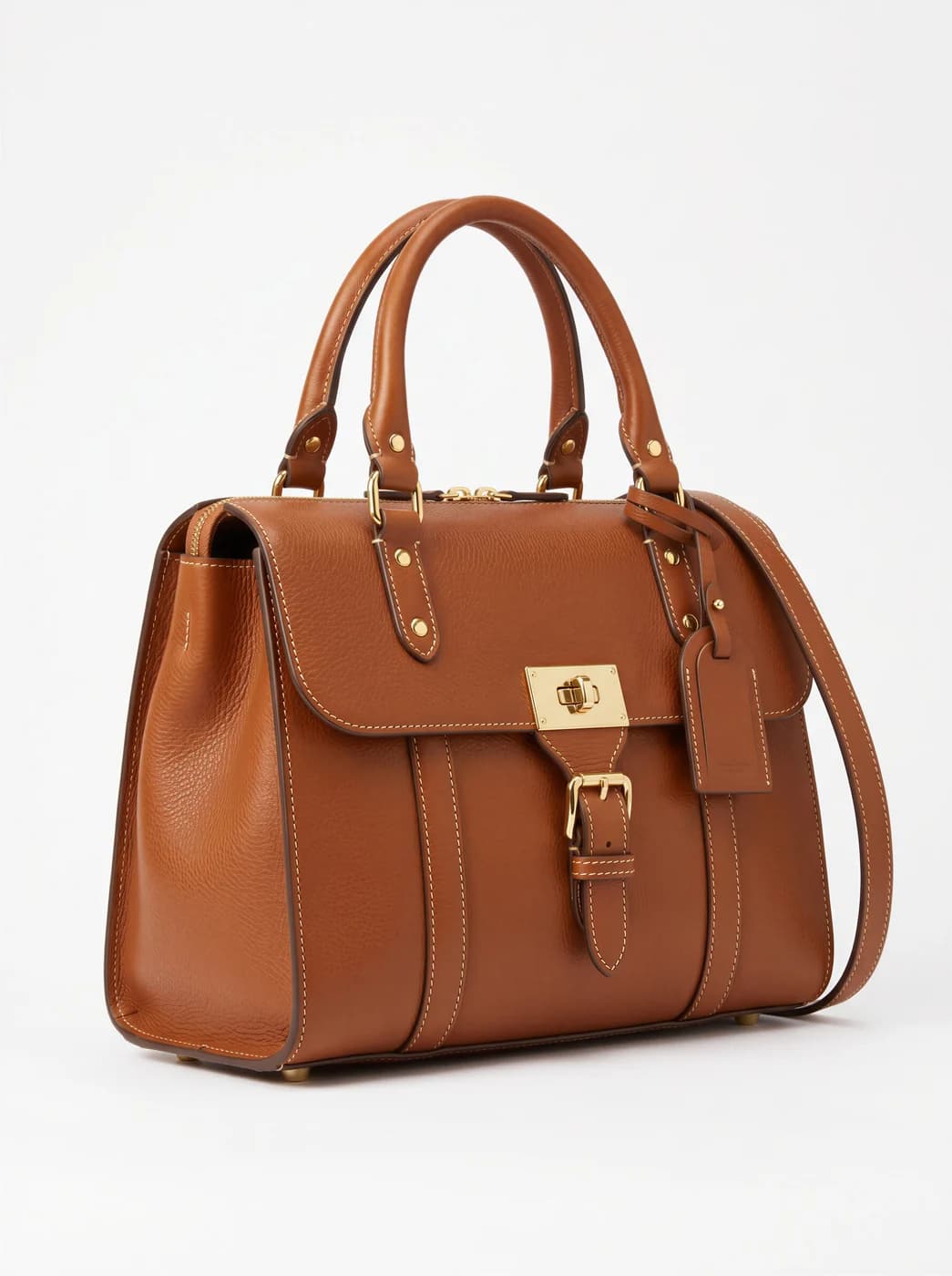
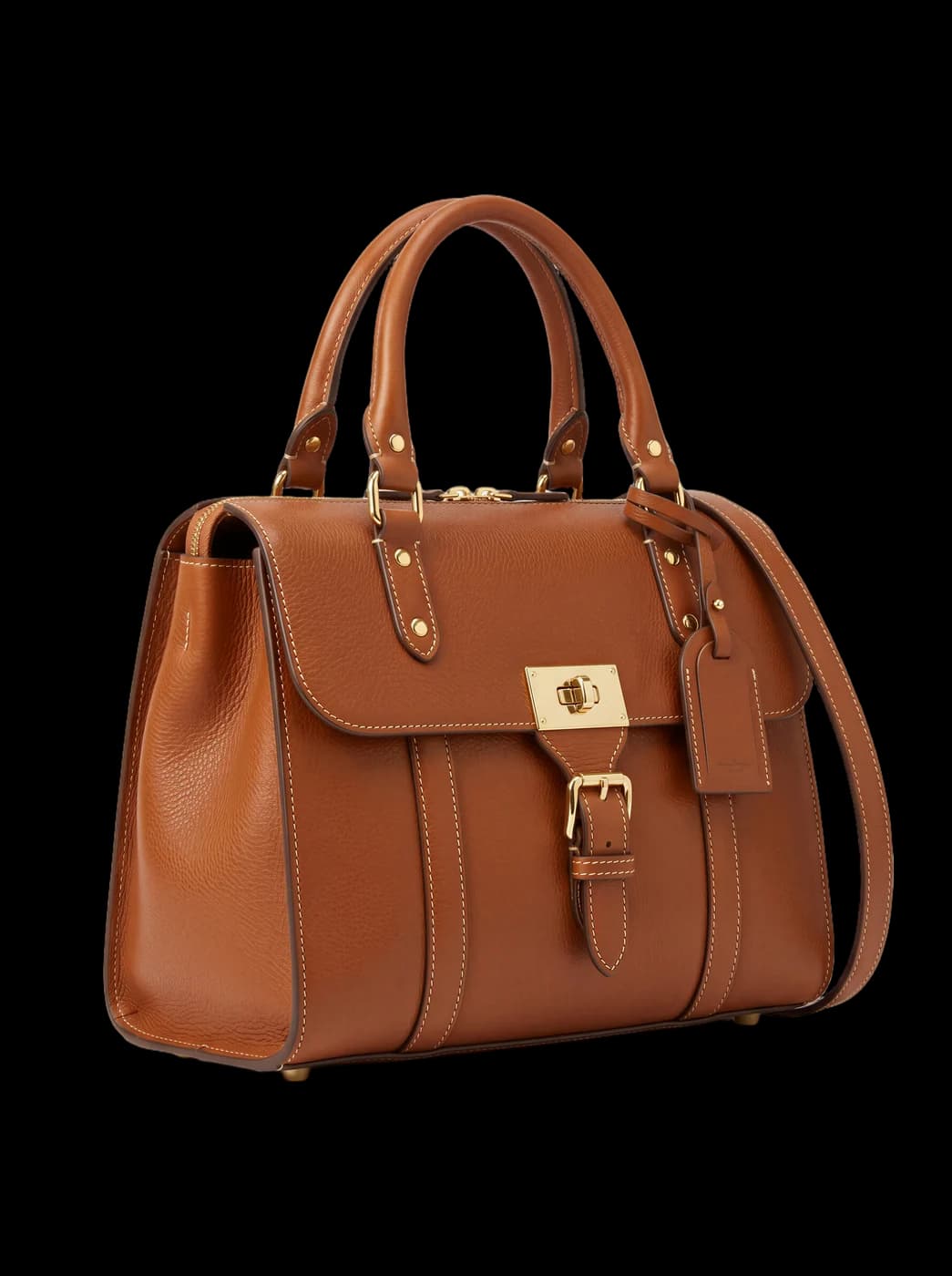
What changes for you
- Your own photo, with a studio background
- Photograph the piece on your phone anywhere, then remove the background and set it on clean white or a quiet colour. It stays your original photo of the item, as Etsy requires — it just looks like it was taken in a studio.
- The thumbnail decides the click
- In Etsy search your first photo appears as a thumbnail, and a tall photo loses more to the crop. Make it square or 4:3 with the piece centred, and it shows whole among hundreds of others.
- A model only where Etsy allows one
- A generated shot on a model may not count as an original photo of something you made by hand, so the safe choice is to keep it out of that listing. Etsy does allow mockups for designs a production partner prints for you — your artwork on a T-shirt, say — and for the extra images of personalised items. They also earn their keep in Instagram and Pinterest ads that send buyers to your shop.
The tools that serve you here
Not every tool — the ones that serve your case, in order of usefulness.
- Background RemovalIsolate the product from its background and get a transparent cut-out.
- Resize for Any ChannelConvert a finished image to another aspect ratio — it expands or crops the scene intelligently, keeping the product intact.
- Product PhotoshootUpload only your garment and get a full shoot: a model, a place and a pose, new in every photo. To repeat the same face across your photos, lock the face.
How to start
- Photograph the piece on your phone in daylight and upload it.
- Remove the background, then make the photo square or 4:3 so it shows whole in the thumbnail.
- Download the images and add them to your Etsy listing, with the clearest one first.
Cost
| The tools that serve you here | 1k1024×1024 | 2k2048×2048 | 4k4096×4096 |
|---|---|---|---|
| Background Removal | 1 | 1 | 1 |
| Resize for Any Channel | 2 | 3 | 4 |
| Product Photoshoot+3 credits when a ready-made model is used | 2 | 3 | 4 |
Credits per single image, shown before you press generate.
Questions from Etsy sellers
Does Etsy allow photos edited with AI?
Etsy requires photos of an item you made to be original photos of it — taken by you or by someone for you — not renderings or stock photos. Editing your own photo, by removing its background or changing its size, keeps it your photo. Use generated on-model shots only where Etsy allows mockups, and check its current rules before you publish, because they can change.
Is there a direct Etsy integration?
No. You work in Fotisma, then download the images and add them to your listing. We say so clearly, because anyone looking for an app that syncs automatically will save time knowing it now.
What resolution do the images come out at?
Etsy recommends photos at least 2000 pixels wide and tall. A square image at 2K (2048 pixels) already clears that; for wider ratios choose 4K to stay above it.
I sell designs a production partner prints for me. Are model shots any use?
Yes — that is the case where Etsy allows a mockup of the finished product: upload the piece with your design on it and it appears on a model. Etsy also asks you to disclose in the listing that a production partner makes the item.
Nearby situations
Try it free when you create your account, no card needed.