Kids' clothing photography for your store
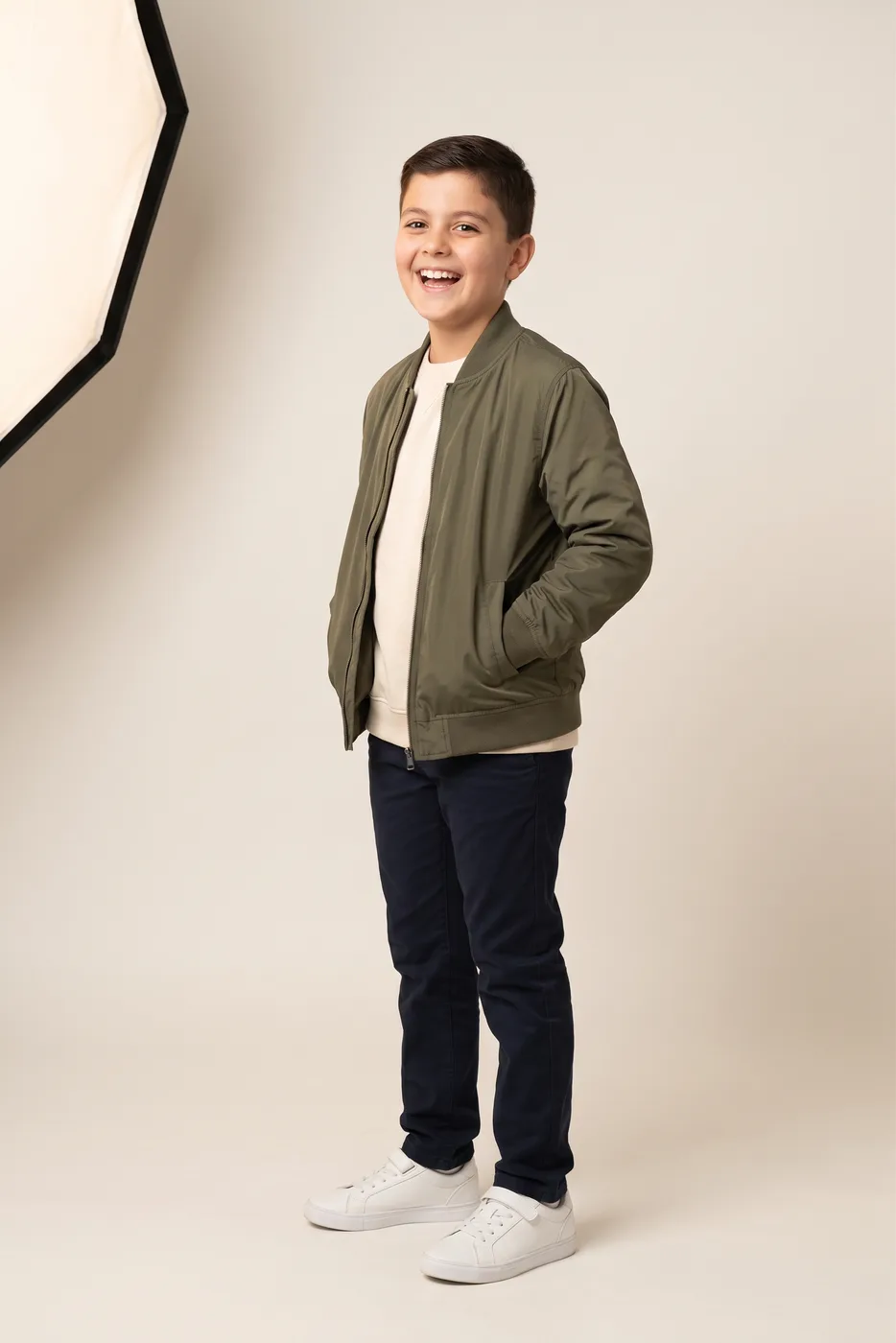
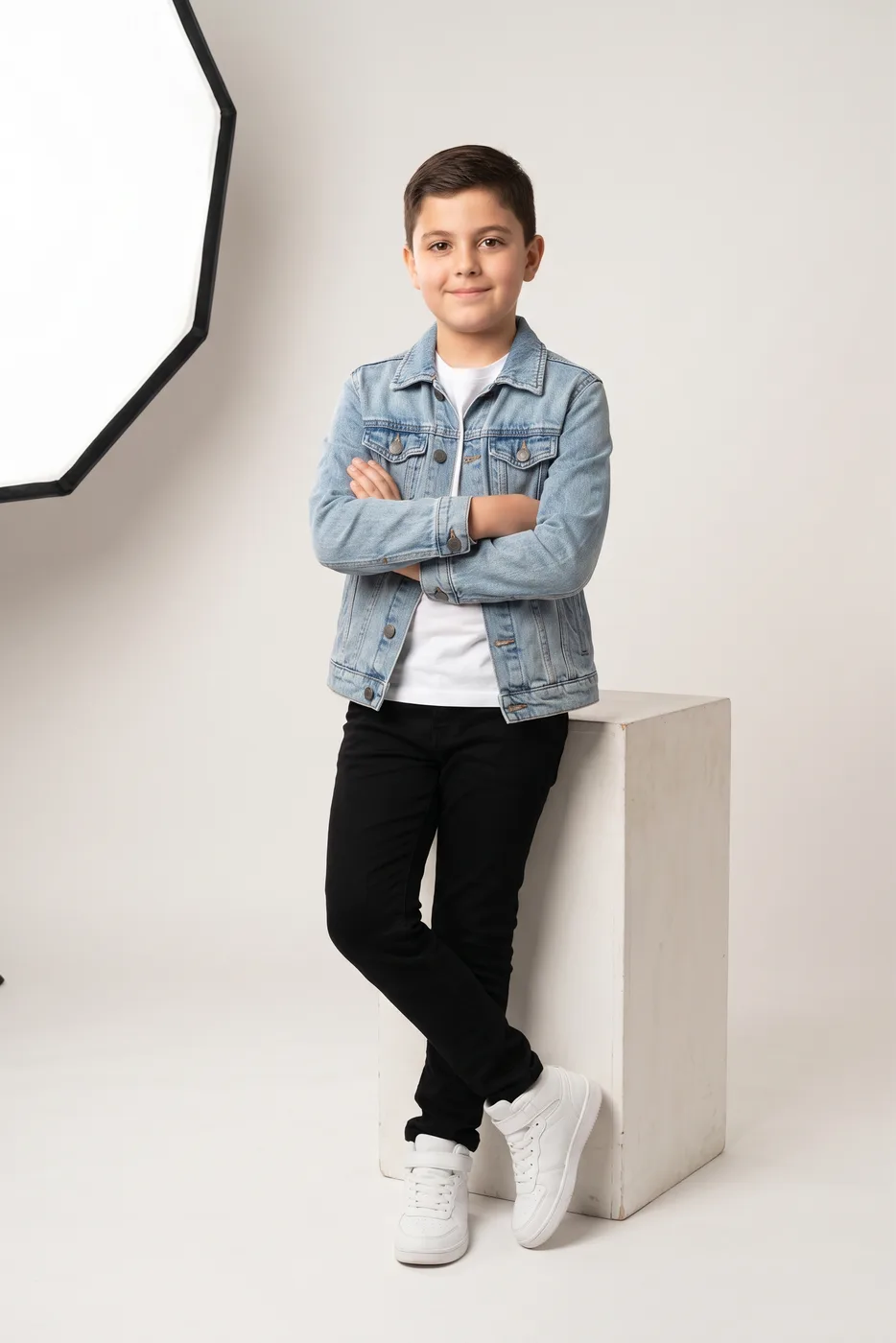
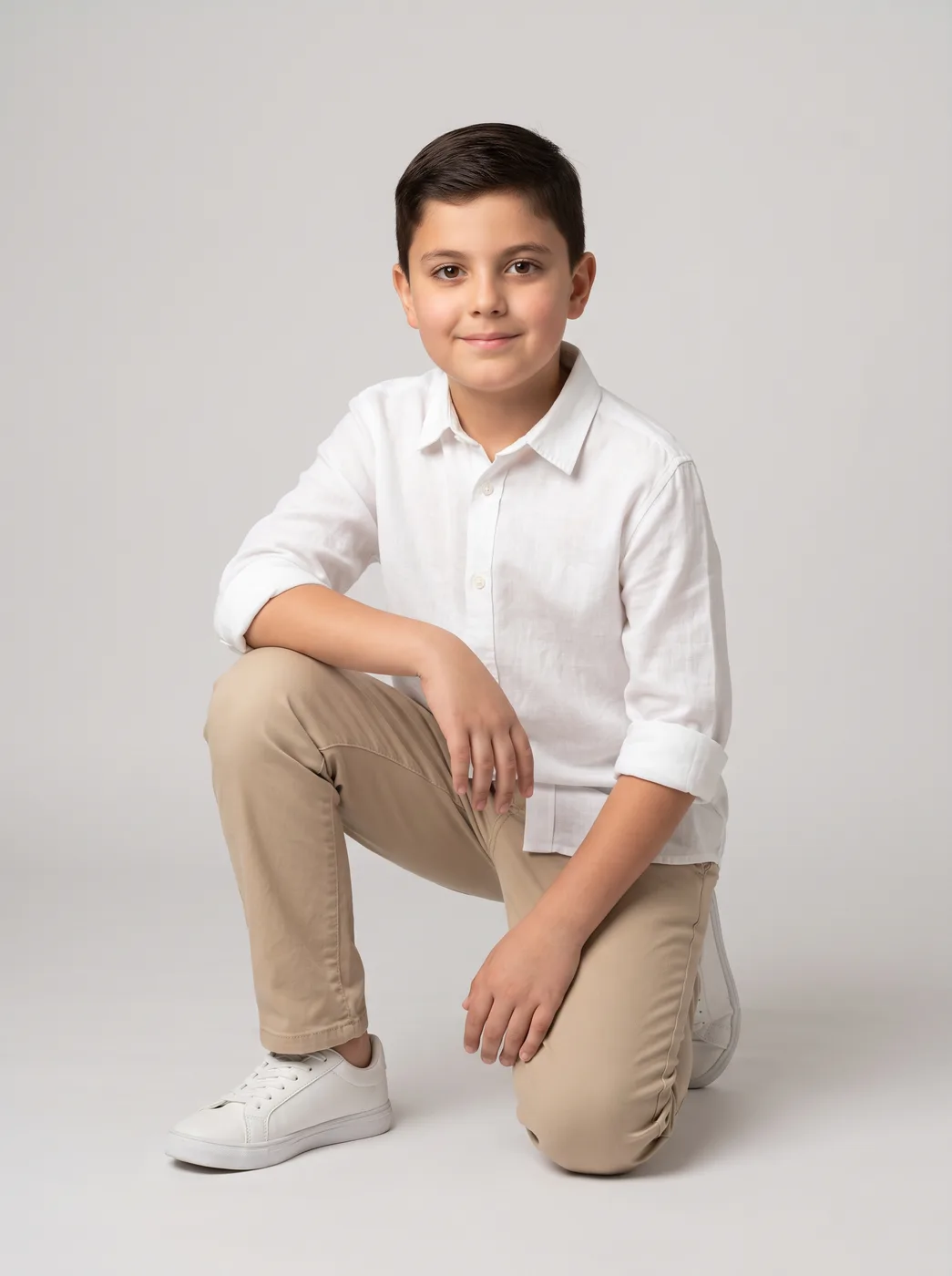
Children's clothing brings problems adult clothing does not: a child will not stay still, a shoot ends when they get bored, and many parents will not have their children appear in ads online. Here you do not need a child in front of the camera at all: upload the piece and put it on an AI-generated child model.
What changes for you
- No child in front of the camera
- No booking a child model, no waiting for them to settle, and no real children's photos published online. The models are AI-generated children, and we say so plainly.
- The same child across the whole collection
- Pick a child model once — a boy or a girl, with Egyptian, Levantine or Arab features — and the same one appears in every piece. The collection page reads as one shoot rather than photos from different places.
- Ready for kids' clothing ads
- The same shot comes out square for a post and tall 9:16 for stories and reels, so a whole season's kids' clothing ads and social posts come from photos of the pieces alone.
The tools that serve you here
Not every tool — the ones that serve your case, in order of usefulness.
- Product PhotoshootUpload only your garment and get a full shoot: a model, a place and a pose, new in every photo. To repeat the same face across your photos, lock the face.
- Virtual Try-OnDress a model from a ready photo, from our library or your own, and the person stays as in their photo, hijab and hair included. A written note changes the place and pose. Takes clothing, bags and shoes.
- Resize for Any ChannelConvert a finished image to another aspect ratio — it expands or crops the scene intelligently, keeping the product intact.
How to start
- Photograph the piece laid flat on a plain background and upload it.
- Choose a child from the kids section of the model library, a boy or a girl.
- Keep the same child for the rest of the collection and download at the sizes you need.
Cost
| The tools that serve you here | 1k1024×1024 | 2k2048×2048 | 4k4096×4096 |
|---|---|---|---|
| Product Photoshoot+3 credits when a ready-made model is used | 2 | 3 | 4 |
| Virtual Try-On | 2 | 3 | 4 |
| Resize for Any Channel | 2 | 3 | 4 |
Credits per single image, shown before you press generate.
Questions from children's clothing stores
Do I need a real child model?
No. The models are AI-generated children, and there is no real child behind any image: no booking, no parental sign-off, and you never publish a real child's photo online. We suggest being open about it with your customers if they ask.
What ages are available?
The children in the library are currently around school age, boys and girls. They suit clothes for those ages: T-shirts, dresses, pyjamas, going-out and school wear.
Does it work for baby and newborn clothes?
Not on a model yet: the library has no baby or toddler model at the moment. Photograph baby clothes laid flat, then remove the background and resize, so they look clean and consistent in your store.
Is the piece worn as it is?
Yes — the piece is the one in your photo: its colour, print and cut, with the child, the place and the light built around it. Check the result with your own eyes before publishing, especially small details like embroidery and fine prints.
Nearby situations
Try it free when you create your account, no card needed.