Product photos for an Instagram brand
Your brand lives in the account: the post is the product page, the story is the window, and the DM is the basket. The trouble is that each place wants a different size, so you shoot once and crop three times — and half the crops come back with a head or a hem cut off.
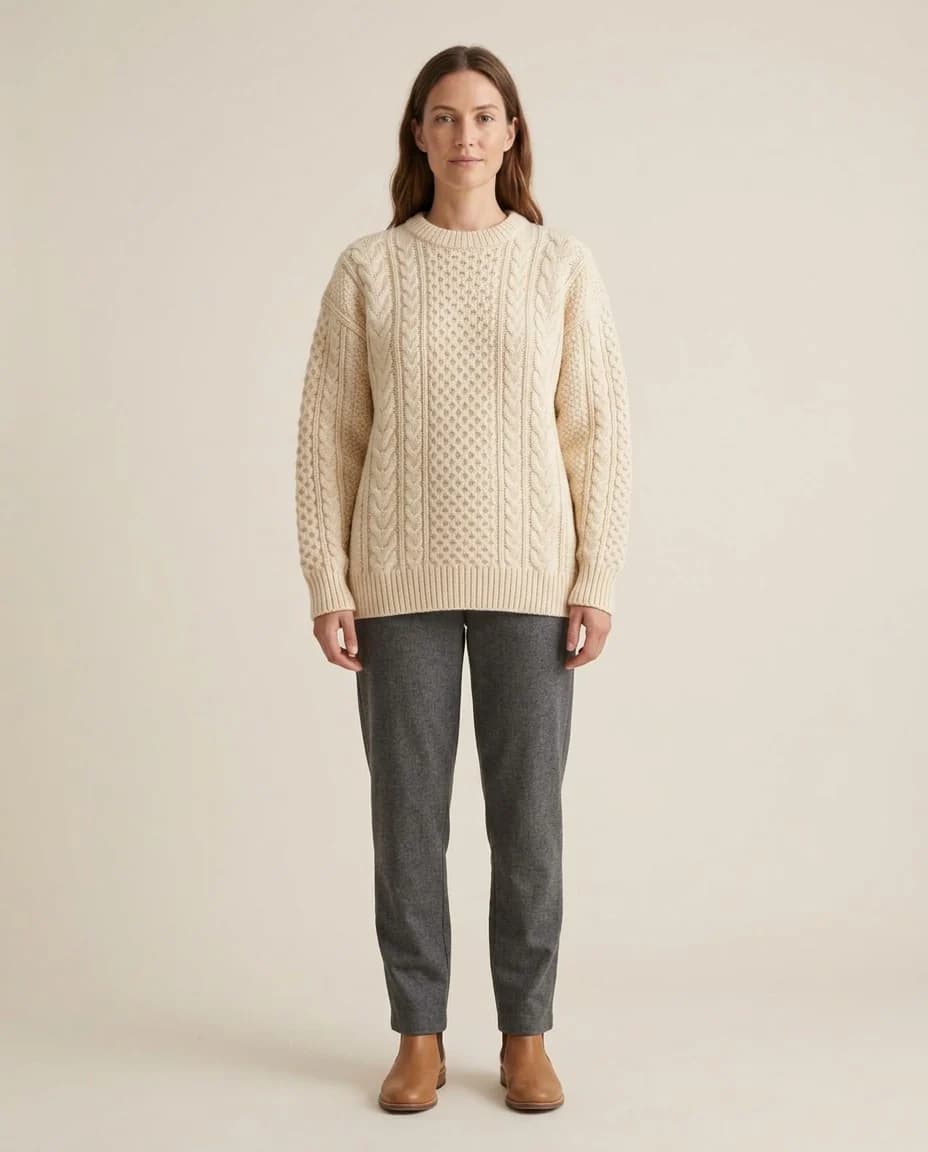
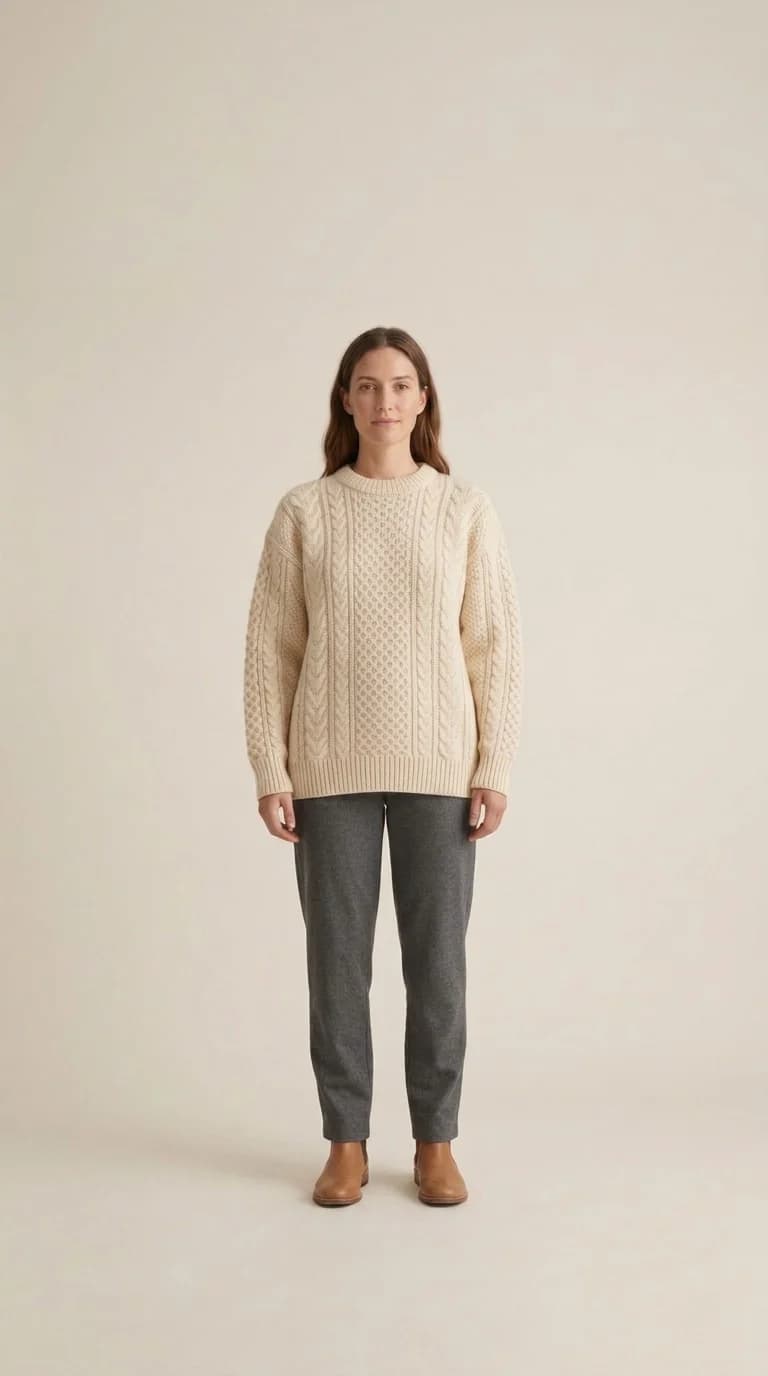
What changes for you
- One shot, three sizes
- From the same photograph you get a square for the post, a 9:16 for stories and reels, and another for the grid. The resize tool widens the scene instead of cutting it, so no sleeve is clipped and no head is lost.
- A face your followers come to know
- An account showing a different person every week never builds familiarity. Pick one model and keep it, and it becomes a face a follower recognises before reading the name — which is what a visual identity is in practice.
- Something to post between launches
- The hard part of a shop account is not launch day. It is the weeks between one launch and the next. The pieces you already carry come back in different places, lights and styles, so you can post without a new product.
The tools that serve you here
Not every tool — the ones that serve your case, in order of usefulness.
- Resize for Any ChannelConvert a finished image to another aspect ratio — it expands or crops the scene intelligently, keeping the product intact.
- Virtual Try-OnDress a model from a ready photo, from our library or your own, and the person stays as in their photo, hijab and hair included. A written note changes the place and pose. Takes clothing, bags and shoes.
- Product PhotoshootUpload only your garment and get a full shoot: a model, a place and a pose, new in every photo. To repeat the same face across your photos, lock the face.
- Image to videoTurn a finished photo into a short clip. Made for ads and stories, with an optional note to steer the motion.
How to start
- Upload the garment and pick a model and a style that suit your account.
- Generate the shot, then change its size for each place you post.
- Download all three: post, story and reel from one source.
Cost
| The tools that serve you here | 1k1024×1024 | 2k2048×2048 | 4k4096×4096 |
|---|---|---|---|
| Resize for Any Channel | 2 | 3 | 4 |
| Virtual Try-On | 2 | 3 | 4 |
| Product Photoshoot+3 credits when a ready-made model is used | 2 | 3 | 4 |
Credits per single image, shown before you press generate.
Questions from Instagram brands
I sell through DMs with no online store. Does this suit me?
Yes, and it is the most common case in Egypt and the Gulf. The platform gives you image files to publish wherever you like; it requires no storefront and no integration with anything.
Which sizes do I get?
You choose the ratio before generating, including 4:5, 9:16 and wide. And if you already have an image at the wrong ratio, the resize tool converts it without cropping the product.
Will people tell the image is generated?
It depends on the piece. The hardest parts are printed lettering, logos and fine prints — check those with your own eyes before posting. Many accounts state openly that the images are generated, which tends to add trust rather than cost it.
Can I use a model wearing hijab?
The library includes models with Arab and Gulf features, and you can build one from a description if nobody suits you — write the features and the style in your own words and it becomes a saved model you keep using.
Nearby situations
Try it free when you create your account, no card needed.