Product photos for a WhatsApp catalogue
A great many sales in Egypt and the Gulf close inside a WhatsApp conversation, and the in-app catalogue is the real storefront. But it shows images small, square and side by side — so differences in background and lighting show up more plainly here than anywhere else.
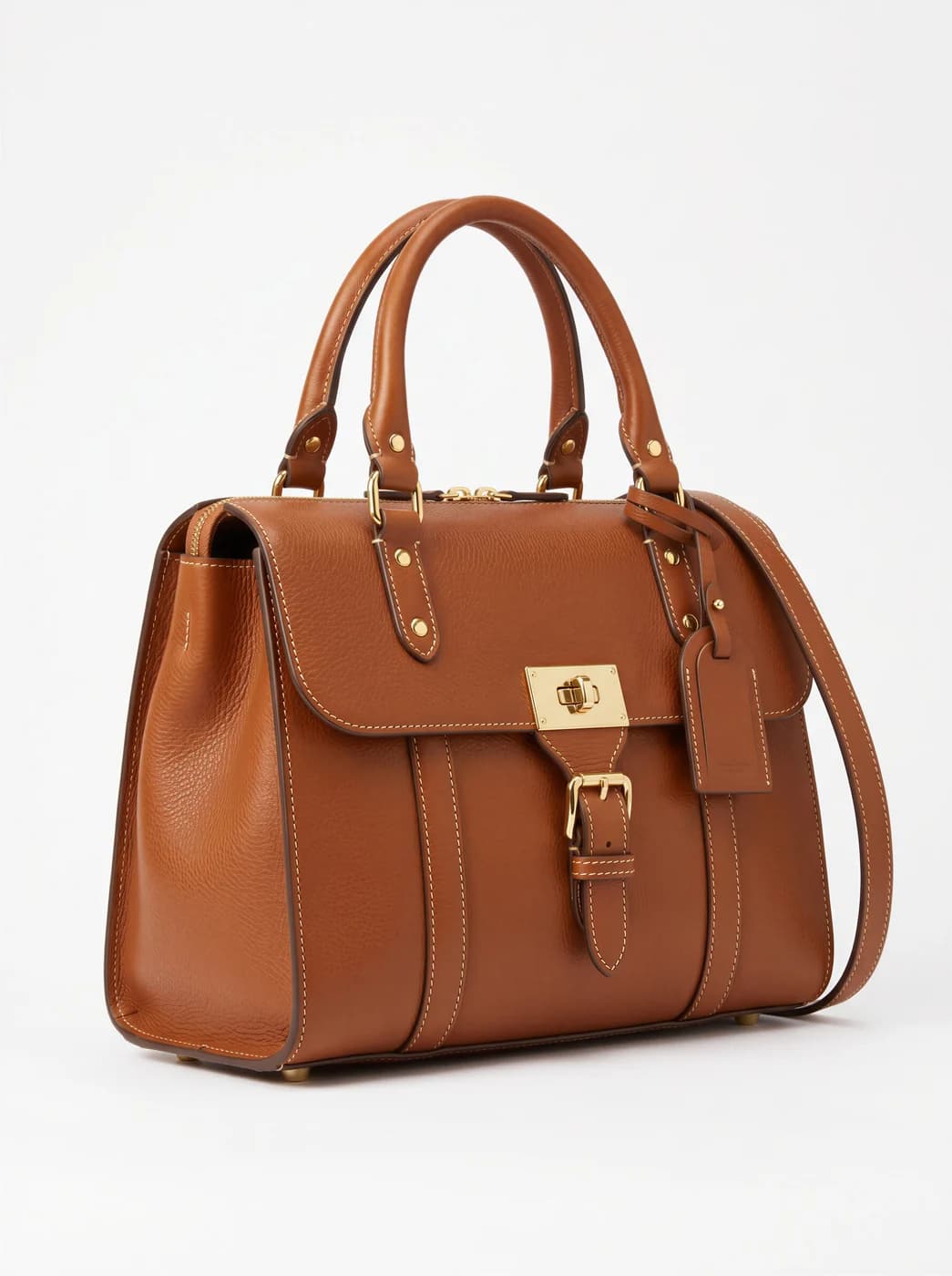
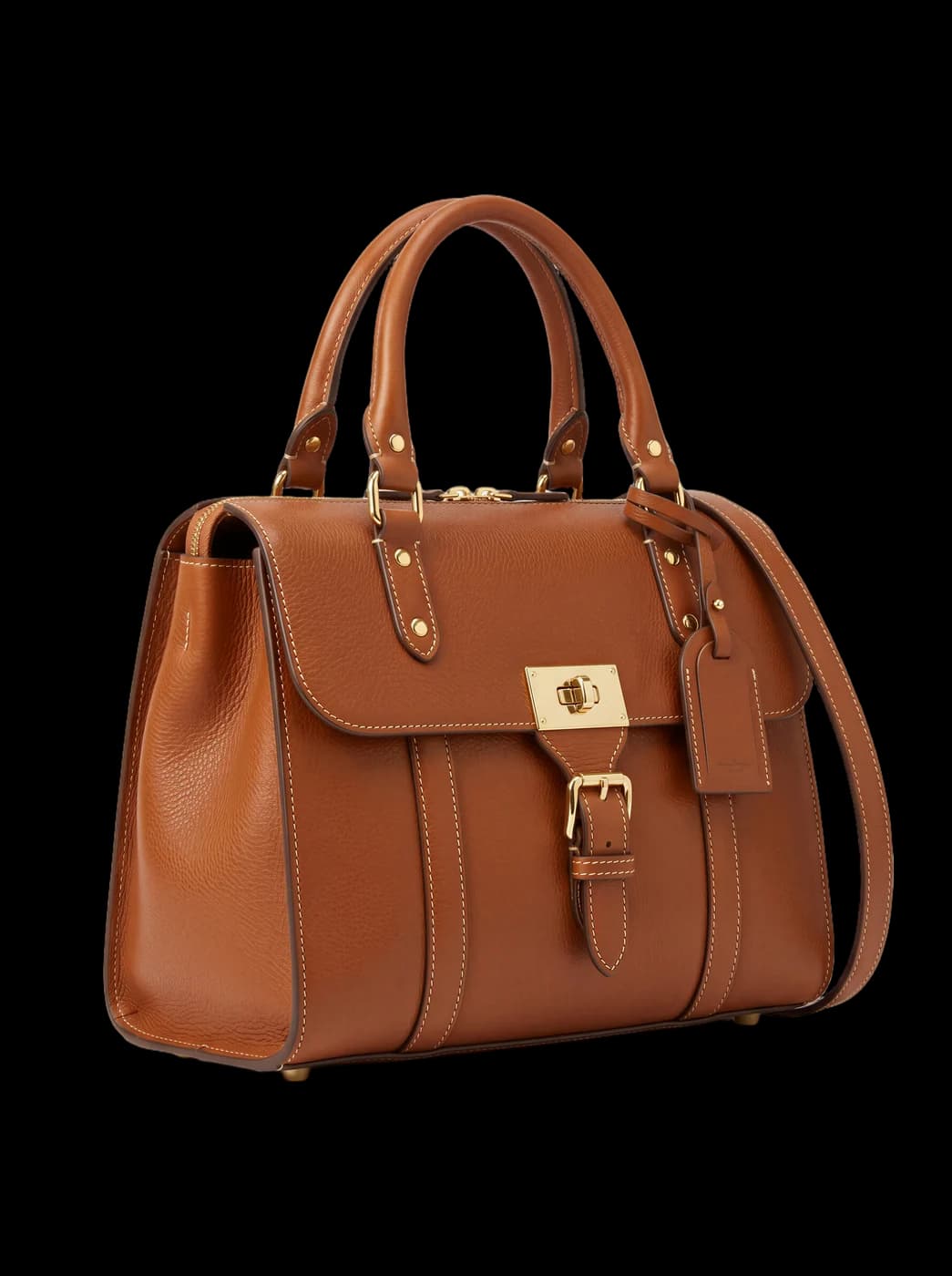
What changes for you
- A catalogue that reads as a shop
- When ten images sit next to each other, consistency is the first thing a customer sees. One background and one ratio turn the grid from photographs gathered by chance into a shop window.
- An image that reads while small
- An image inside WhatsApp is shown small before anyone taps it. An isolated piece on a clean background is understood at that size; a busy photograph is only understood after zooming — and most customers never zoom.
- A faster answer to the repeated question
- "Any other colour?" and "how does it look on?" come up in every conversation. An on-model shot and a recoloured version, both ready in advance, shorten the whole exchange.
The tools that serve you here
Not every tool — the ones that serve your case, in order of usefulness.
- Background RemovalIsolate the product from its background and get a transparent cut-out.
- Product PhotoshootUpload only your garment and get a full shoot: a model, a place and a pose, new in every photo. To repeat the same face across your photos, lock the face.
- Resize for Any ChannelConvert a finished image to another aspect ratio — it expands or crops the scene intelligently, keeping the product intact.
- Image to videoTurn a finished photo into a short clip. Made for ads and stories, with an optional note to steer the motion.
How to start
- Upload your pieces and isolate their backgrounds to unify them.
- Generate an on-model shot for the pieces you are asked about most.
- Unify the ratio, then add them to your WhatsApp Business catalogue.
Cost
| The tools that serve you here | 1k1024×1024 | 2k2048×2048 | 4k4096×4096 |
|---|---|---|---|
| Background Removal | 1 | 1 | 1 |
| Product Photoshoot+3 credits when a ready-made model is used | 2 | 3 | 4 |
| Resize for Any Channel | 2 | 3 | 4 |
Credits per single image, shown before you press generate.
Questions about selling through WhatsApp
Is there a WhatsApp Business integration?
No. You download the images and add them to the catalogue by hand, like any photo. There is no automatic integration today, and we mention it so you do not build a plan around one.
Which ratio suits a WhatsApp catalogue?
Square is safest, because catalogue thumbnails are mostly square and a tall image gets cropped. Convert with the resize tool, which widens the scene rather than cutting the piece.
My photos are taken on a phone. Is that enough?
Usually yes. What matters is clear light, an even surface and a frame free of clutter. A dark or shaky photograph gives a weaker result whatever tool handles it.
I sell on WhatsApp and Instagram. Do I shoot twice?
No. Generate the shot once, then export two versions at different ratios: square for the catalogue and tall for a story. One source, several destinations.
Nearby situations
Try it free when you create your account, no card needed.