For bags and accessories
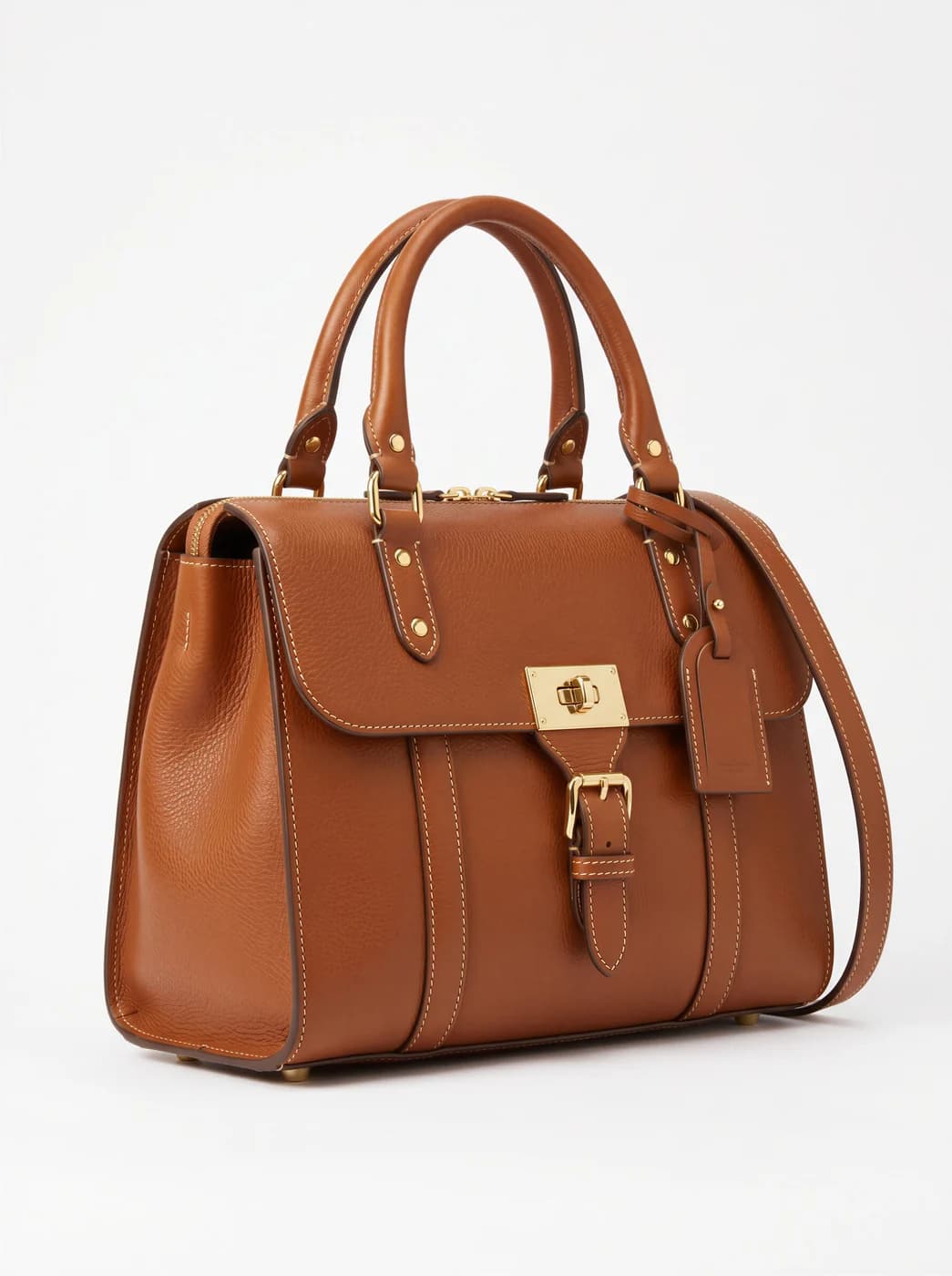
A handbag's problem is not lighting, it is scale. From an isolated photograph a customer cannot tell whether it fits a laptop or only a wallet. Most bag photographs in Arabic stores are cut out on white with no size reference at all, which is why half the incoming questions are about dimensions.
What changes for you
- Scale understood without asking
- A bag carried by a person gives an instant size reference. That alone cuts size questions, and with them returns — which are the real cost of an ambiguous photograph.
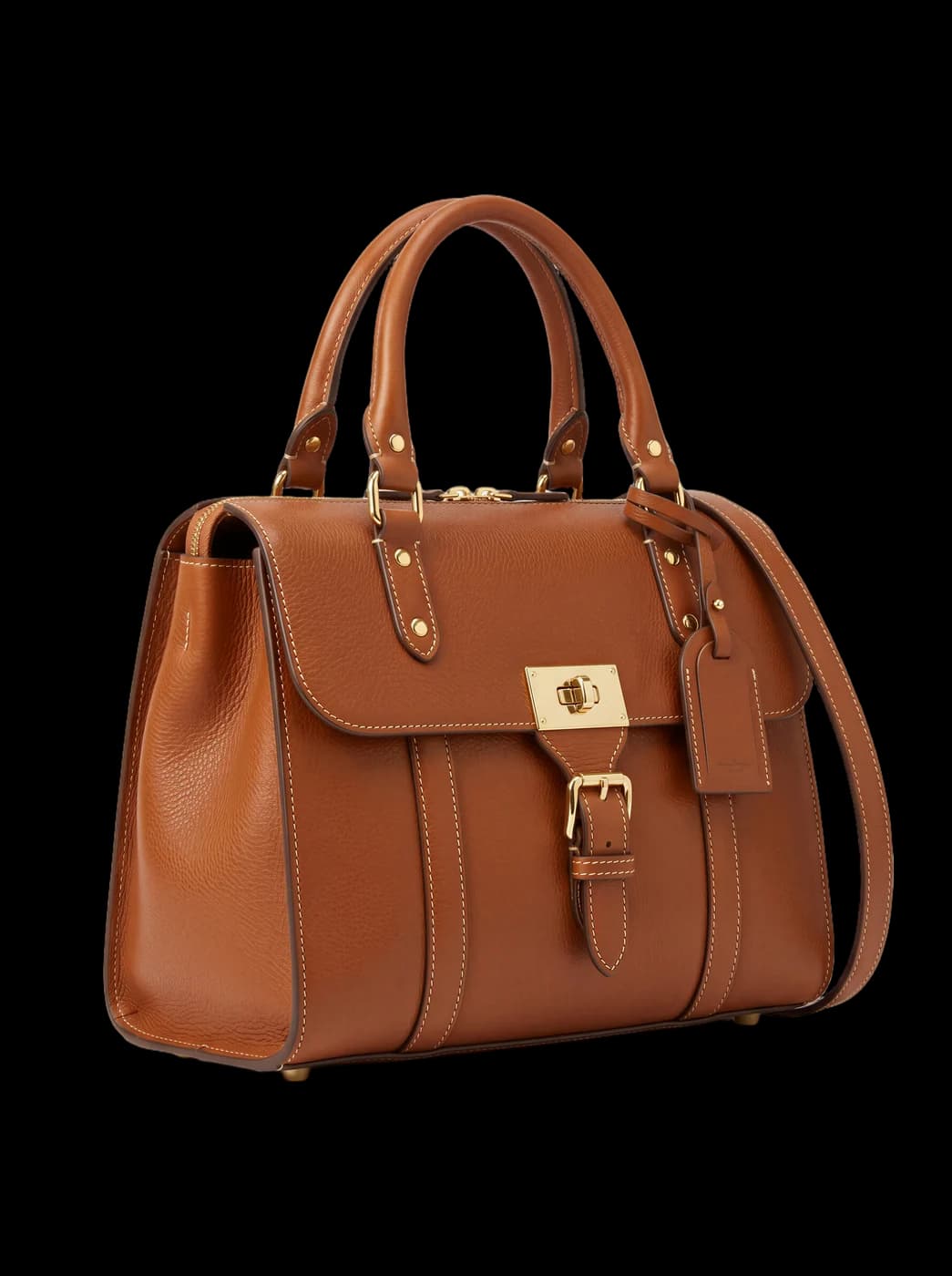
- A clean isolated background
- Small accessories need a sharp cut around edges, handles and chains. A transparent background drops onto any colour in your store or your ad with no grey halo around the edges.
- One ratio for a catalogue of mixed sizes
- Bags, belts and sunglasses are very different sizes. Unifying the ratio makes the grid regular instead of one giant item beside another that is lost.
The tools that serve you here
Not every tool — the ones that serve your case, in order of usefulness.
- Background RemovalIsolate the product from its background and get a transparent cut-out.
- Virtual Try-OnDress a model from a ready photo, from our library or your own, and the person stays as in their photo, hijab and hair included. A written note changes the place and pose. Takes clothing, bags and shoes.
- Resize for Any ChannelConvert a finished image to another aspect ratio — it expands or crops the scene intelligently, keeping the product intact.
How to start
- Upload the piece on an even surface in clear light.
- Isolate the background, or generate a carried shot to show scale.
- Unify the ratio across the catalogue before uploading.
Cost
| The tools that serve you here | 1k1024×1024 | 2k2048×2048 | 4k4096×4096 |
|---|---|---|---|
| Background Removal | 1 | 1 | 1 |
| Virtual Try-On | 2 | 3 | 4 |
| Resize for Any Channel | 2 | 3 | 4 |
Credits per single image, shown before you press generate.
Questions from bag and accessory stores
Does it keep the bag's shape accurately?
With background removal, yes — the original photograph stays and only the background goes. In a generated on-model shot, check the handles, the clasps and the logo, since those are what can differ.
I sell very small jewellery. Does it work?
Isolation works well, but very fine engraving can differ from the original. For jewellery specifically, use generated images for the general view and keep a real close-up for the detail.
Can I show a bag in several colours?
Yes, with the describe-an-edit tool, which helps when you carry the same model in four colours and would rather not shoot it four times. Check colour accuracy before publishing.
Which is better: cut out or on a model?
Both. The cut-out as the first catalogue image because it reads when small, and the carried shot as the second because it answers the size question. That order cuts more questions than either alone.
Nearby situations
Try it free when you create your account, no card needed.