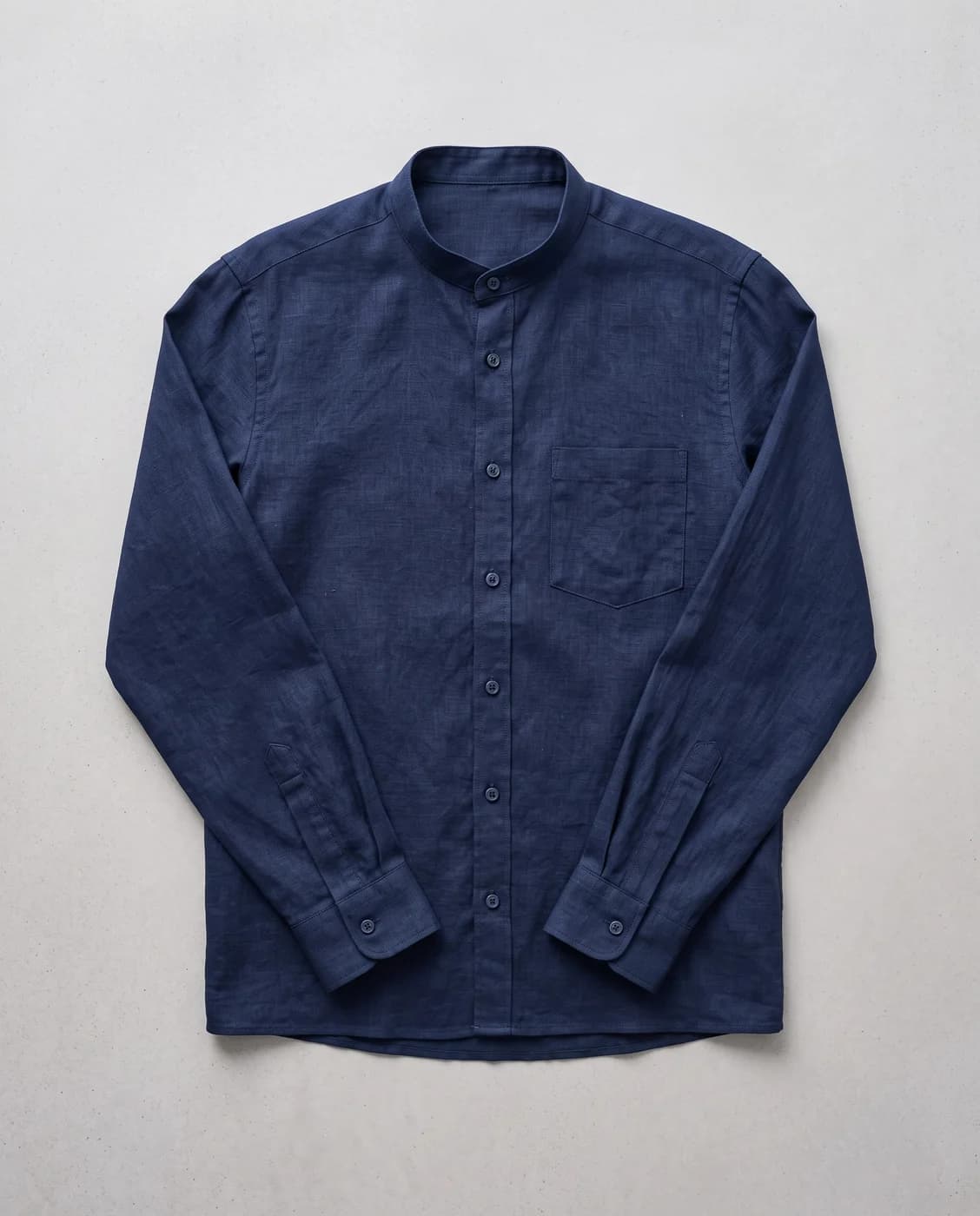
You upload the product on its own, and the whole image is built — the person, the place and the lighting — new every time. Lock the face alone if you want the features repeated.
When you want variety rather than repetition: images for a campaign, or several different scenes for one product.
What you need
A photo of the product on its own. The cleaner the background, the more accurately it is isolated.
Three common mistakes
Expecting the same person without locking the face. Without face lock, this tool builds a new person on every run, deliberately. Turn it on to keep the same features in every shot, or use virtual try-on for the very same person.
A product photo with hard shadows. A baked-in shadow carries into the new scene and fights its lighting.
A style that does not suit the garment. Golden dunes behind a formal suit makes a pretty image that does not sell.
Cost
1k1024×1024
2k2048×2048
4k4096×4096
2
3
4
Per single image, shown before you press generate.
This one builds the whole image — the person, the place and the lighting — fresh on every run, which gives you variety. Try-on holds one chosen model steady across the collection, which gives you consistency. Pick by what you need: a varied campaign, or a uniform catalogue.
Do I need a model photo or a mannequin?
No. You upload the product on its own and the rest is built around it. The cleaner the background in your photo, the more precisely the product is cut out before it is placed in the new scene.
Can I keep the same face if I want it repeated?
Yes. By default it invents a new person each time, deliberately — but you can pin the face alone, so the features stay fixed while the scene around them changes.