AI product video from a single photo
Upload a product photo and get a five- or ten-second clip with the light and camera moving around it: steam rising, water rippling, or a slow push towards the label. Only the product is in the scene, with no people.
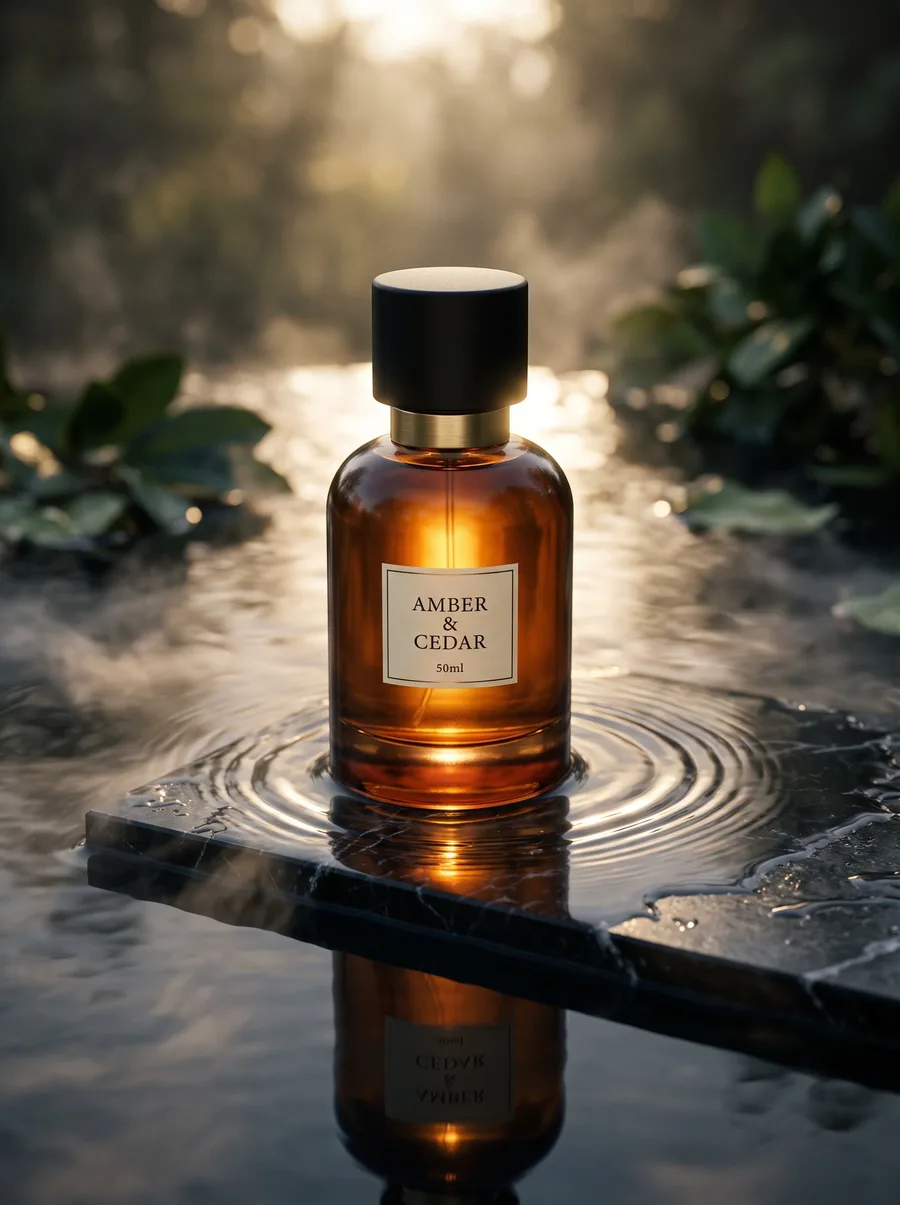
When to use it
When you need a clip for Reels, TikTok or a paid ad, you have a good product photo, and you do not want to shoot video. It works best with an image made by the product photography tool: a finished scene, set in motion.
What you need
A finished product image, ideally a scene rather than a raw phone photo. You can describe the motion in a sentence — “a slow push towards the bottle, with steam rising” — or leave it to the tool.
Three common mistakes
- Starting from a raw photo. The clip moves what is in the image; it does not fix it. Start from a clean scene.
- Asking for too much motion. One calm movement looks premium; five at once look chaotic.
- The highest resolution for every test. Try the idea at the cheaper 480p, then generate the final version at 1080p.
Cost
| Clip length | 480p | 720p | 1080p |
|---|---|---|---|
| 5 seconds | 1 | 3 | 6 |
| 10 seconds | 2 | 6 | 12 |
Per single image, shown before you press generate.
See the full plans and credit pricing
Common questions
- How long is the clip?
- Five or ten seconds, at 480p, 720p or 1080p. The cost of each is in the table above.
- Does the product change while it moves?
- Every clip is sent with a standing instruction that the product stays exactly as in the photo, and only the camera and the light move. Still, watch the whole clip before publishing, especially the label and any small text.
- Do people appear in the clip?
- No. The same standing instruction keeps any person or hand out of the frame. For a clip of a model wearing your piece, use the image-to-video tool in the fashion studio.
Other tools
Still looking for a brand name?
The free brand name generator suggests names in Arabic and English, each with its meaning. No sign-up.
Fotisma