All tools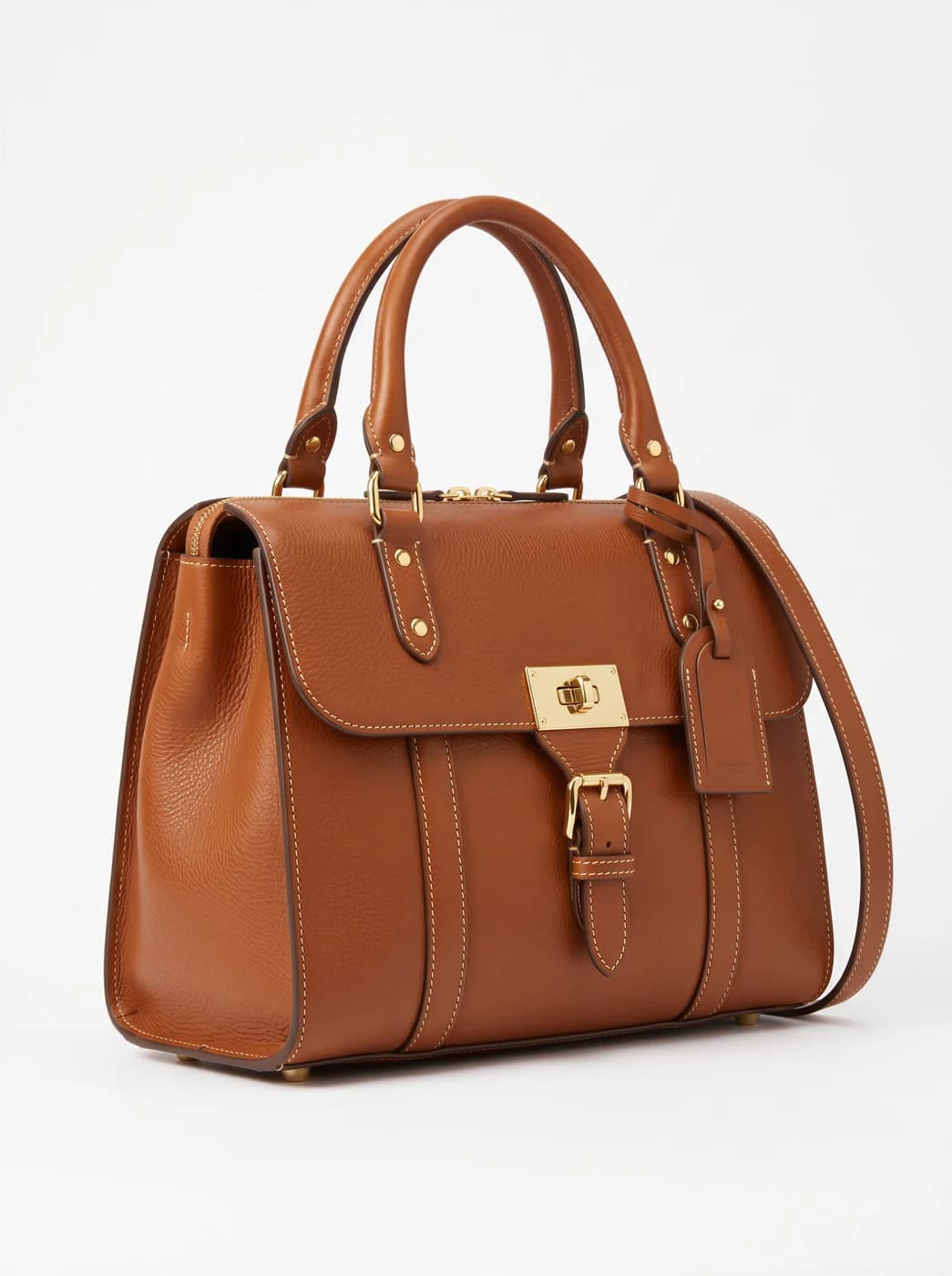
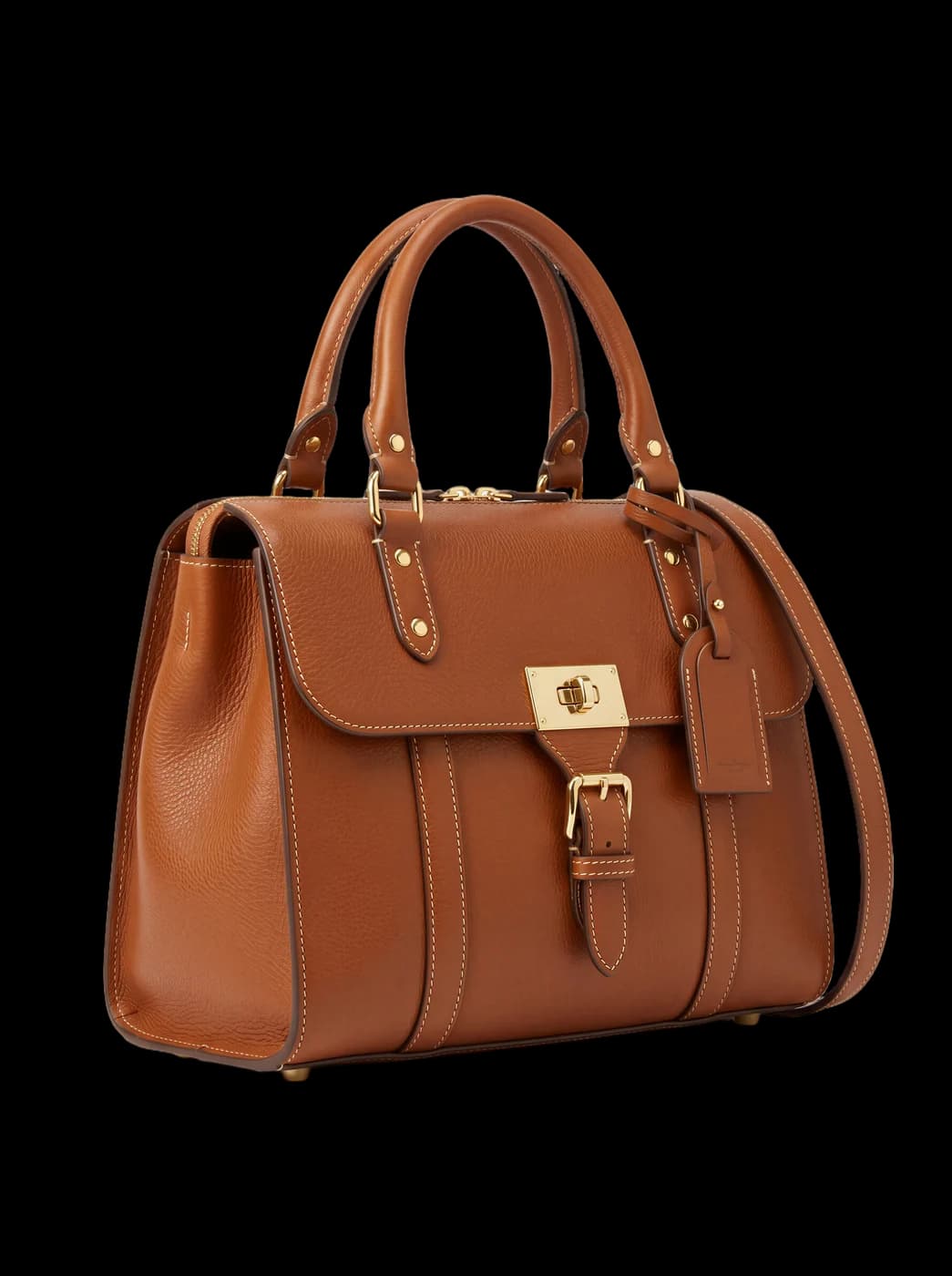
A real example from the platform
Try the free generator
Remove the background from product photos
It isolates the product from its background and gives you a transparent image, ready for a product page or to place in any scene you like.
When to use it
When your store requires a uniform white background — most platforms do — or when you want to place the product in another scene later.
What you need
A photo of the product. Clear edges between product and background give a cleaner cut-out.
Three common mistakes
- A product the same colour as the background. A white shirt on white is hard to isolate. Change the background when shooting.
- Sheer or glossy materials. Chiffon, glass and silk need a check after the cut-out.
- Saving the result as JPG. Transparency is lost. Save PNG, or the whole point is gone.
Cost
| 1k1024×1024 | 2k2048×2048 | 4k4096×4096 |
|---|---|---|
| 1 | 1 | 1 |
Per single image, shown before you press generate.
See the full plans and credit pricing
Common questions
- Which format should I save the result in?
- PNG. Transparency is the entire point, and saving as JPG puts a solid white background back on it, losing what you used the tool for.
- Does it meet online store requirements?
- Yes, and that is usually why it is used: most platforms require a uniform white background on the product page, and a transparent cut-out can be placed on whatever background your store asks for.
- When is the cut-out harder?
- When the product's colour is close to the background — a white shirt on white — or with sheer and glossy materials like chiffon and glass. Shoot against a contrasting background, and check the edges afterwards.
Other tools
Suited for
Still looking for a brand name?
The free brand name generator suggests names in Arabic and English, each with its meaning. No sign-up.
Fotisma