Product photos for a Zid store
A consistent catalogue makes a store look more expensive than it is, and that is an advantage you buy with discipline rather than money. But consistency by hand means reshooting everything under the same light, on the same background, at the same ratio — which is exactly why merchants put it off until the pieces pile up.
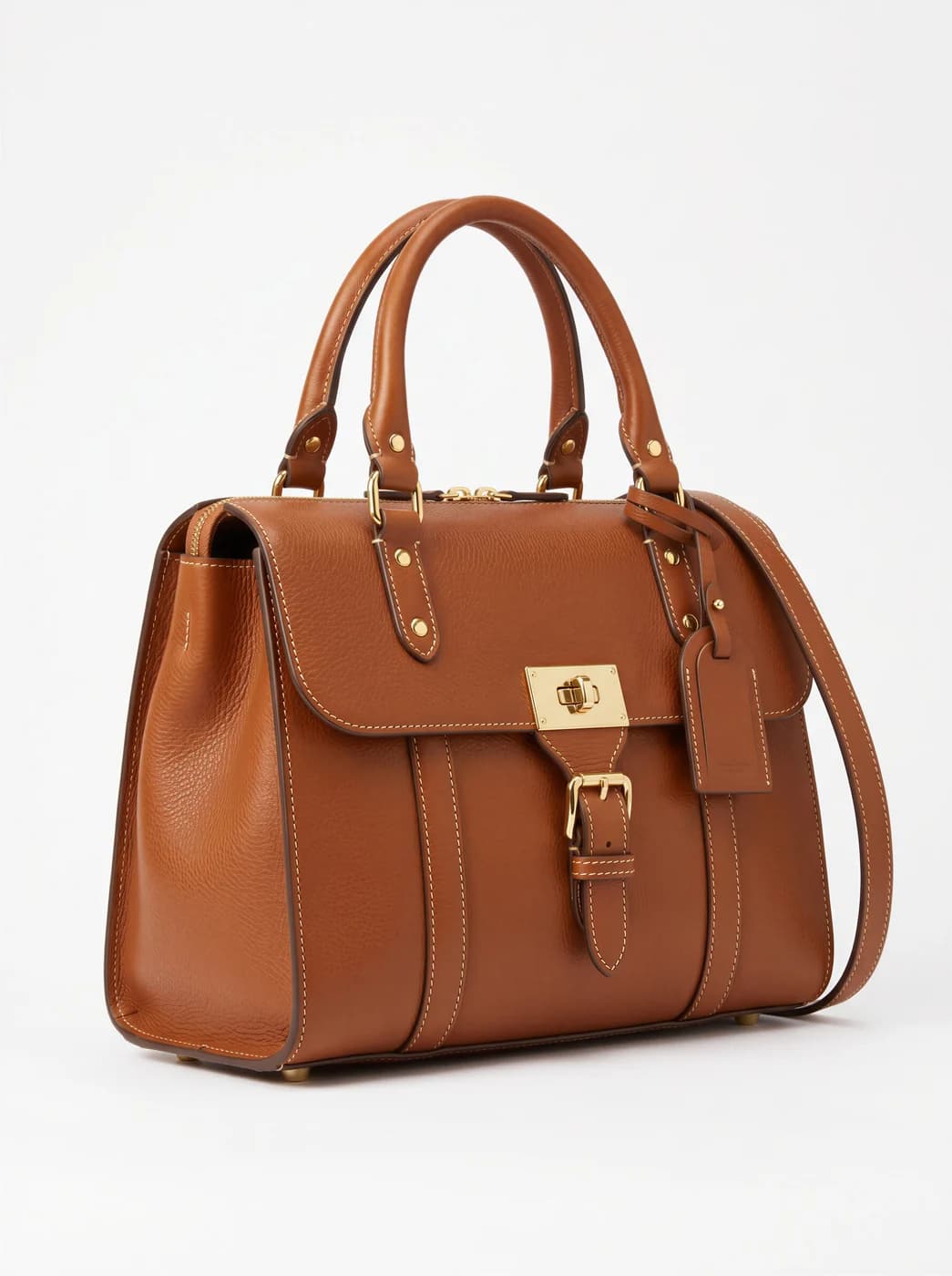
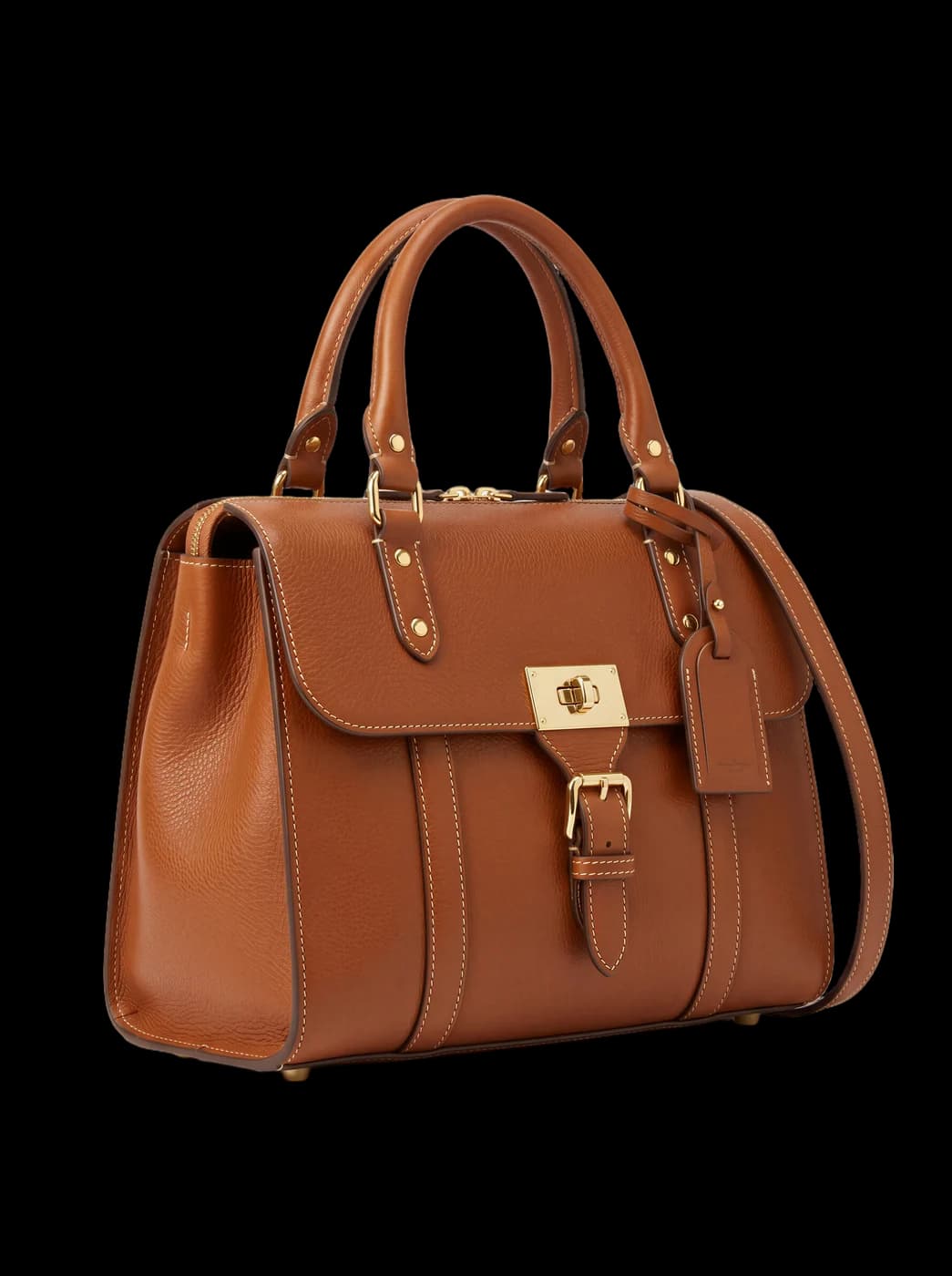
What changes for you
- One background across the whole catalogue
- Background removal gives you a transparent image you can drop onto whatever colour your store uses. Twenty pieces shot in twenty places come back looking like one session, without reshooting a single one.
- One ratio, and the product still whole
- Cropping by hand eats the end of a sleeve or the toe of a shoe. The resize tool widens the scene instead of cutting it, so a 4:5 photograph becomes a square with the piece intact.
- A model without booking a model
- And if you want to go past the flat photograph: upload the piece on its own and the system builds the whole scene — a person, a place, lighting — and hands you a shot where the piece is actually worn.
The tools that serve you here
Not every tool — the ones that serve your case, in order of usefulness.
- Product PhotoshootUpload only your garment and get a full shoot: a model, a place and a pose, new in every photo. To repeat the same face across your photos, lock the face.
- Background RemovalIsolate the product from its background and get a transparent cut-out.
- Resize for Any ChannelConvert a finished image to another aspect ratio — it expands or crops the scene intelligently, keeping the product intact.
How to start
- Upload the garment, or the finished photograph you want cleaned up.
- Choose background removal for a transparent file, or a photoshoot for an on-model shot.
- Unify the ratio with the resize tool, then upload the files in Zid.
Cost
| The tools that serve you here | 1k1024×1024 | 2k2048×2048 | 4k4096×4096 |
|---|---|---|---|
| Product Photoshoot+3 credits when a ready-made model is used | 2 | 3 | 4 |
| Background Removal | 1 | 1 | 1 |
| Resize for Any Channel | 2 | 3 | 4 |
Credits per single image, shown before you press generate.
Questions from Zid merchants
Do I really get a transparent background?
Yes, in a format that keeps transparency — not a white background painted under the product. The difference shows when your store's background colour changes or in dark mode: the painted one reads as a pale rectangle around the piece, the transparent one does not.
I have two hundred pieces. Can I process them in one batch?
Processing today is one image at a time, not a whole batch in one press. For two hundred pieces that is real time you should count before you start. Send us your piece count and we will estimate the time and cost honestly.
Will details differ from the original?
The images are generated, not captured, so check each one before publishing. What can differ most: buttons, prints, logos and any lettering on the piece. Background removal is safer in this respect, because it keeps the original photograph rather than redrawing it.
What if I do not like the result?
A failed attempt costs no credits. And if an image comes back technically sound but not to your taste, you regenerate with a different style or model — with the cost shown before each attempt.
Nearby situations
Try it free when you create your account, no card needed.