AI product photography, with no people in the frame
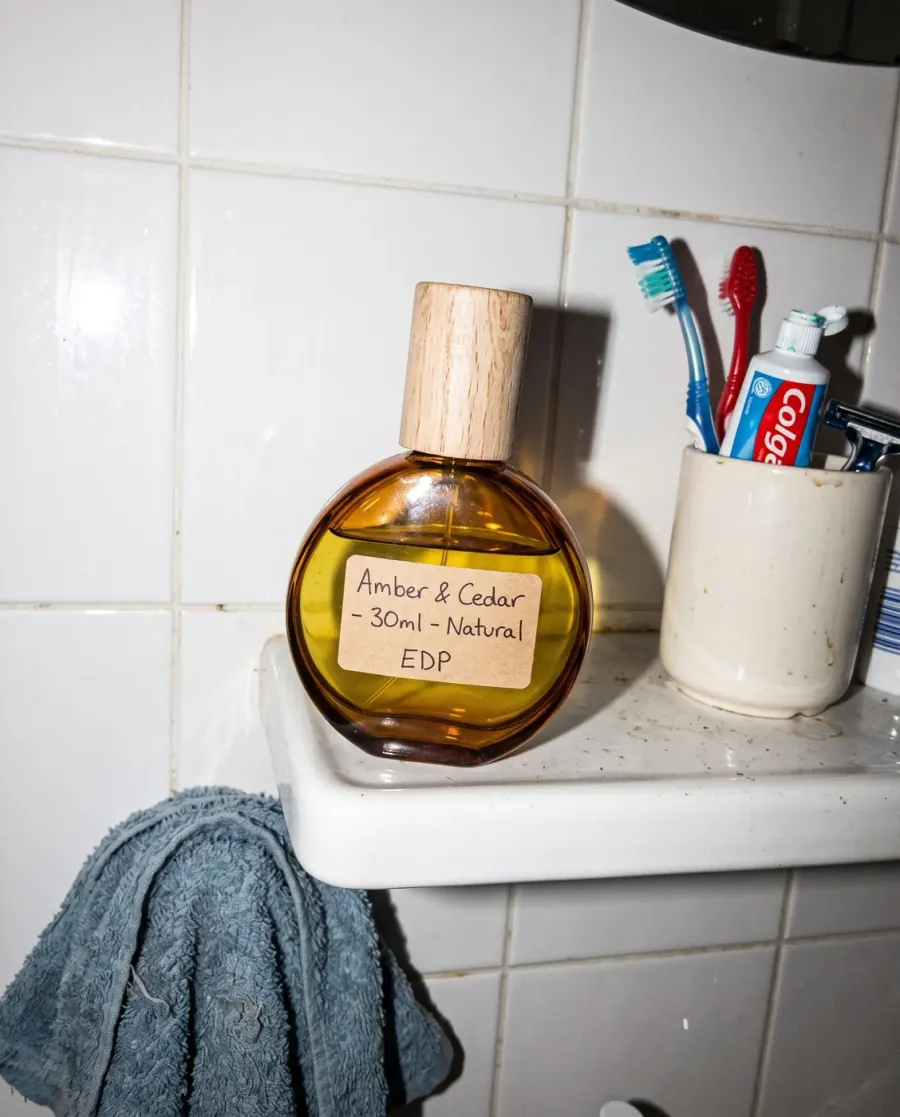
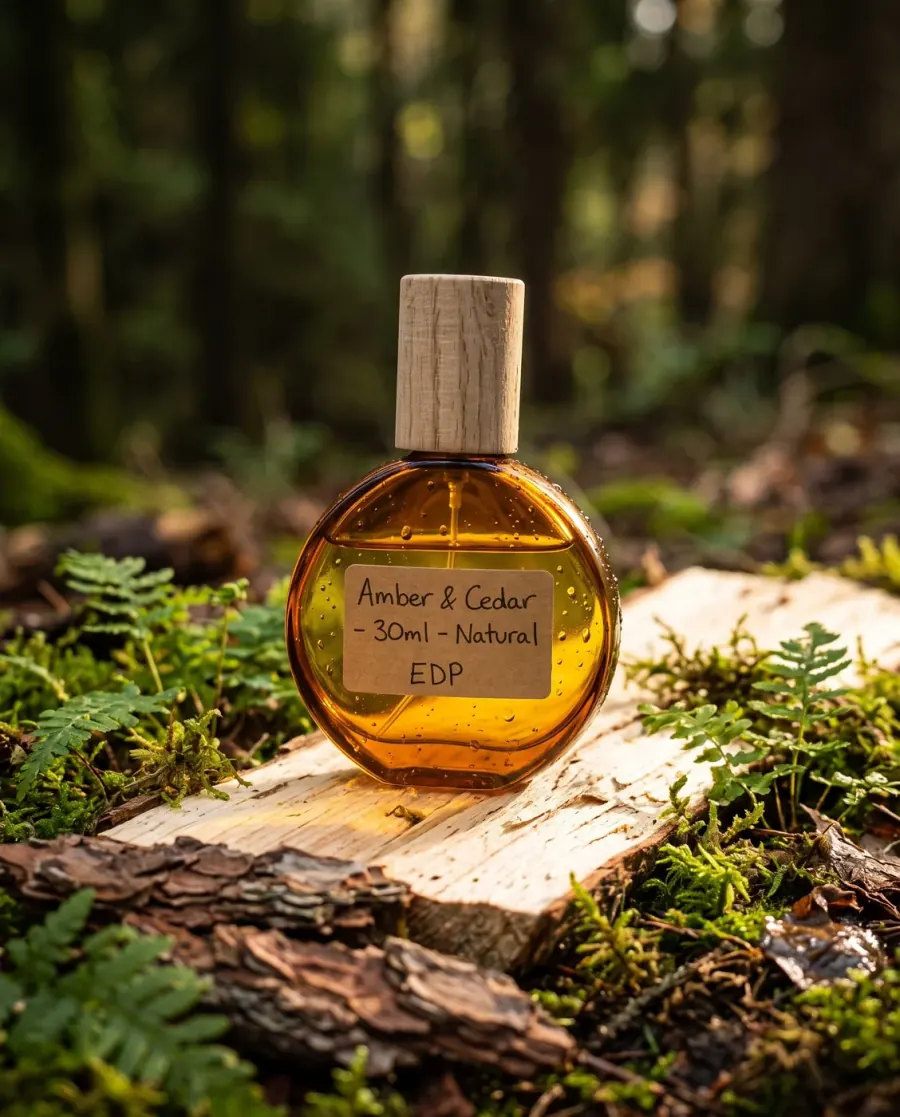
Upload your product as you shot it on your phone and write the place you want in one sentence. You get an advertising image with the light, backdrop and reflection of a product studio — and only the product in the frame.
When to use it
When you sell something that is not worn — perfume, jewellery, skincare and the like — and need images for a product page, an ad or a post without a shoot for every item. And when you want one consistent scene across a whole range: keep the same description and change only the product.
What you need
One photo of the product: in daylight, on a plain light surface, the whole product in frame and sharp. Then one sentence describing the scene: the surface, the light and what surrounds the product. The description is optional, but it is what makes the difference.
Three common mistakes
- A crowded description. Ten objects around the product steal the eye from it. Two or three are enough.
- Publishing without checking the label. Small text on packaging is the hardest thing to redraw. Check the name and size letter by letter before you publish.
- Props that suggest a different size. The tool cannot know whether your bottle is 30 ml or 100 ml. Avoid anything that misleads about size, and state it in the product description.
Cost
| 1k1024×1024 | 2k2048×2048 | 4k4096×4096 |
|---|---|---|
| 2 | 3 | 4 |
Per single image, shown before you press generate.
See the full plans and credit pricing
Common questions
- Do people or hands appear in the image?
- No. Every image from this tool is sent with a standing instruction that keeps any person, hand or face out of the frame. If you want your piece on a model, that is the fashion studio, which is for clothing, bags and shoes.
- Which products does it suit?
- Products that are photographed on their own: perfume, jewellery, cosmetics and skincare, and the like. It works best with a product whose edges are clear, in a well-lit photo.
- Do the product’s shape and label stay the same?
- The tool is built to keep the product’s shape, colour and label in the new scene. But small text on a curved surface can change, and a liquid’s colour can drift with the scene’s light, so check every image before publishing, and generate more than one to pick the most faithful.
Other tools
Still looking for a brand name?
The free brand name generator suggests names in Arabic and English, each with its meaning. No sign-up.
Fotisma