For abaya and modest wear stores
Abayas are hard to photograph, and that is not flattery — it is optics. The fabric is black, the cut is loose, and the detail that sells it (embroidery, edges, drape) all depends on subtle shadow differences that black absorbs. A phone photograph on a pale surface turns the piece into a flat shape with no depth.
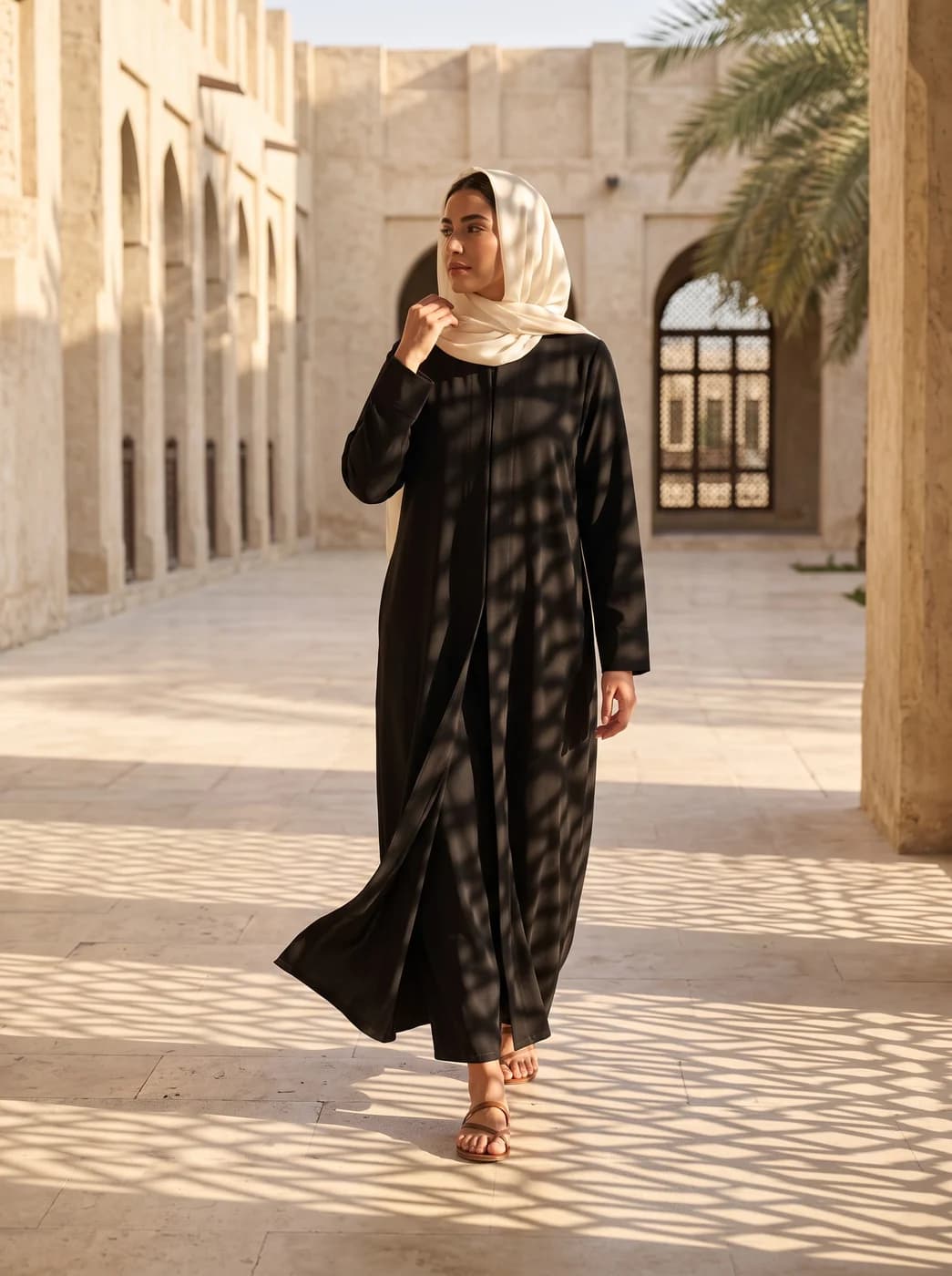
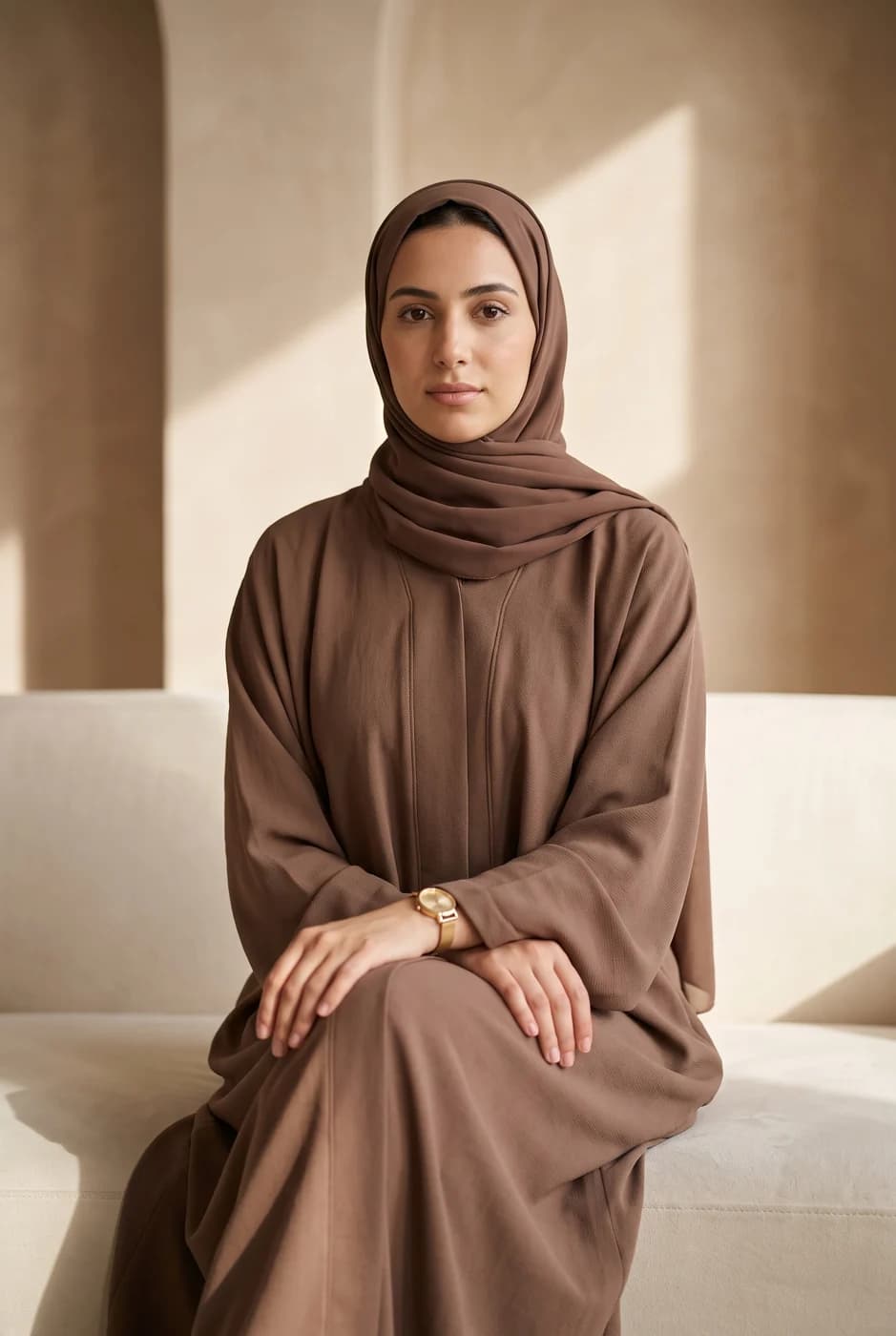
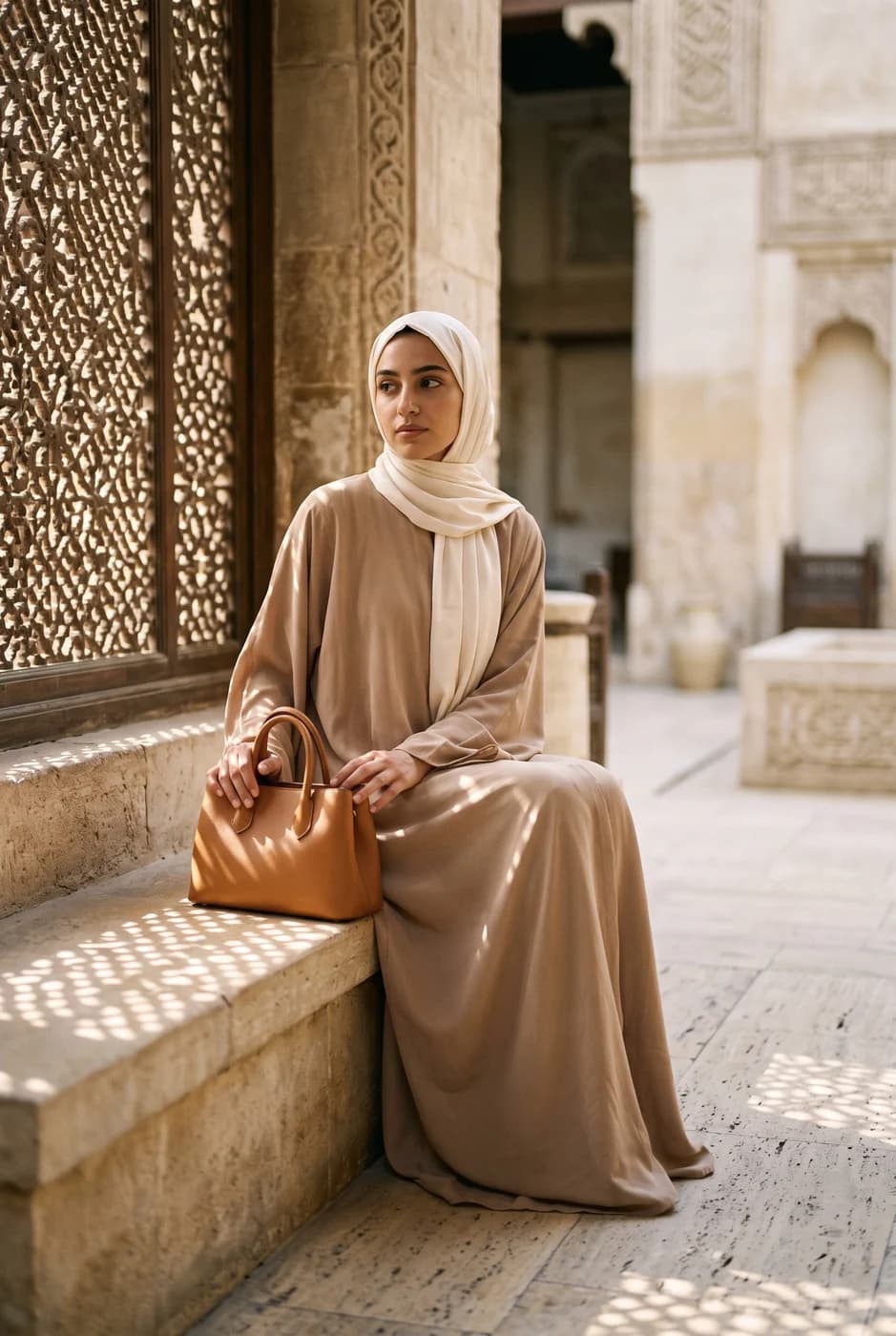
What changes for you
- Drape you can see, not a black rectangle
- On a standing model the length, the fall and the movement of the cloth become visible — which is what a customer is actually buying. A flat lay shows colour and size only, and the customer already knows both.
- One model across the collection
- Abaya stores sell collections that are close in colour. When the model changes between pieces, comparing them gets harder. A fixed model makes the difference between two pieces the pieces themselves, not the person.
- Scenes that suit the market
- The library carries looks built for this market — a Gulf majlis, golden light, a boutique — rather than western studio backdrops that look nothing like where you sell.
The tools that serve you here
Not every tool — the ones that serve your case, in order of usefulness.
- Virtual Try-OnDress a model from a ready photo, from our library or your own, and the person stays as in their photo, hijab and hair included. A written note changes the place and pose. Takes clothing, bags and shoes.
- Product PhotoshootUpload only your garment and get a full shoot: a model, a place and a pose, new in every photo. To repeat the same face across your photos, lock the face.
- Create a ModelWhen the model library does not have who you want: describe them in your own words, and the result becomes a model you can use in Virtual Try-On.
How to start
- Upload the abaya laid flat in clear light on an even surface.
- Choose a model from the library and a style for the scene.
- Check the embroidery and the edges in the result before publishing.
Cost
| The tools that serve you here | 1k1024×1024 | 2k2048×2048 | 4k4096×4096 |
|---|---|---|---|
| Virtual Try-On | 2 | 3 | 4 |
| Product Photoshoot+3 credits when a ready-made model is used | 2 | 3 | 4 |
| Create a Model | 2 | 3 | 4 |
Credits per single image, shown before you press generate.
Questions from abaya stores
My fabric is plain black. Will detail show?
Better than in your flat lay, but not like professional photography with considered side lighting. Plainly: black is the hardest colour to photograph, and the clearer the lighting in your original, the more accurate the result.
Are there models wearing hijab?
The library includes models with Arab and Gulf features, and you can build one from a description specifying the hijab, the features and the style — it becomes a saved model you use across all your pieces.
My embroidery is very fine. What happens to it?
That is what can differ most from the original, so check it on every image. For pieces where the embroidery is the selling point, the safest approach is an on-model shot alongside a real close-up of the embroidery, not instead of one.
Can I show a piece in more than one colour?
Yes, with the describe-an-edit tool: describe the colour you want on the image itself. Check the result — recolouring black specifically is harder than recolouring a light fabric.
Nearby situations
Try it free when you create your account, no card needed.