Product photos for a Shopify store
Shopify stores in the region tend to be a size up: seasonal collections, more pieces, and a visual identity that must not drift between one item and the next. The problem here is rarely one bad photograph. It is a hundred photographs that do not look like they came from the same shop.
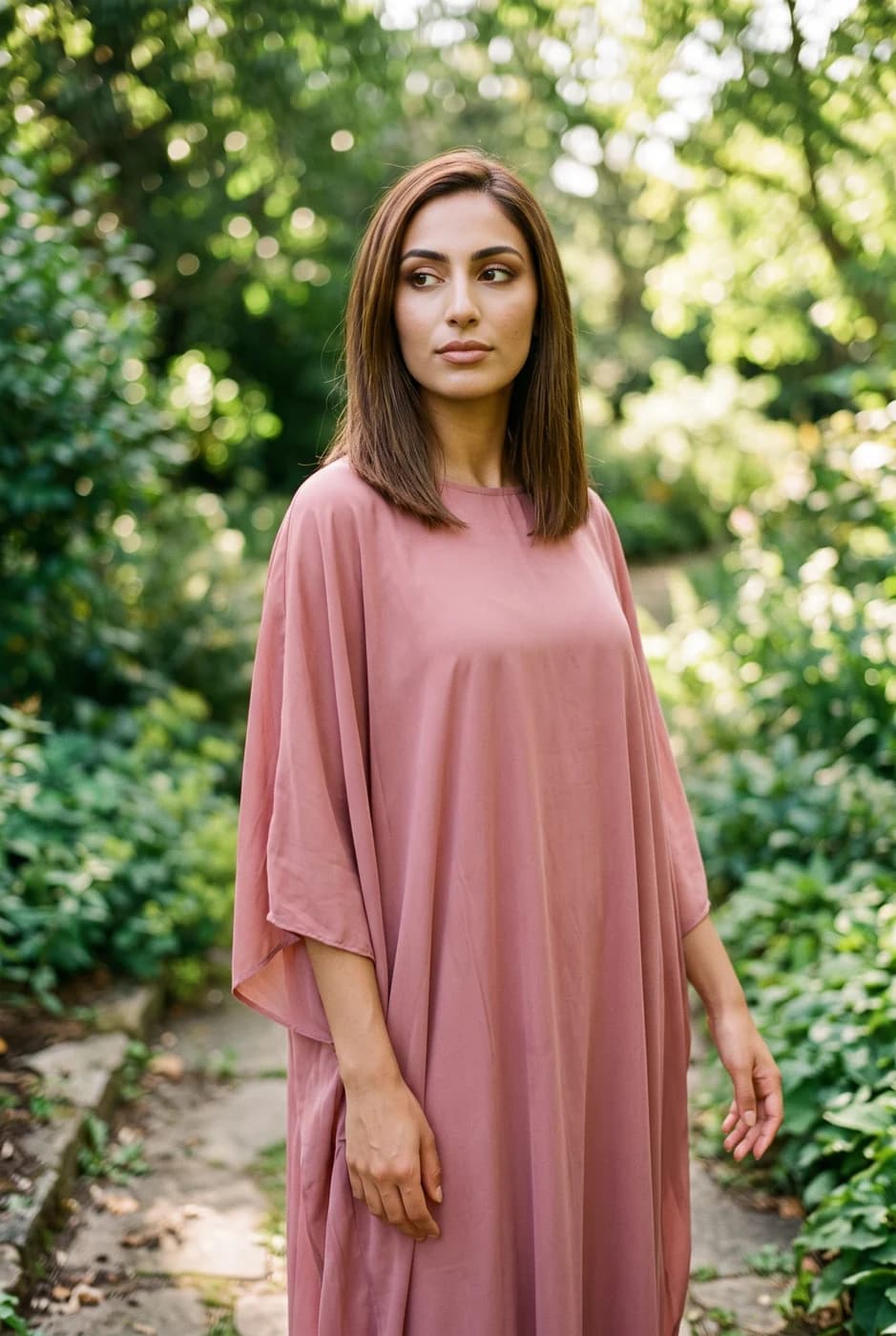
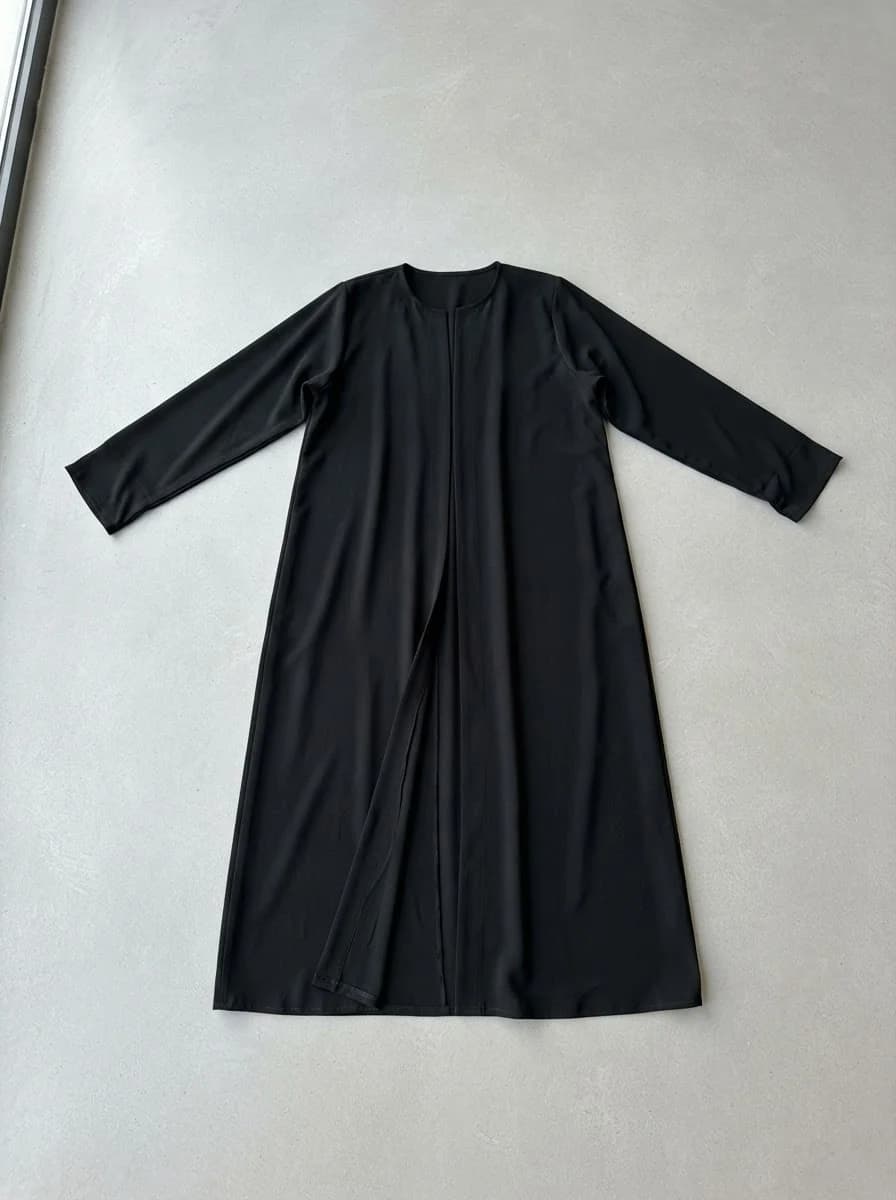
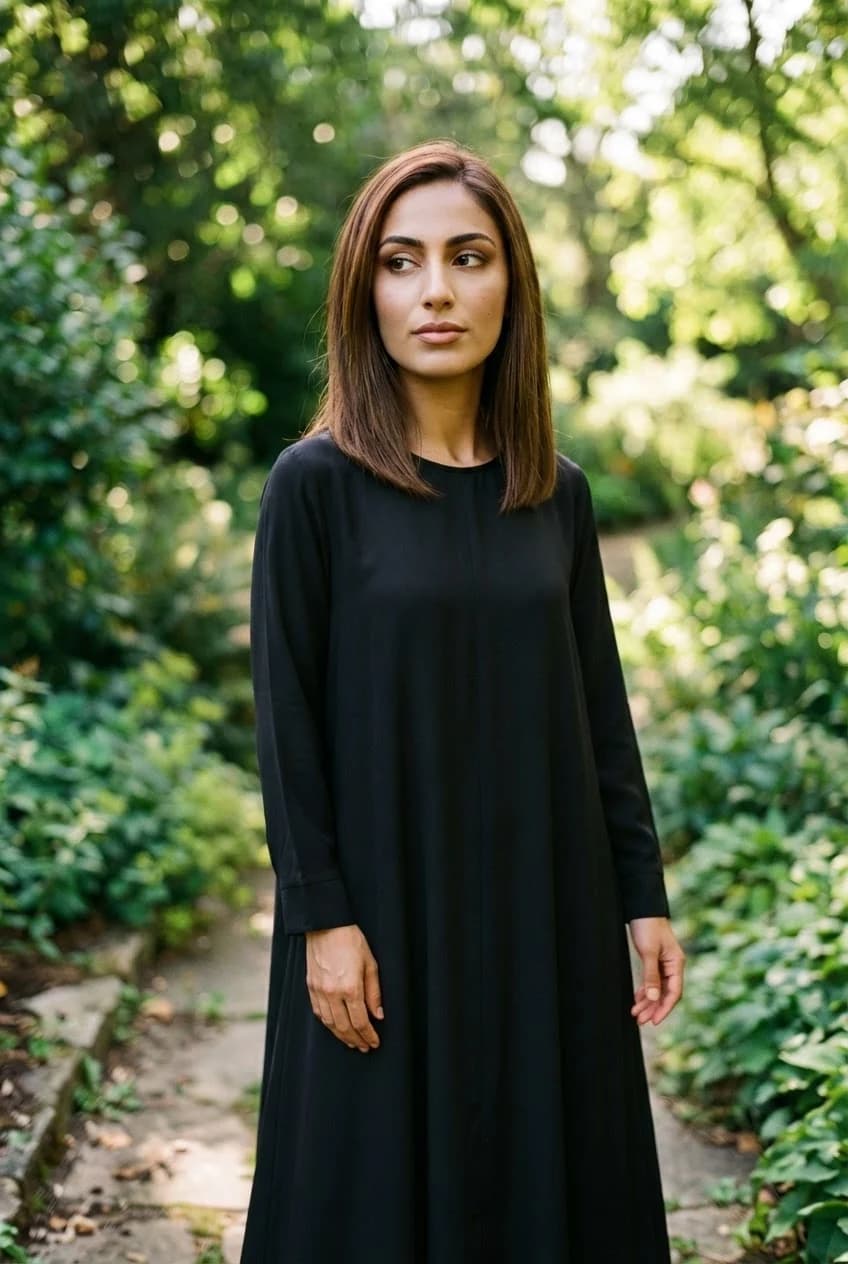
What changes for you
- One model across a whole collection
- Pick a model once and the same person appears, with the same face, on every piece. That is what makes a collection page read as a single shoot rather than images gathered from different sources.
- See the piece before you commit to stock
- Upload the garment, pick a model, and it is worn automatically. You see a piece on a person before you order a quantity, and you can compare two similar items to see which photographs better before buying either.
- Assets ready for advertising too
- The same shot comes out at several ratios: square for the product page, tall for the ad, wide for a banner — from one source instead of three separate shoots.
The tools that serve you here
Not every tool — the ones that serve your case, in order of usefulness.
- Product PhotoshootUpload only your garment and get a full shoot: a model, a place and a pose, new in every photo. To repeat the same face across your photos, lock the face.
- Virtual Try-OnDress a model from a ready photo, from our library or your own, and the person stays as in their photo, hijab and hair included. A written note changes the place and pose. Takes clothing, bags and shoes.
- Background RemovalIsolate the product from its background and get a transparent cut-out.
How to start
- Upload the garment and pick a model from the library, or build one from a description.
- Keep that same model for the rest of the collection so it repeats without drifting.
- Download at the ratios you need and upload them in Shopify.
Cost
| The tools that serve you here | 1k1024×1024 | 2k2048×2048 | 4k4096×4096 |
|---|---|---|---|
| Product Photoshoot+3 credits when a ready-made model is used | 2 | 3 | 4 |
| Virtual Try-On | 2 | 3 | 4 |
| Background Removal | 1 | 1 | 1 |
Credits per single image, shown before you press generate.
Questions from Shopify merchants
Is there a Shopify App Store listing?
No. The work happens in Fotisma, then you download the images and upload them in Shopify. We say so clearly, because anyone looking for an app that installs and syncs automatically will save time knowing it now.
Does the same model really appear in every image?
Yes, and this is where most tools fail: they hand you a slightly different person each time and the consistency breaks across the catalogue. You choose the model once and it repeats with the same face, while the pose and the place change around it.
What if nobody in the library suits my brand?
Build a model from a description: write the features, the age and the style in your own words, and the result becomes a saved model you use across every piece afterwards.
Are the images good enough for paid ads?
Up to 4K, which is comfortable for digital advertising and product pages. For large-format print, look at the output yourself first — resolution is a number, and detail quality is something you judge with your own eyes.
Nearby situations
Try it free when you create your account, no card needed.