For marketing agencies
An agency is rarely short of ideas; it is short of margin to execute them. Every client needs new visual assets each month, and booking a shoot per client eats the margin. Worse, each client's assets must stay consistent with that client, not with the rest of your roster.
What changes for you
- A model that belongs to each brand
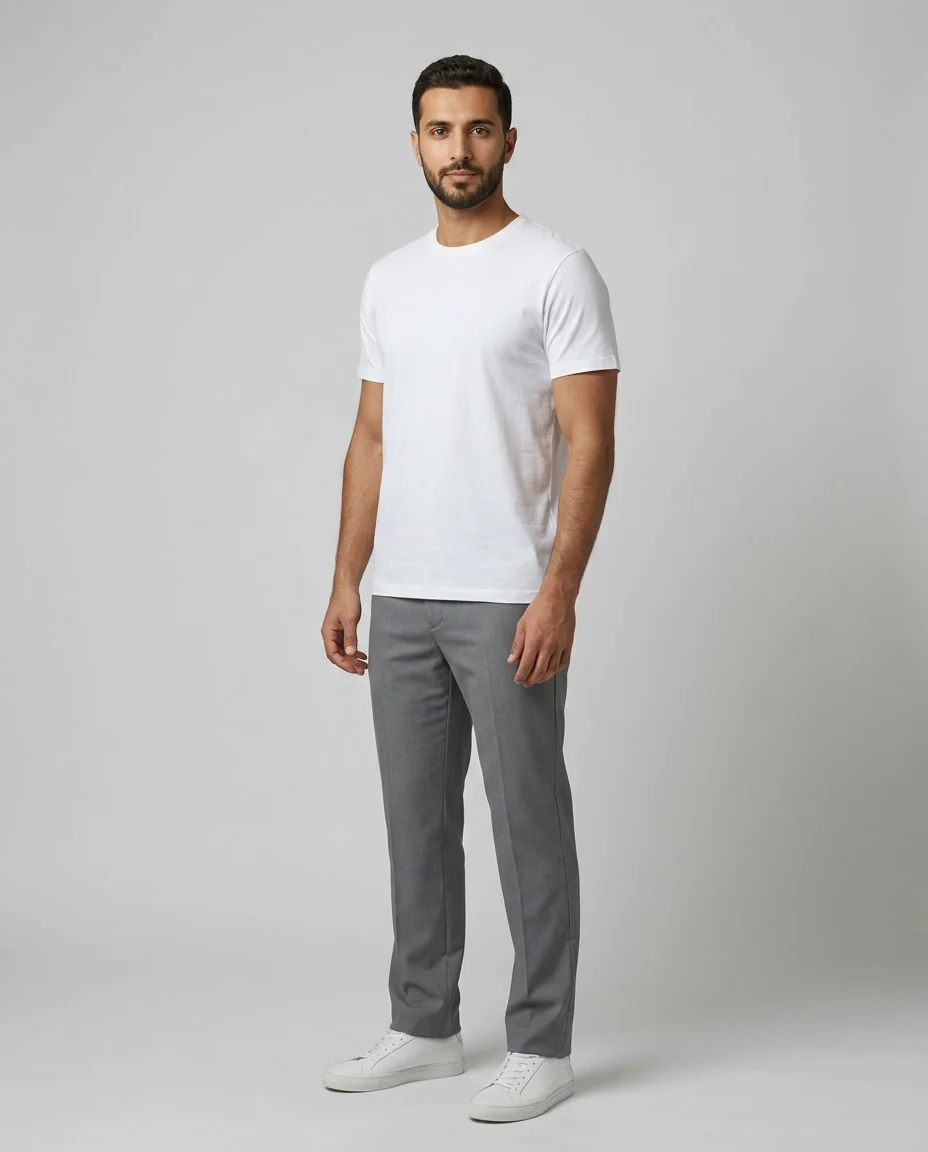
- Build a model from a description for each client — features, age and style that suit their audience — and it becomes a saved model repeating across all their campaigns. An owned visual identity without contracting a real model.
- Every ratio from one source
- A single campaign needs square, tall and wide. One shot exports as all three, so you neither reshoot per placement nor crop by hand and lose the edges.
- Test before committing budget
- Generate five visual directions and show the client before booking anything. Approval happens on a real image rather than a written description.
The tools that serve you here
Not every tool — the ones that serve your case, in order of usefulness.
- Create a ModelWhen the model library does not have who you want: describe them in your own words, and the result becomes a model you can use in Virtual Try-On.
- Virtual Try-OnDress a model from a ready photo, from our library or your own, and the person stays as in their photo, hijab and hair included. A written note changes the place and pose. Takes clothing, bags and shoes.
- Describe an EditChange the colour, pose, background and more with a single instruction.
How to start
- Build a model from a description for each brand you run.
- Generate campaign assets in several styles to present.
- Export the approved direction at every ratio the campaign needs.
Cost
| The tools that serve you here | 1k1024×1024 | 2k2048×2048 | 4k4096×4096 |
|---|---|---|---|
| Create a Model | 2 | 3 | 4 |
| Virtual Try-On | 2 | 3 | 4 |
| Describe an Edit | 2 | 3 | 4 |
Credits per single image, shown before you press generate.
Questions from agencies
Are there sub-accounts per client?
Not today — one account and one workspace. We mention it plainly because it may be a requirement for you. You can separate by naming models and collections per client, but that is organisational separation, not separate accounts.
Who owns the resulting images?
The images you generate are yours, and you hand them to your client like any asset you produce. We do not use what you upload for any purpose other than running your request — the details are in the privacy policy.
Does the model stay the same across campaigns?
Yes. A model built from a description is saved and recalled any time later, so next month's campaign uses the same face — which is exactly what builds recognition.
How do I price a quote for a client?
The table further down gives the credit cost per image, and credits have a fixed price. Multiply the number of assets by the cost and add your margin — with no hidden costs appearing later.
Nearby situations
Try it free when you create your account, no card needed.