From one photo of your product to a full shoot
A professional shoot for everything you sell: upload your piece or your product, pick the setting and the model — or leave the lighting and the scene to us.
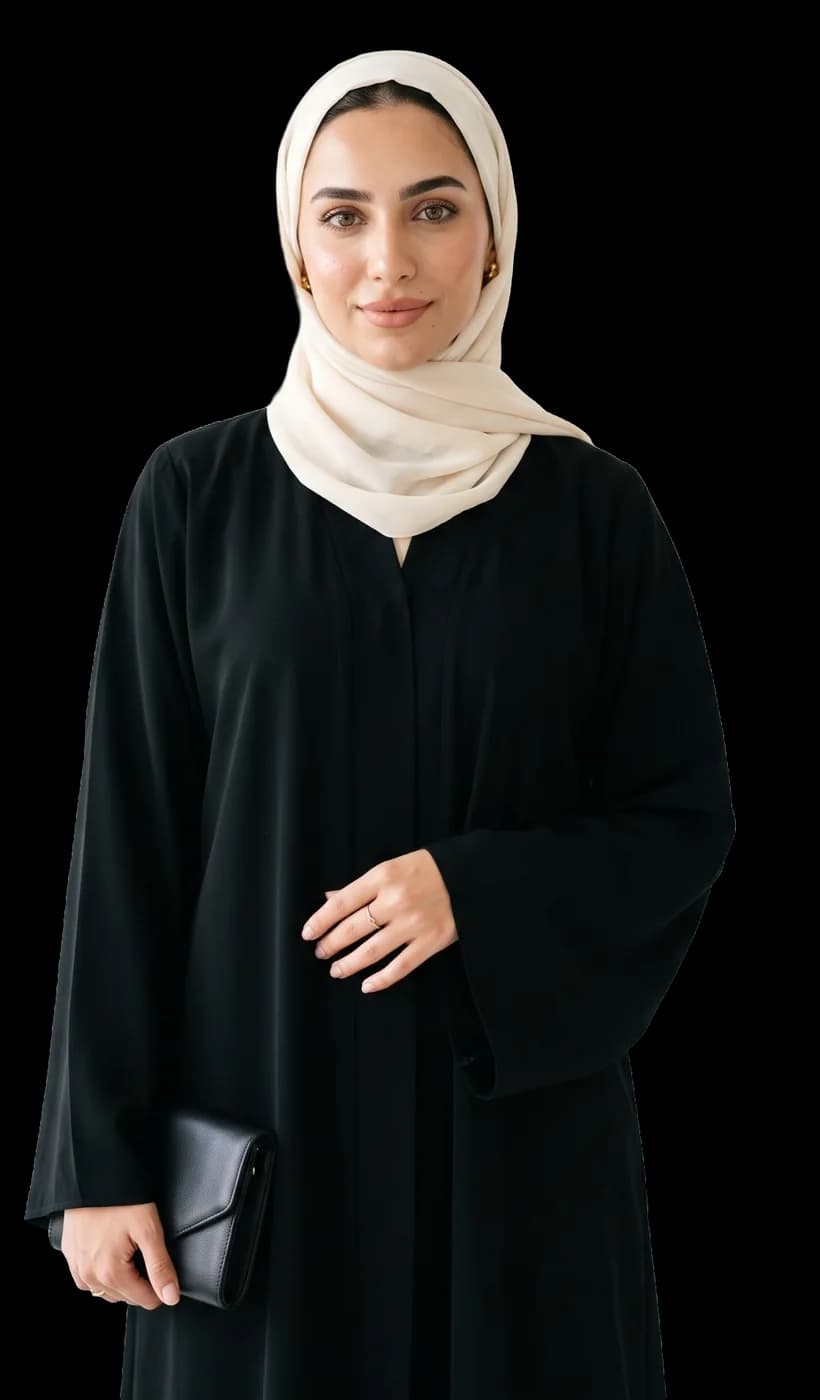
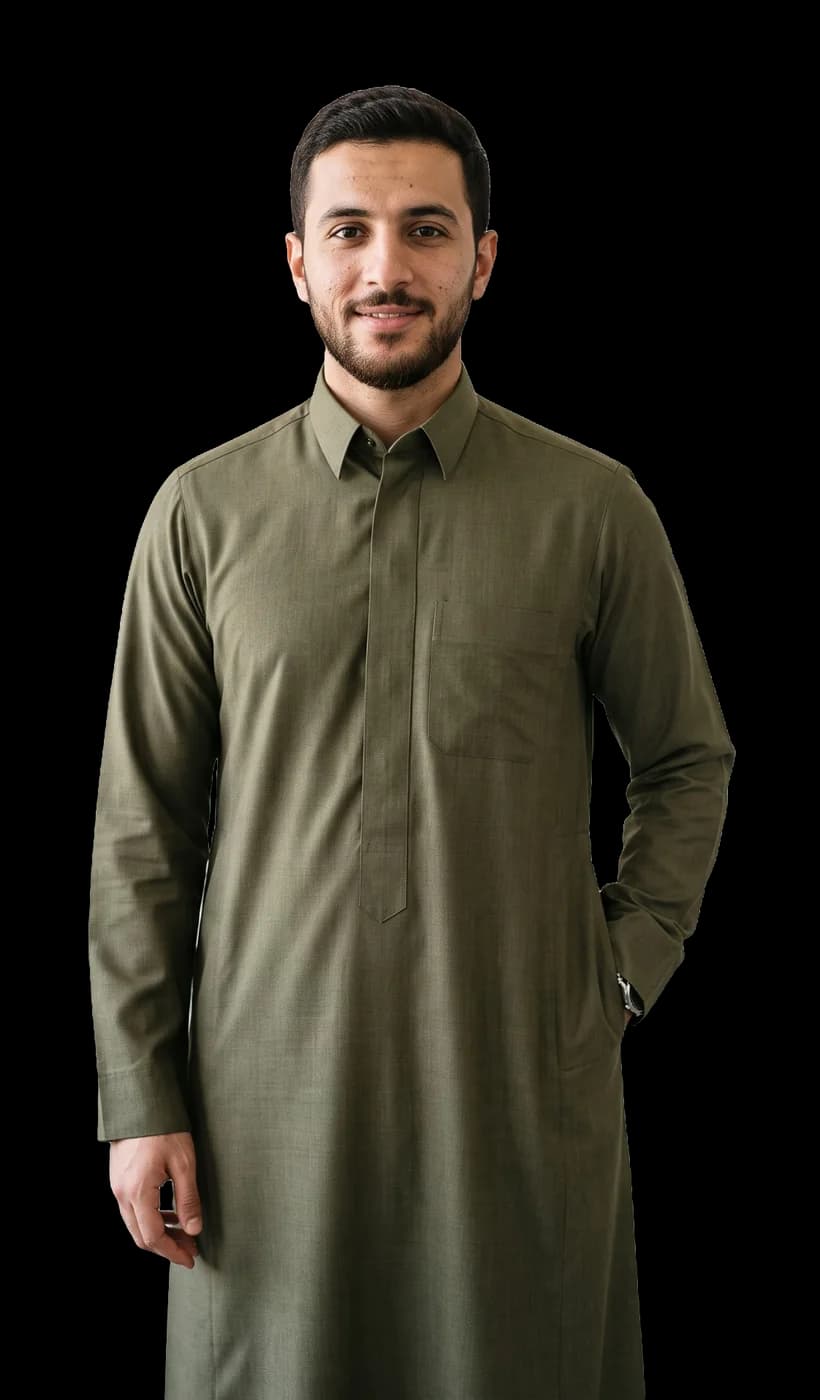
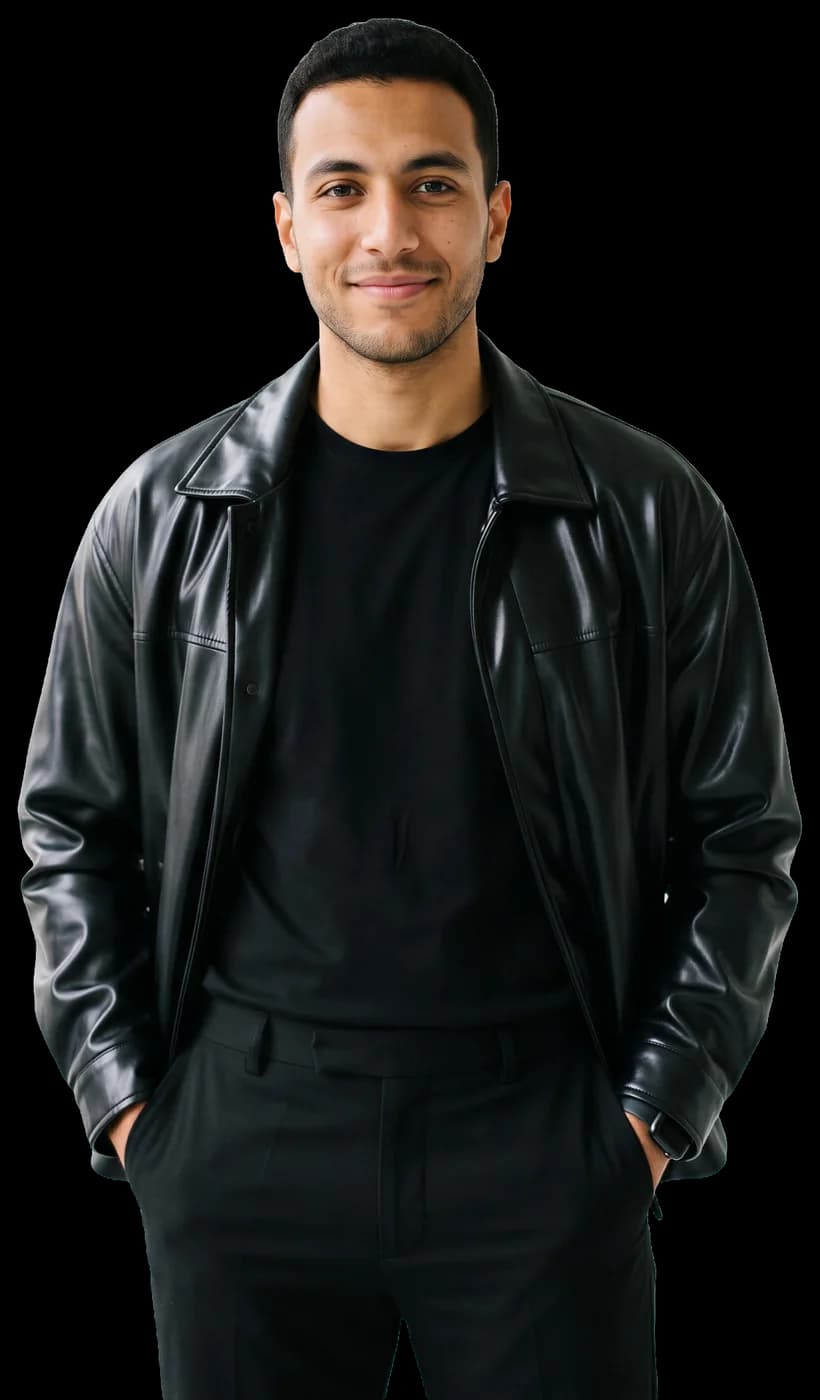
See what we make for brands
Templates and scenes made on the platform: clothes on models, and products in full scenes.
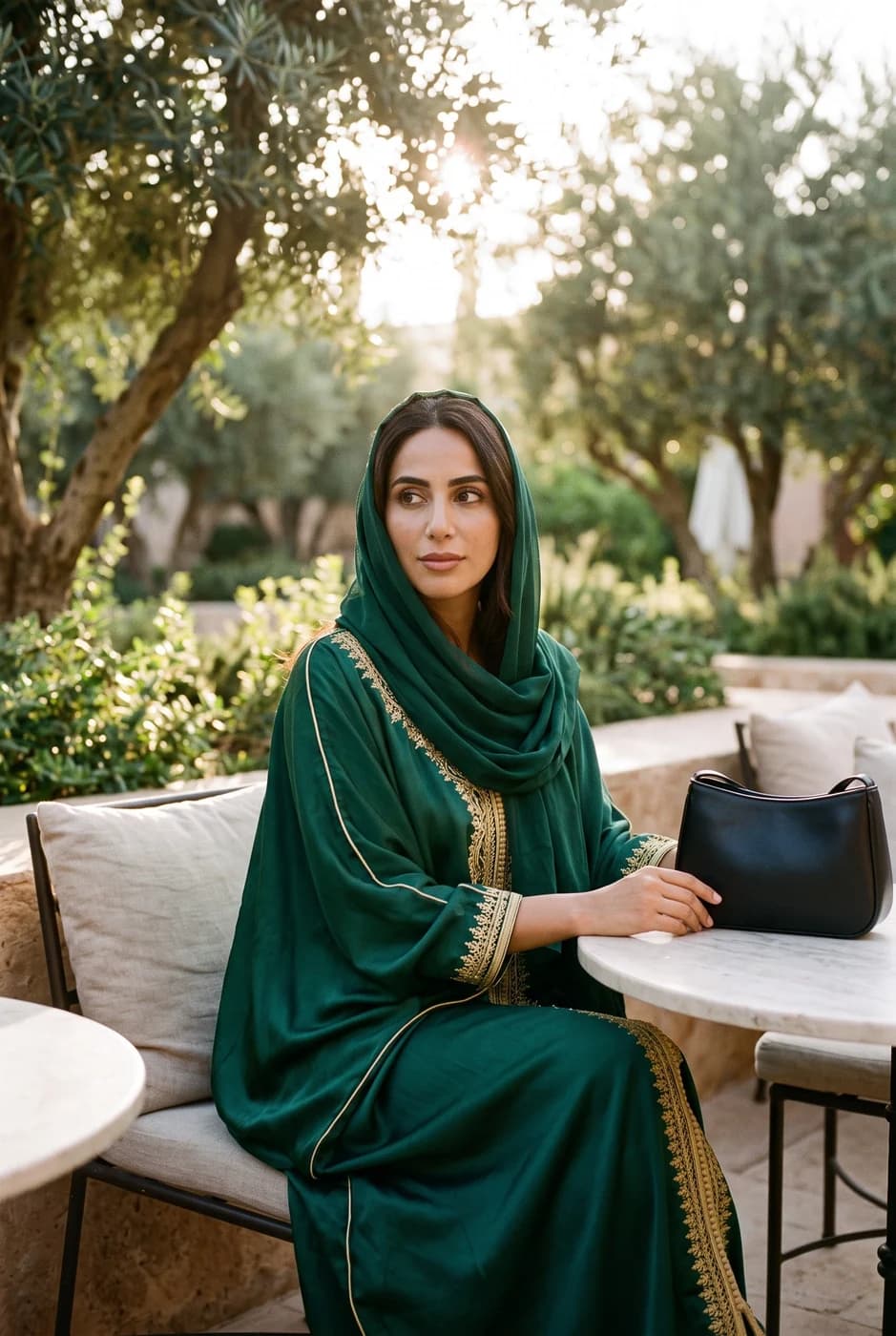
Two studios, one account
Built for every product, every brand
Enter whichever studio fits what you sell. One balance, one gallery, the same account.
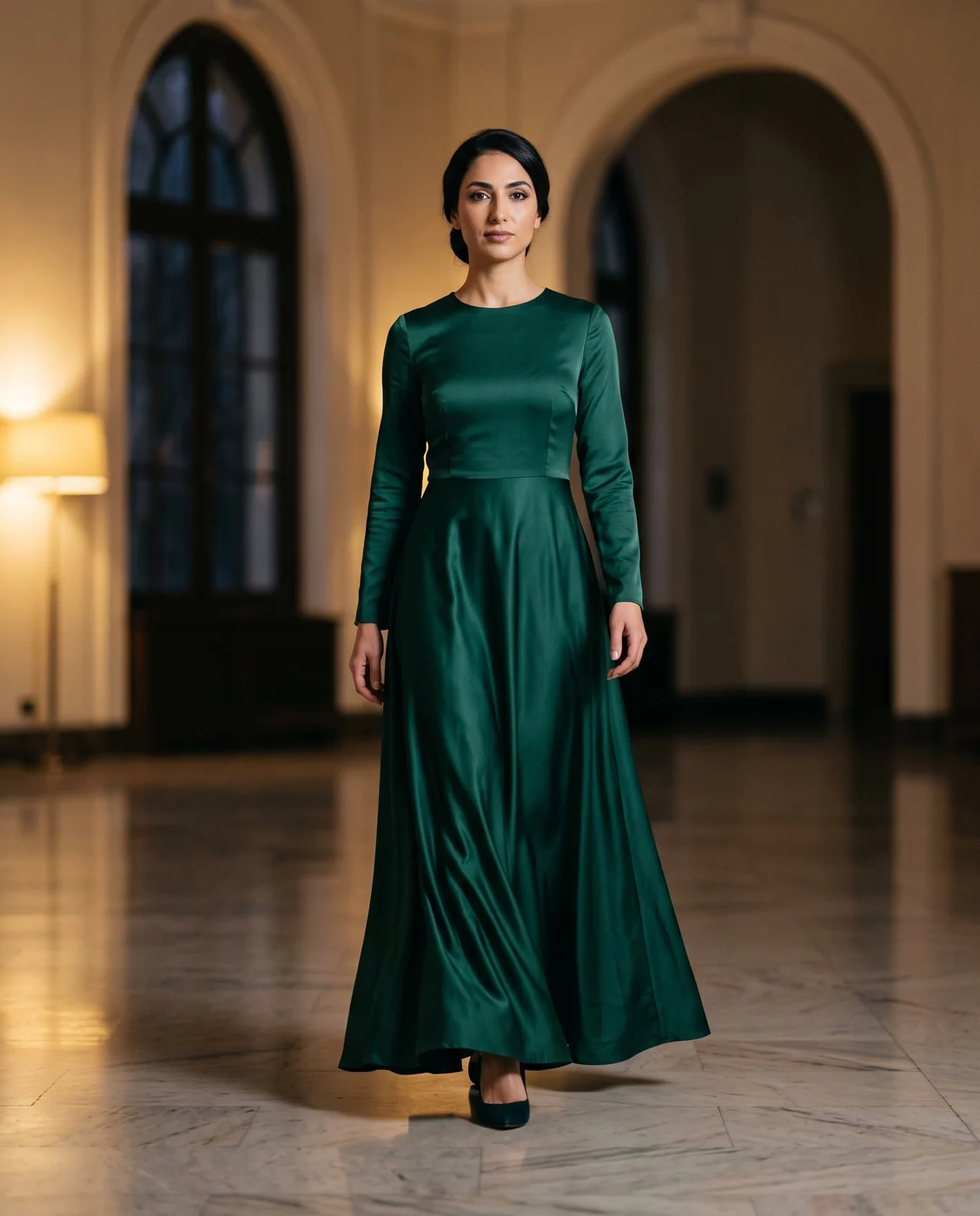
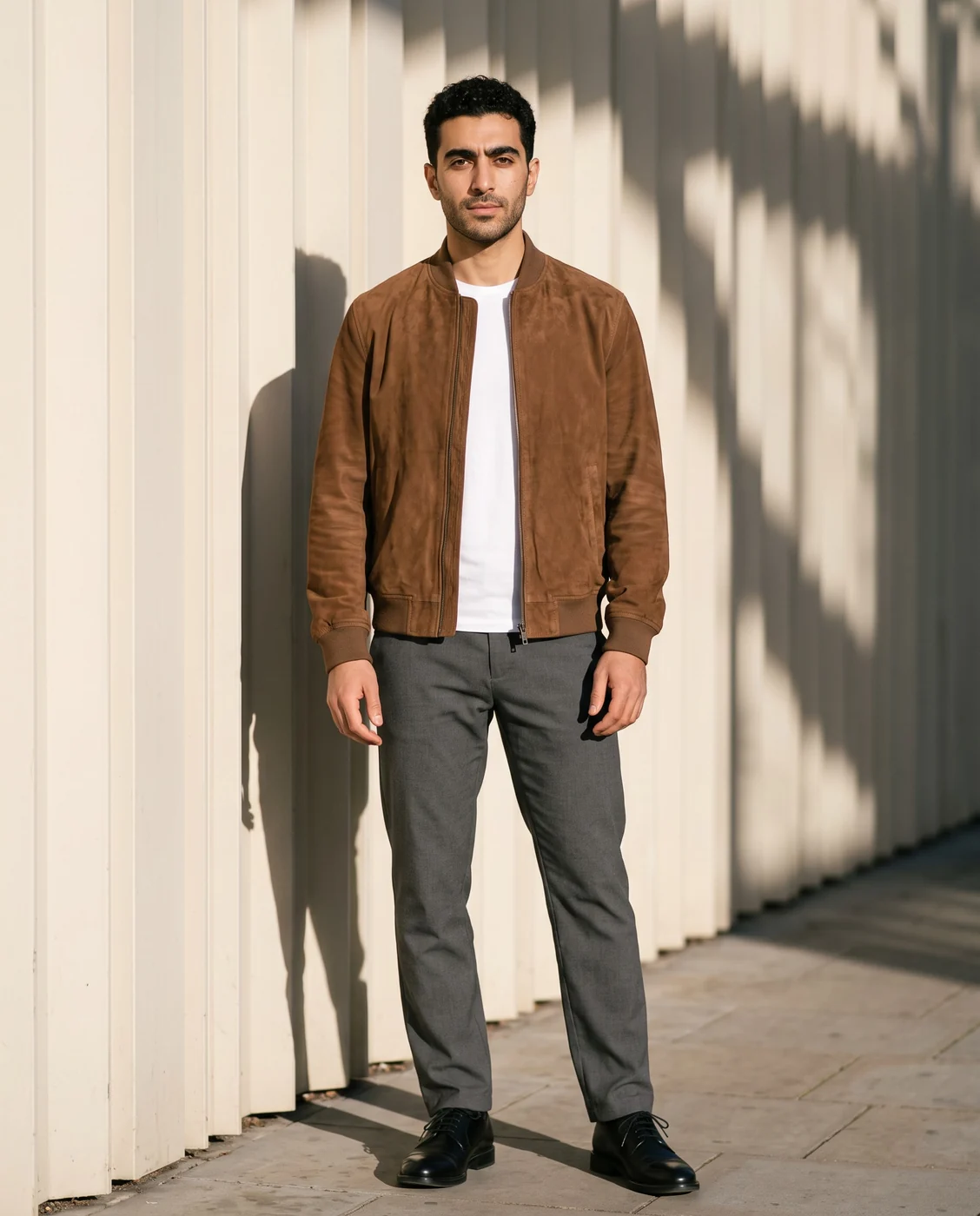
Fashion studio
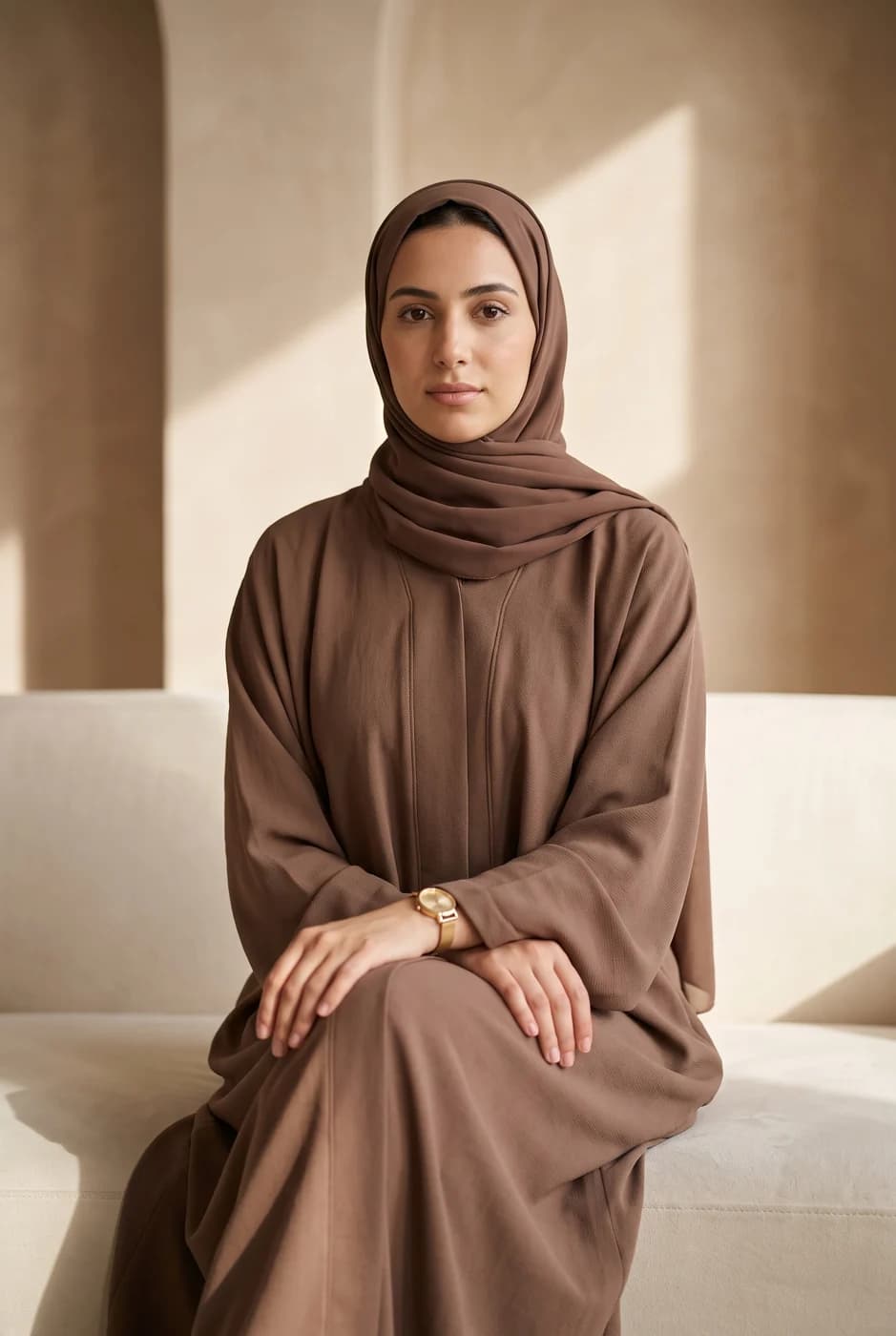
Your piece on a model who looks like your customers, or on a ready-made template — then edited with a sentence, or turned into a clip.
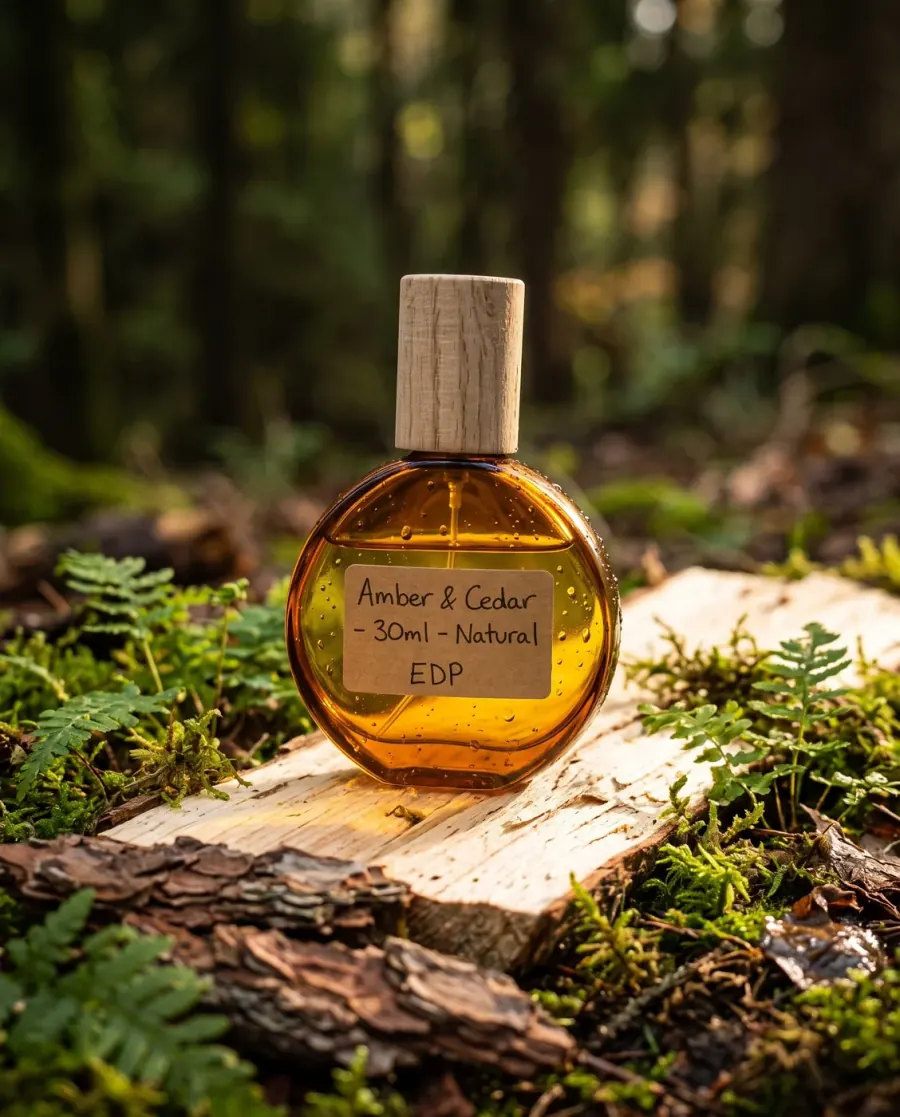
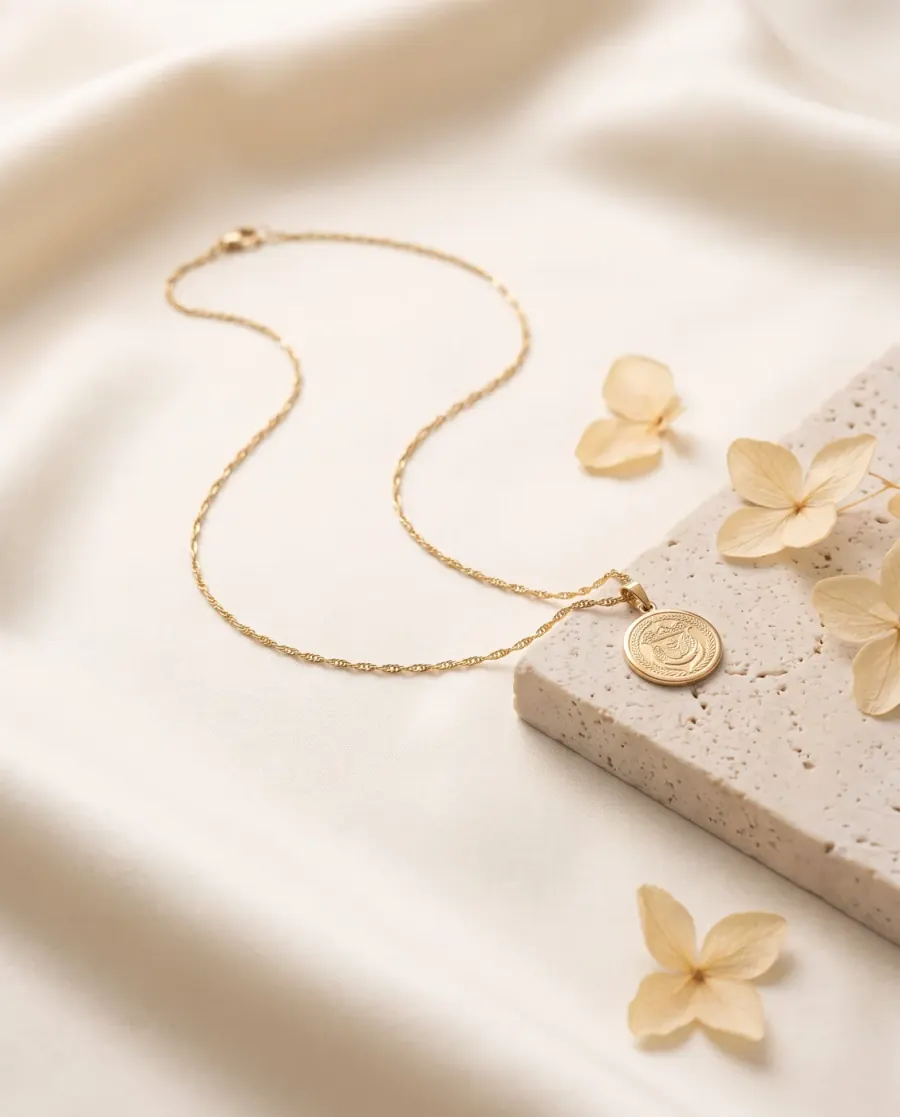
Product studio
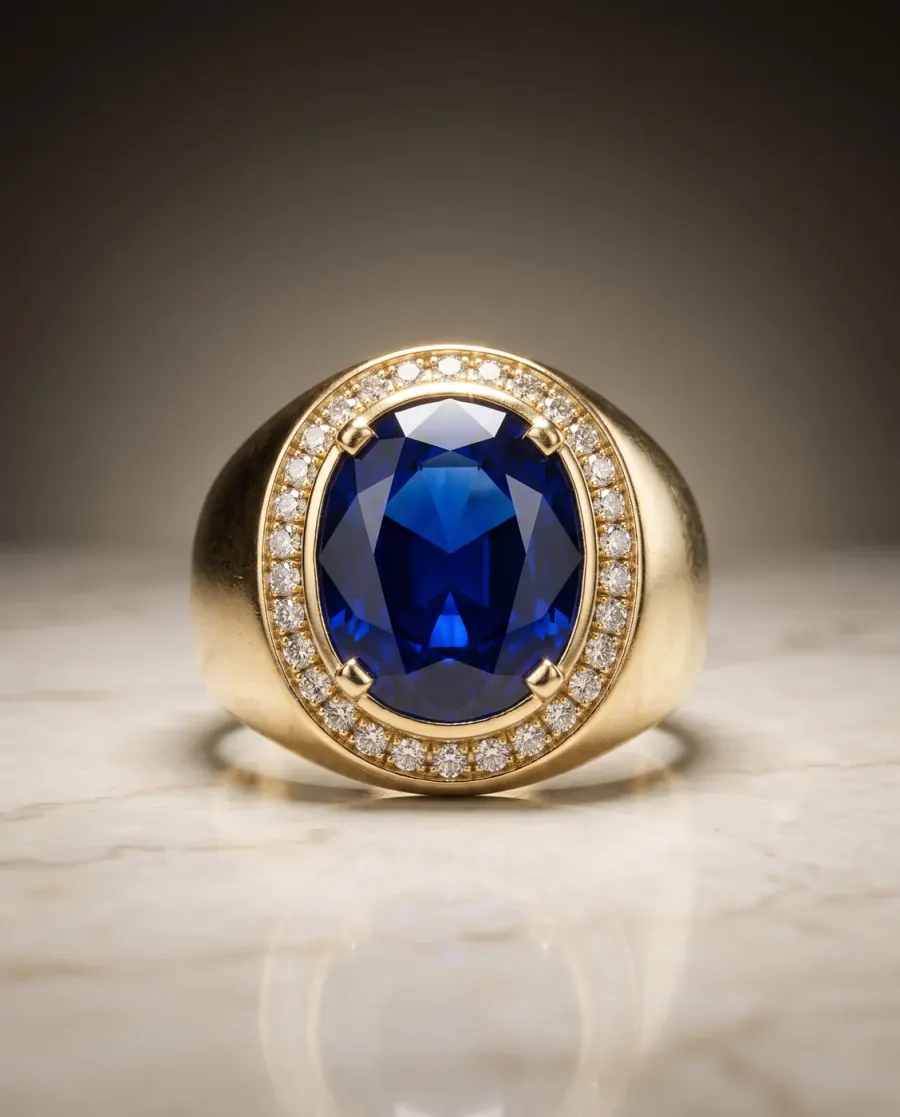
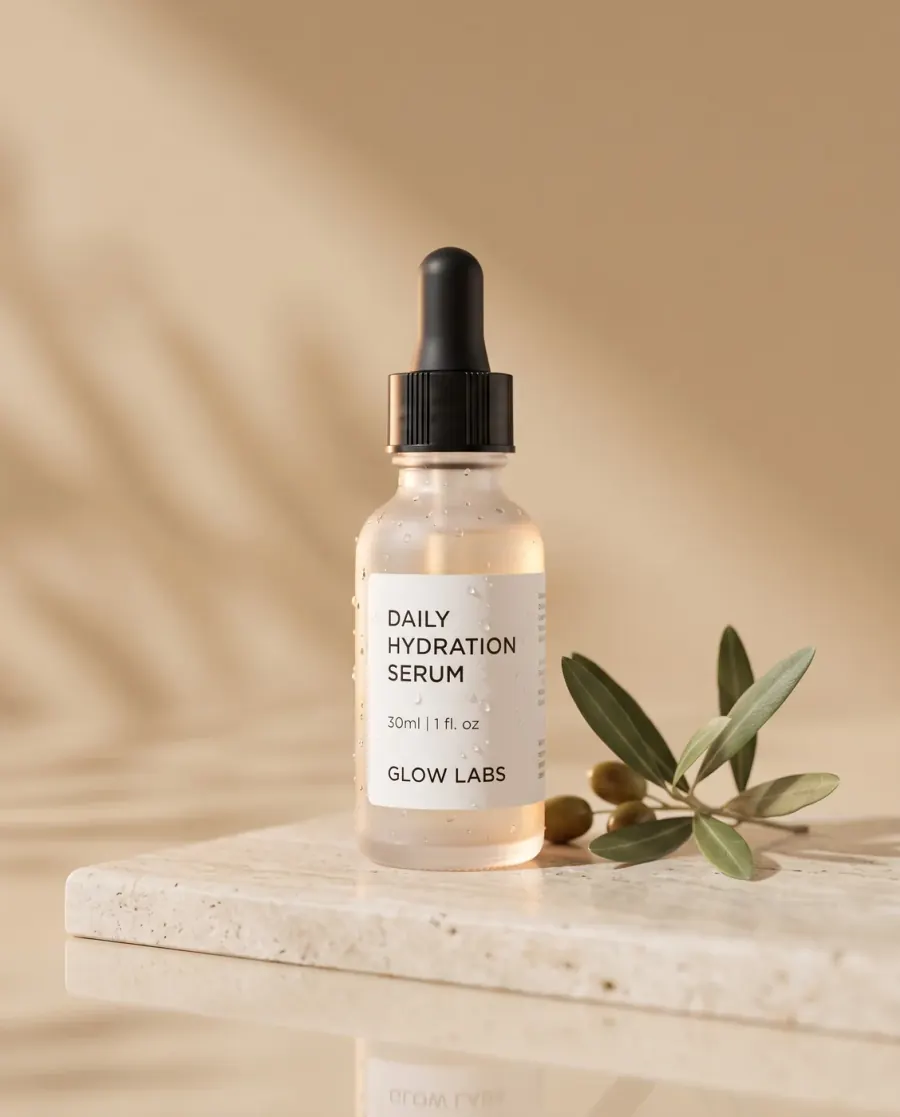
Your product in the setting you describe: light, background and reflection as if from a product studio, with no people in the frame.
Shoot your whole collection. Without a single shoot.
Start with a photo from your phone and get on-model images in places that fit your brand, as many as your season needs.
From your product photo
Photoshoot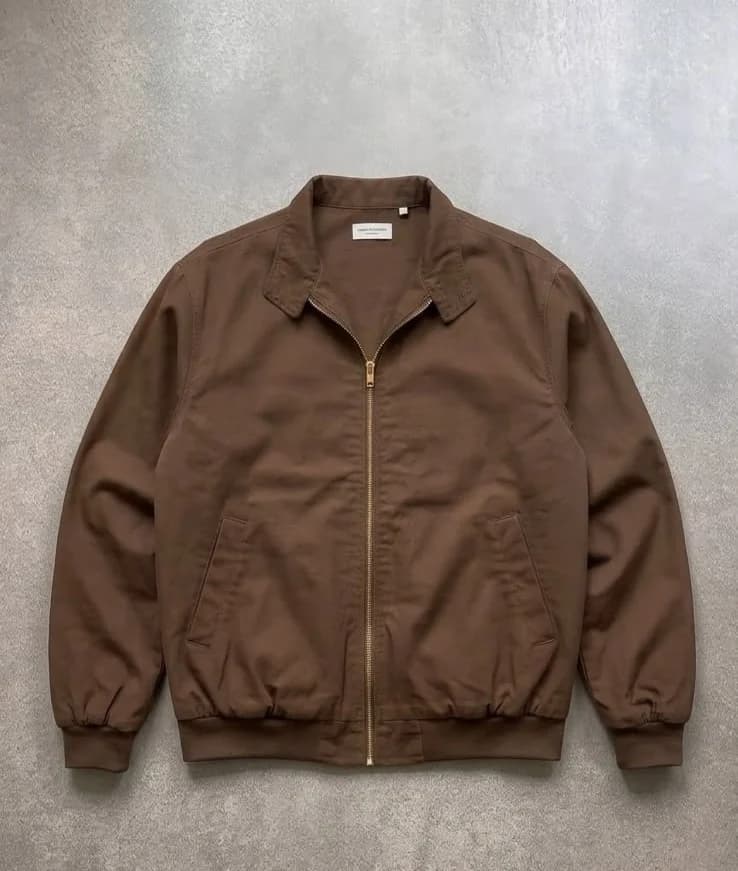
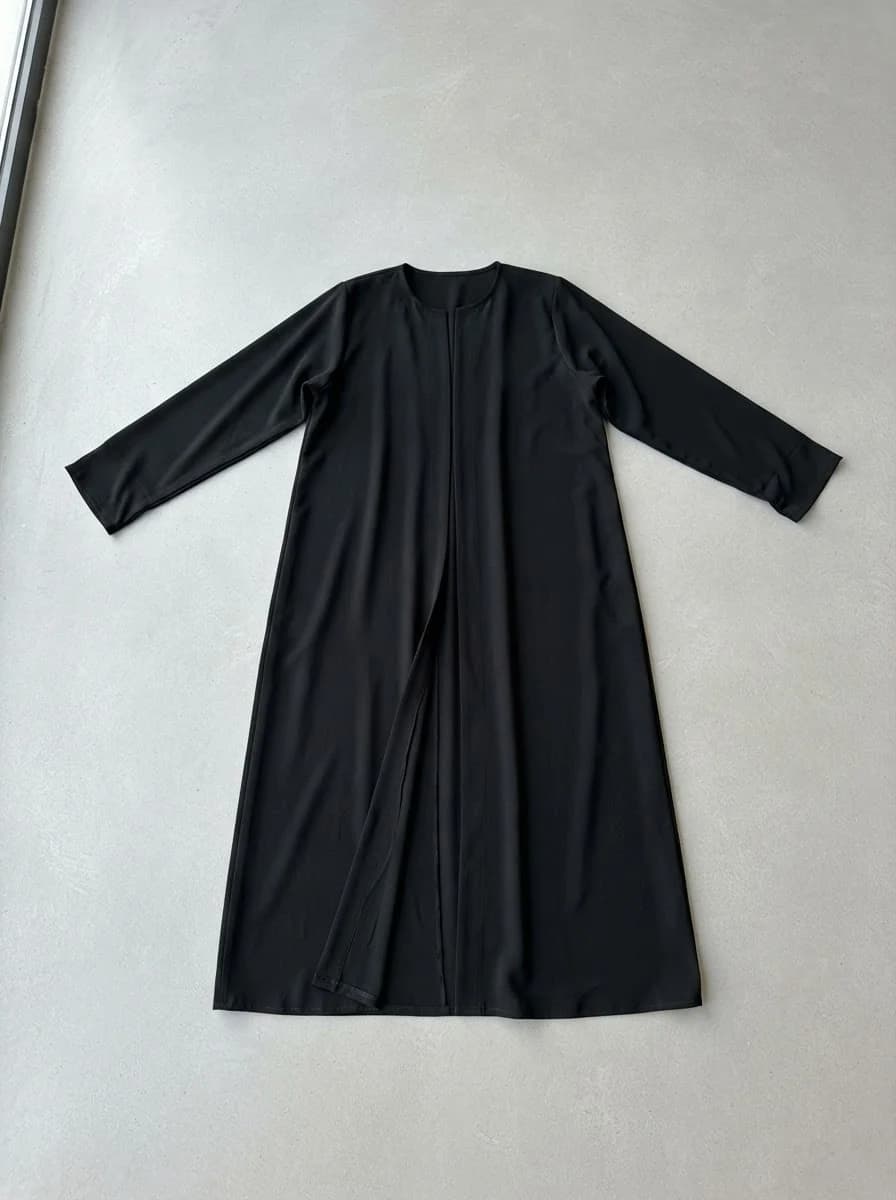
Upload your product photo
Any clear photo works: on the floor, on a hanger or on a mannequin.
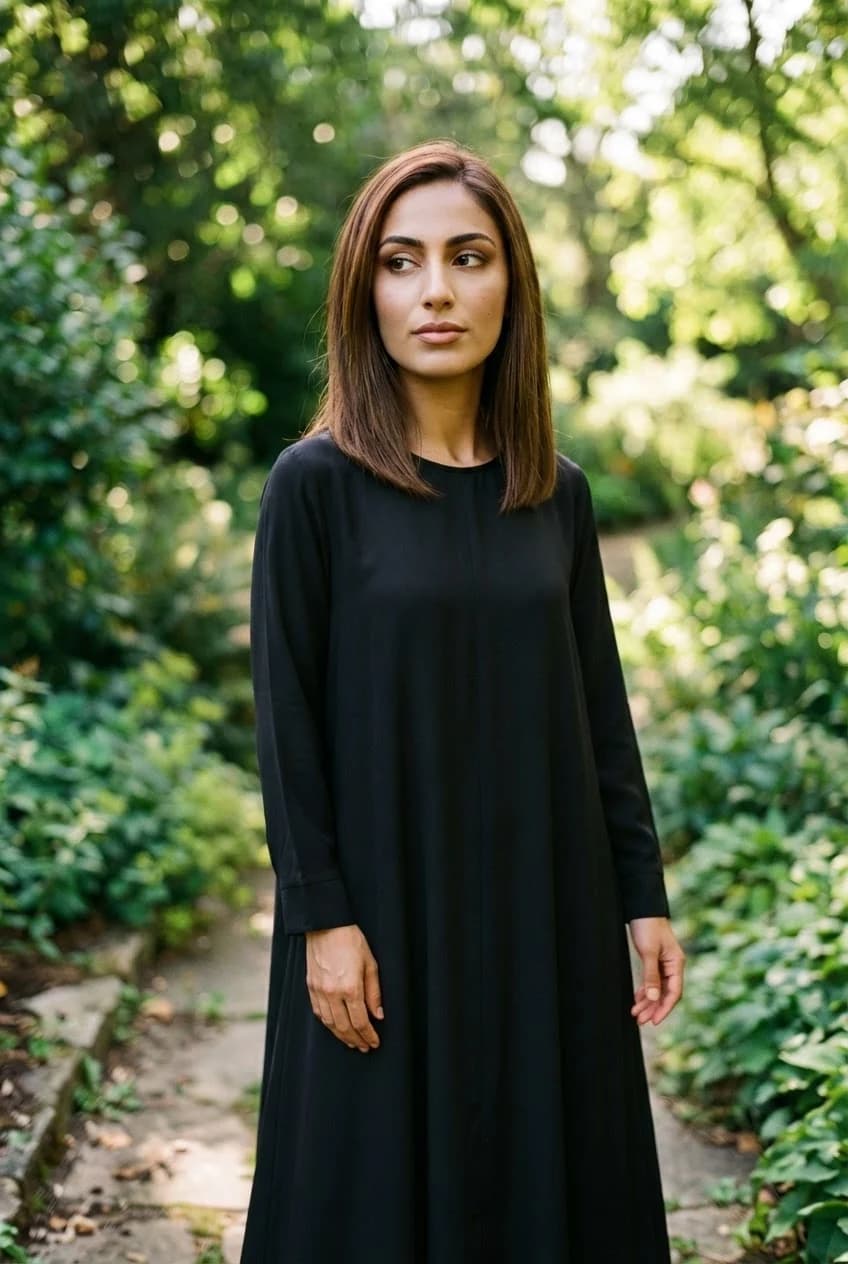
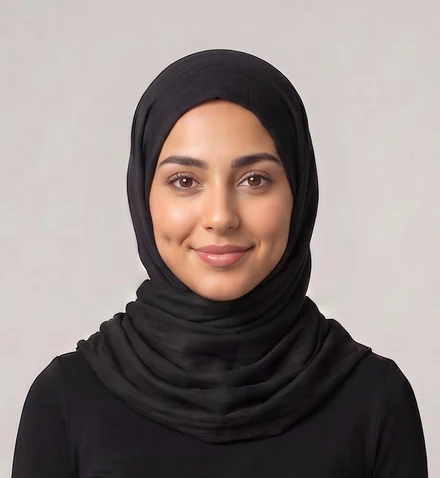
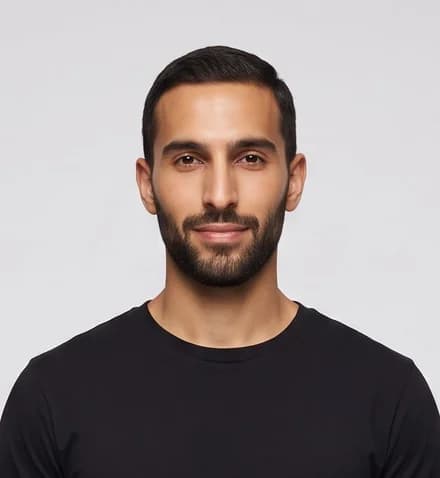
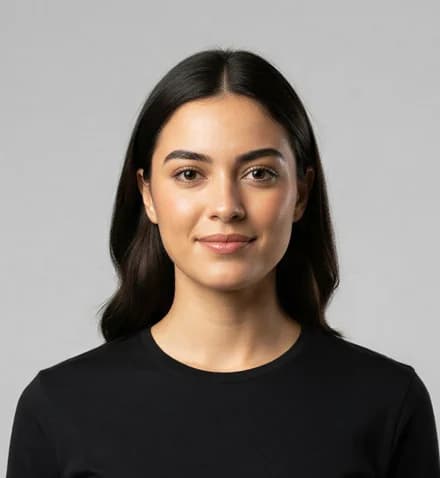
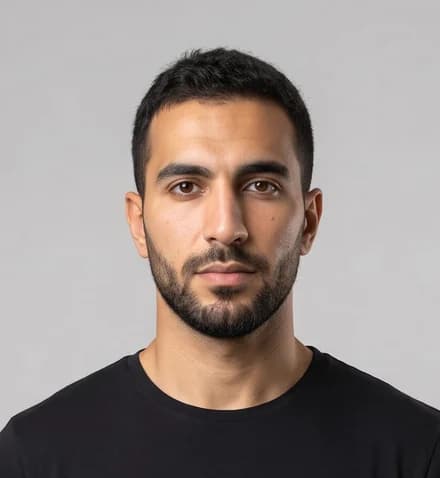
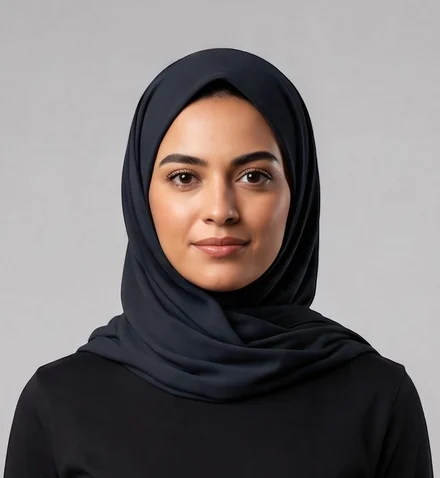
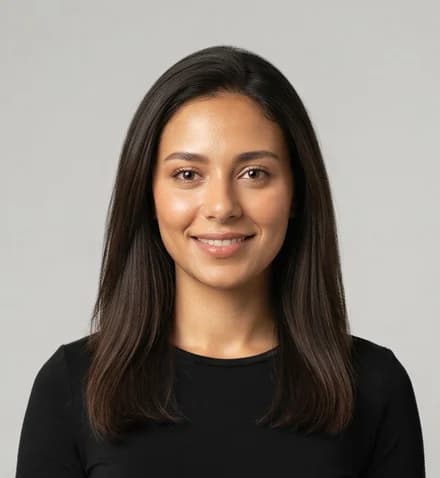
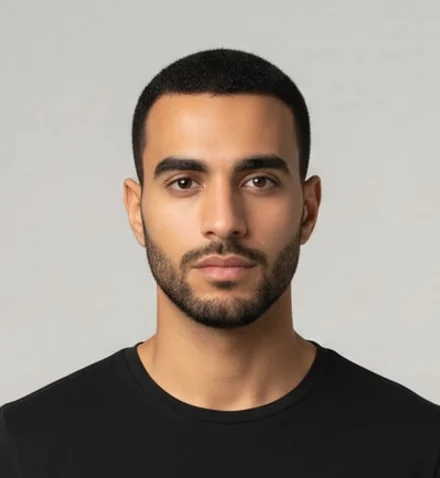
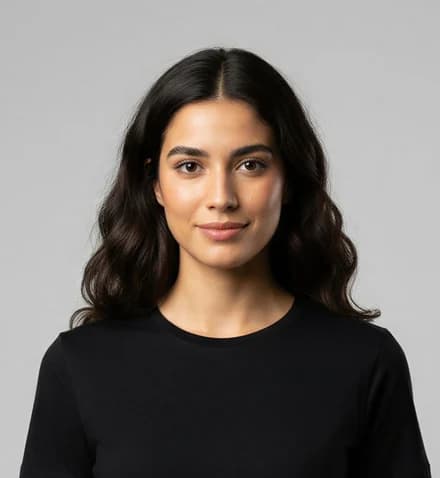
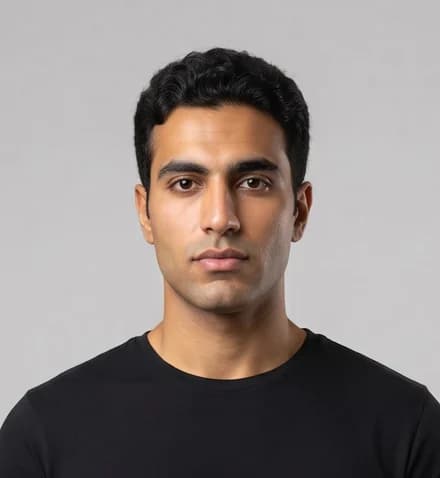
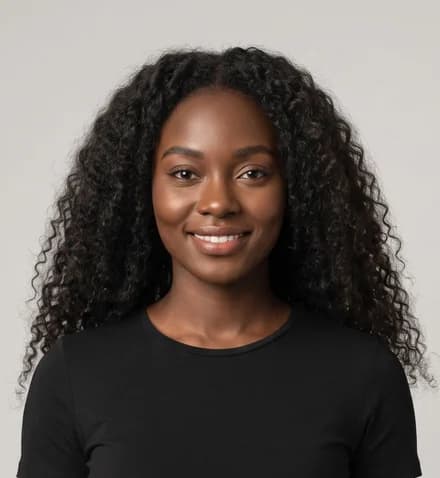
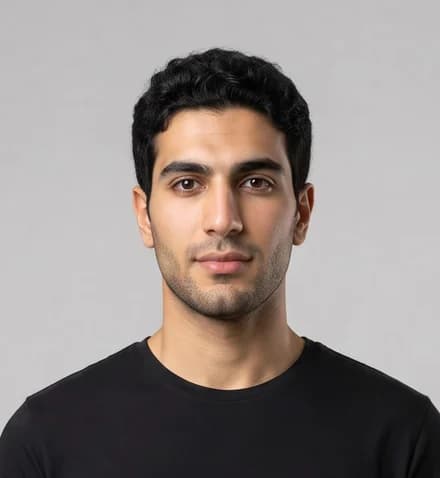
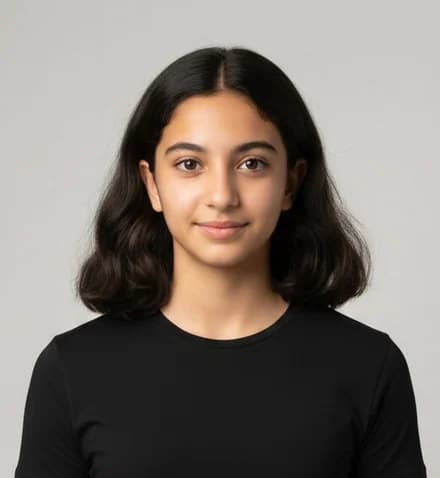
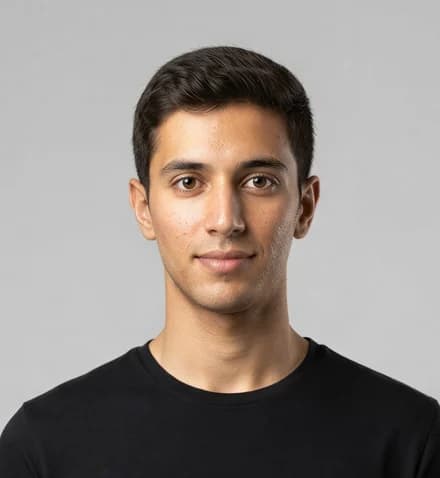
Pick your model
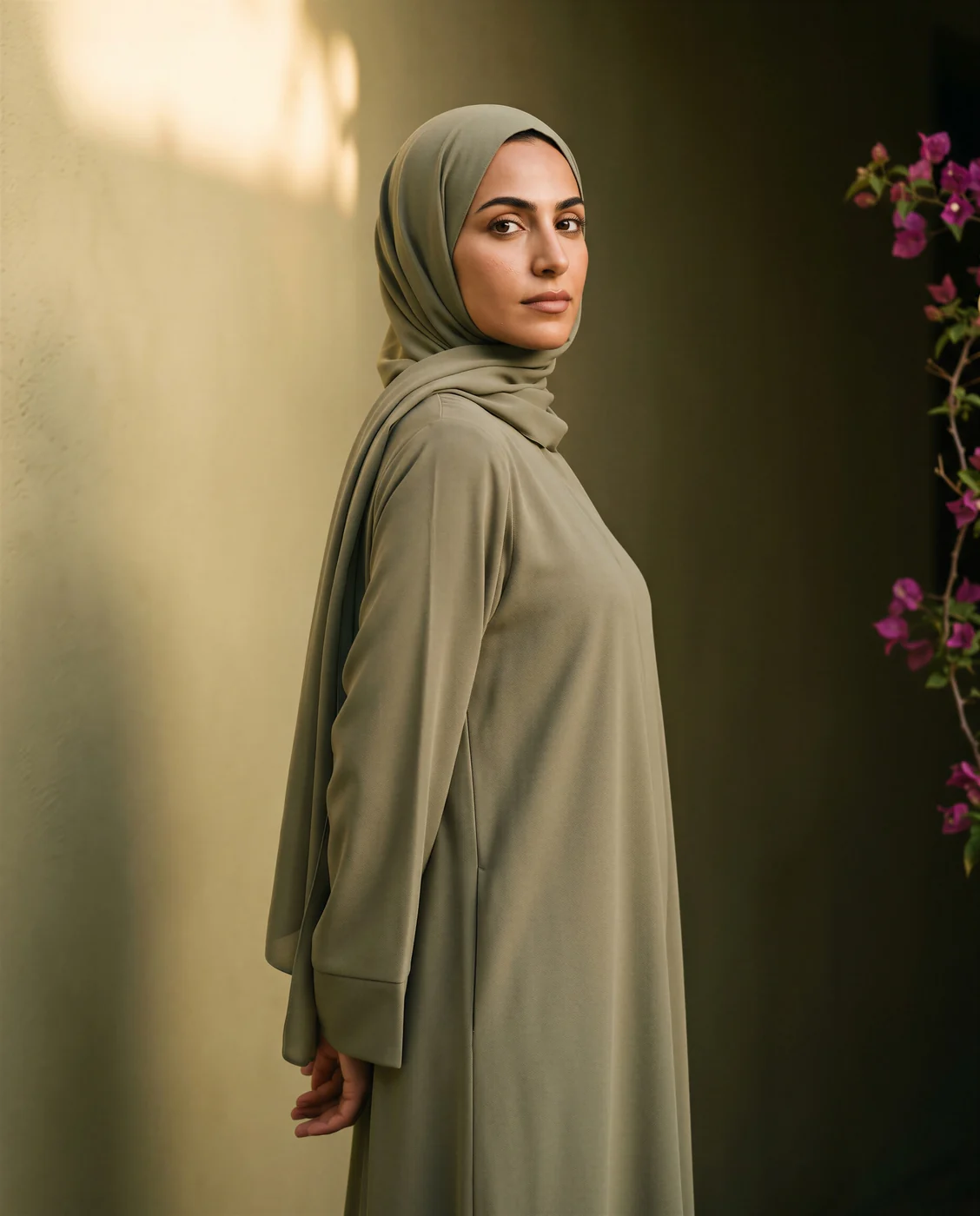
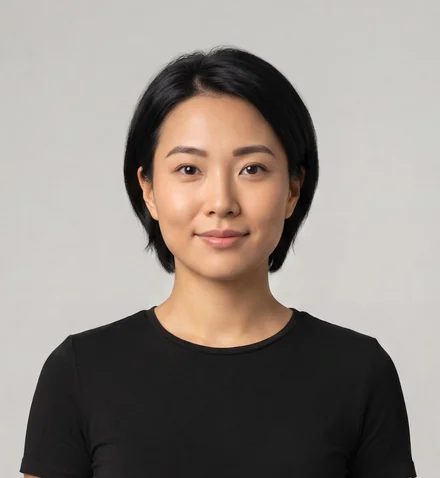
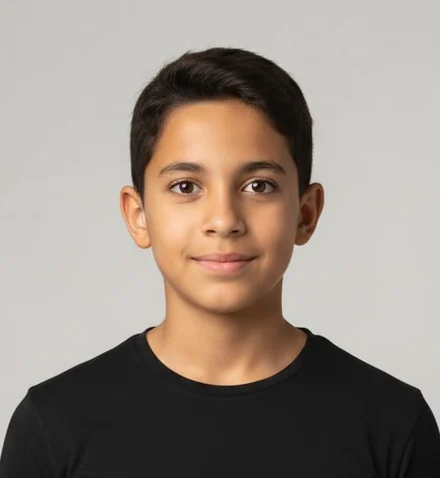
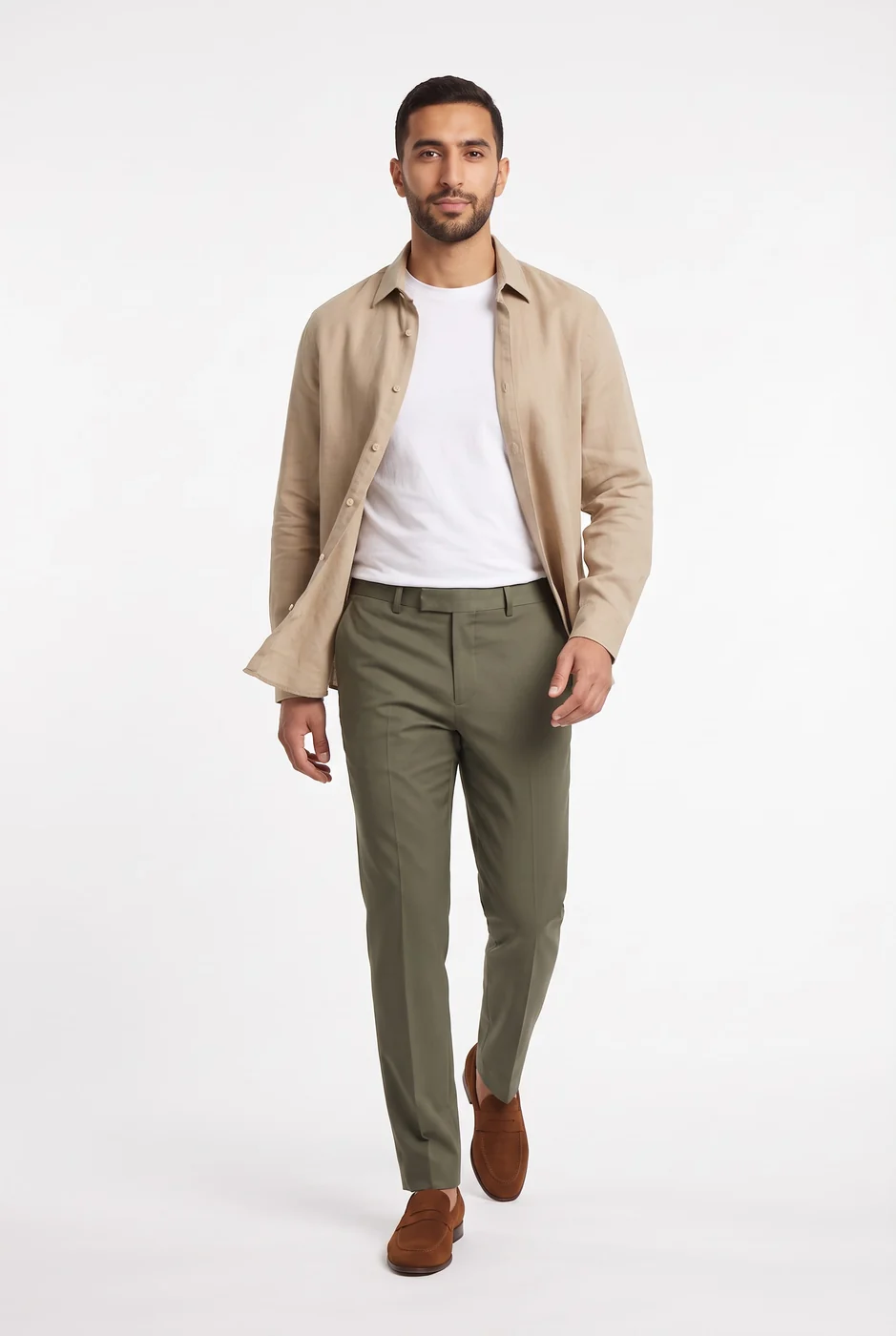
Arab and Gulf faces, hijabi models and kids, men and women.
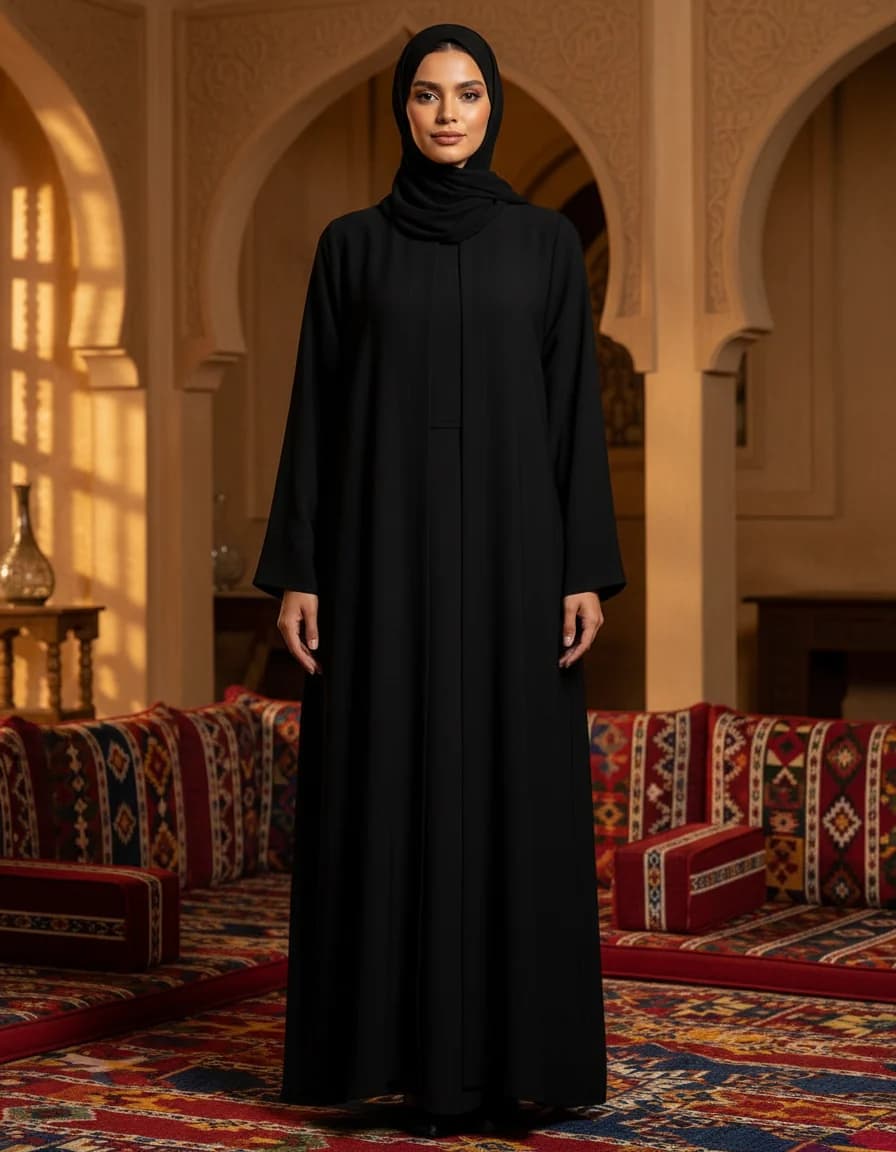
 Studio
 Gulf majlis
 Boutique
 Minimal
 Café
Café Dunes
Dunes Street
 Evening
Set the scene
Studio, majlis, boutique or street — whatever fits your brand.
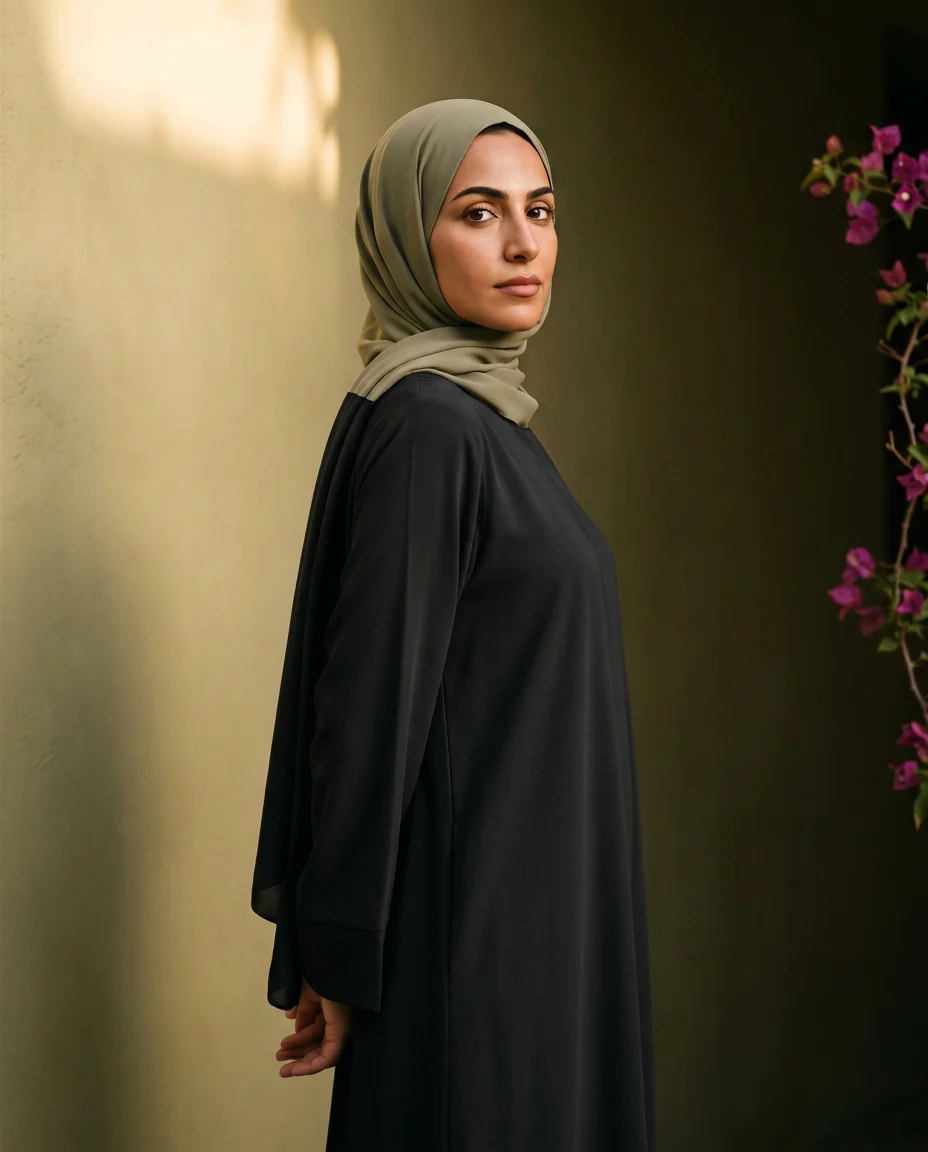
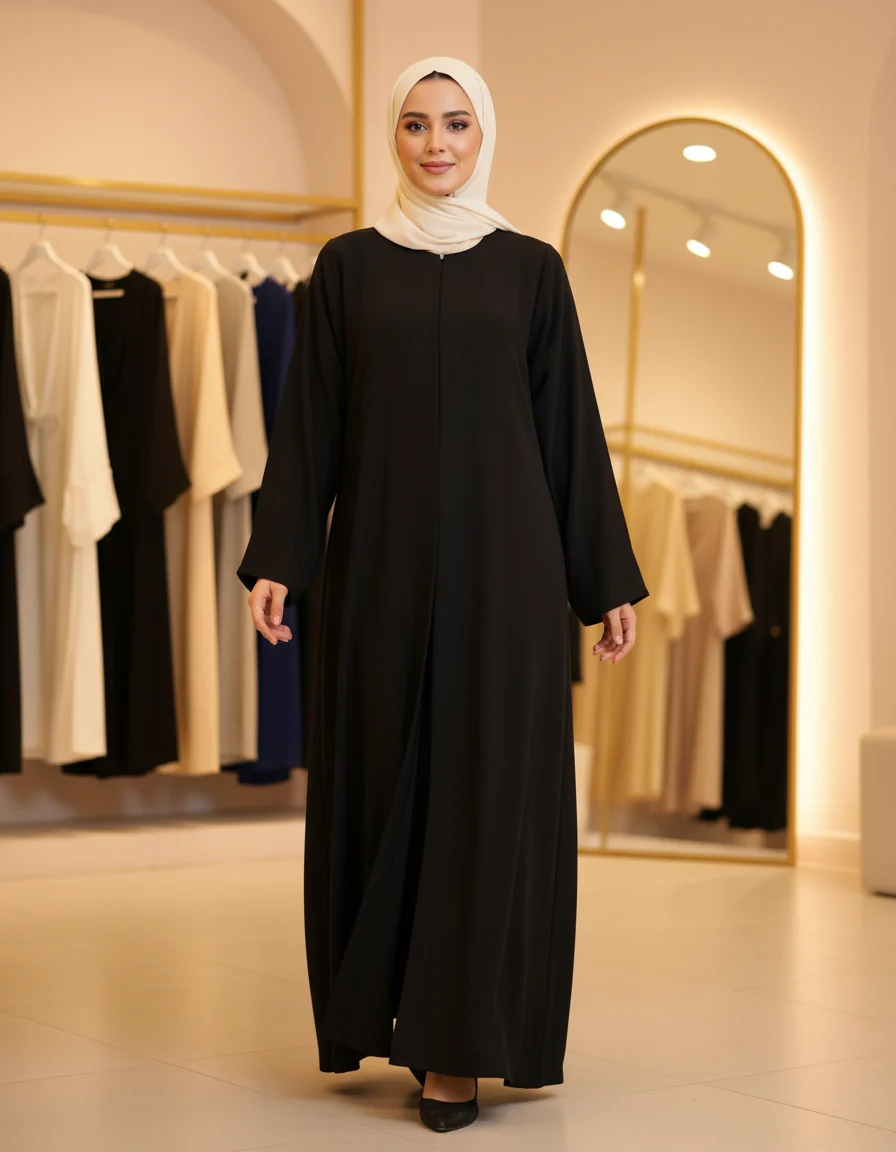
Get your images
The same piece in every place you choose, ready for your store and ads.

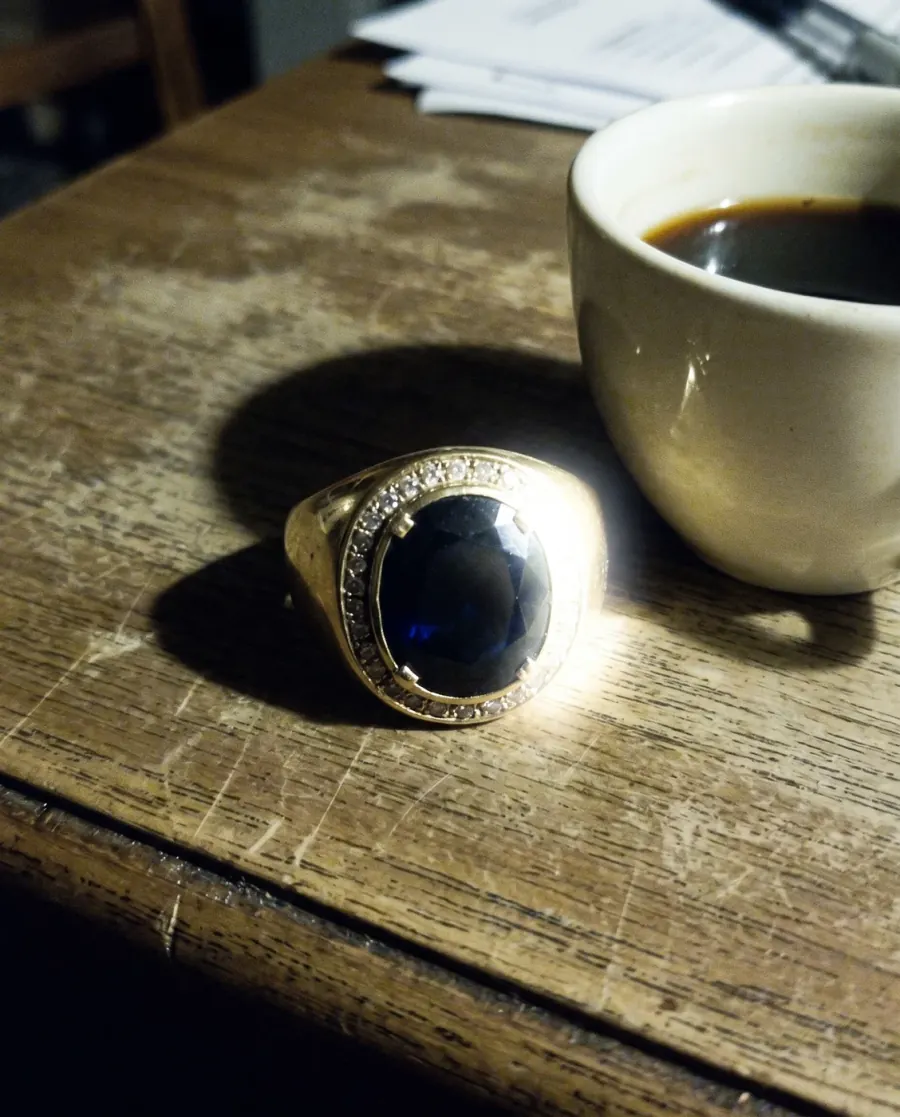
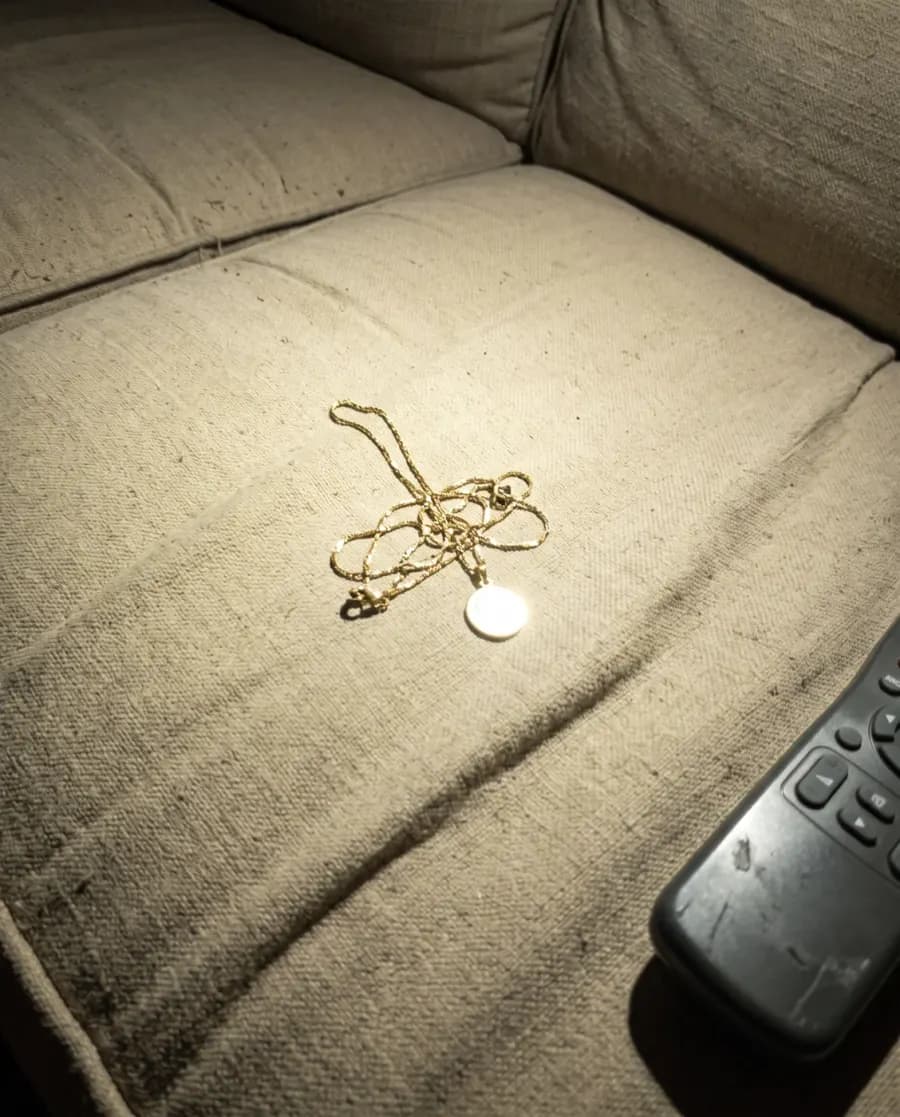
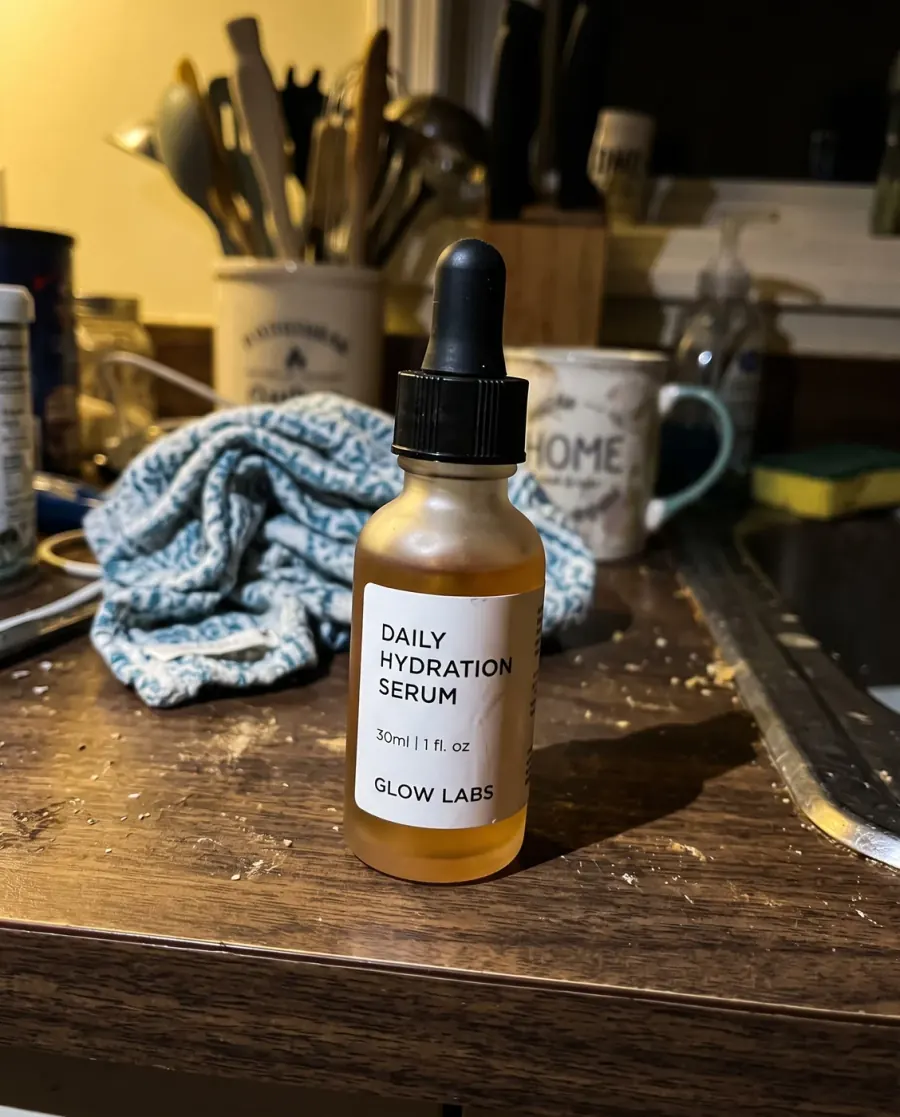
You do not need a good photo to start
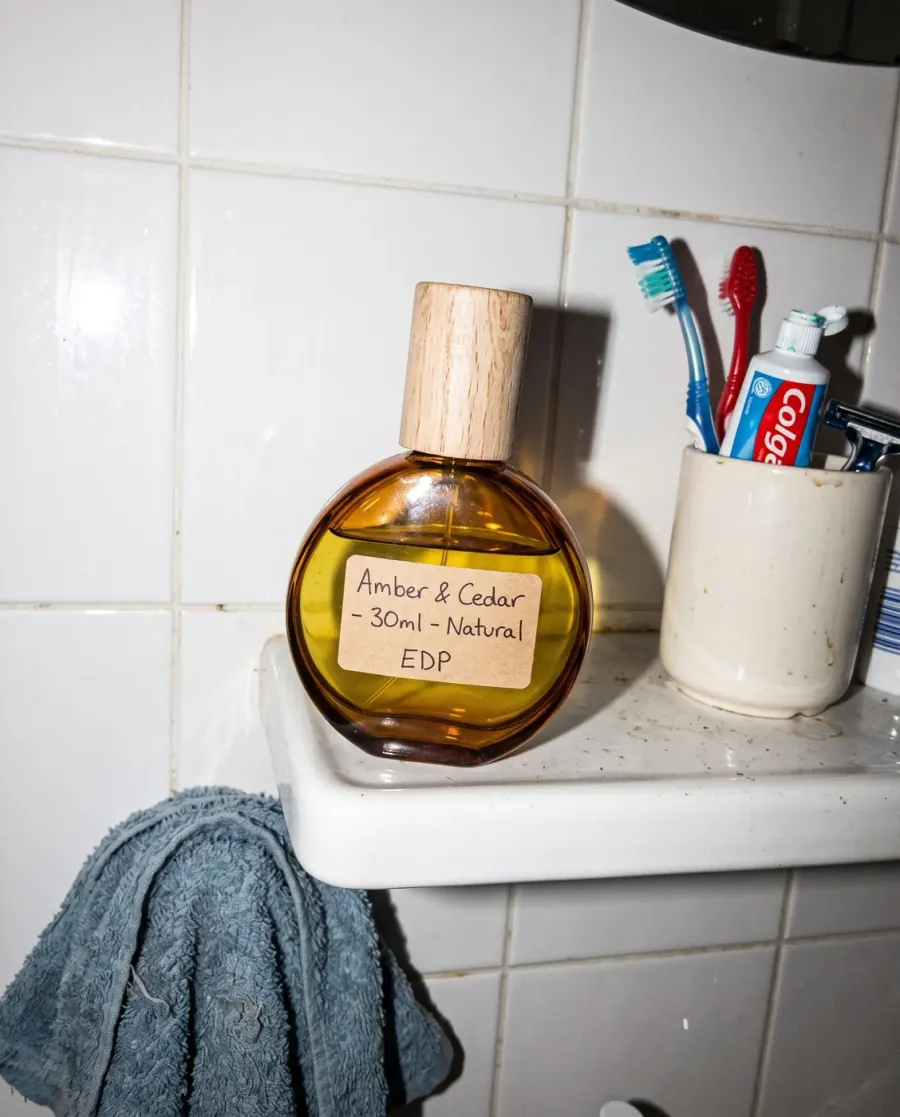
A bottle on a bathroom shelf, a ring on a wooden table — the same picture after it has been through the product studio.
Consistency
What you choose stays the same in every photo.
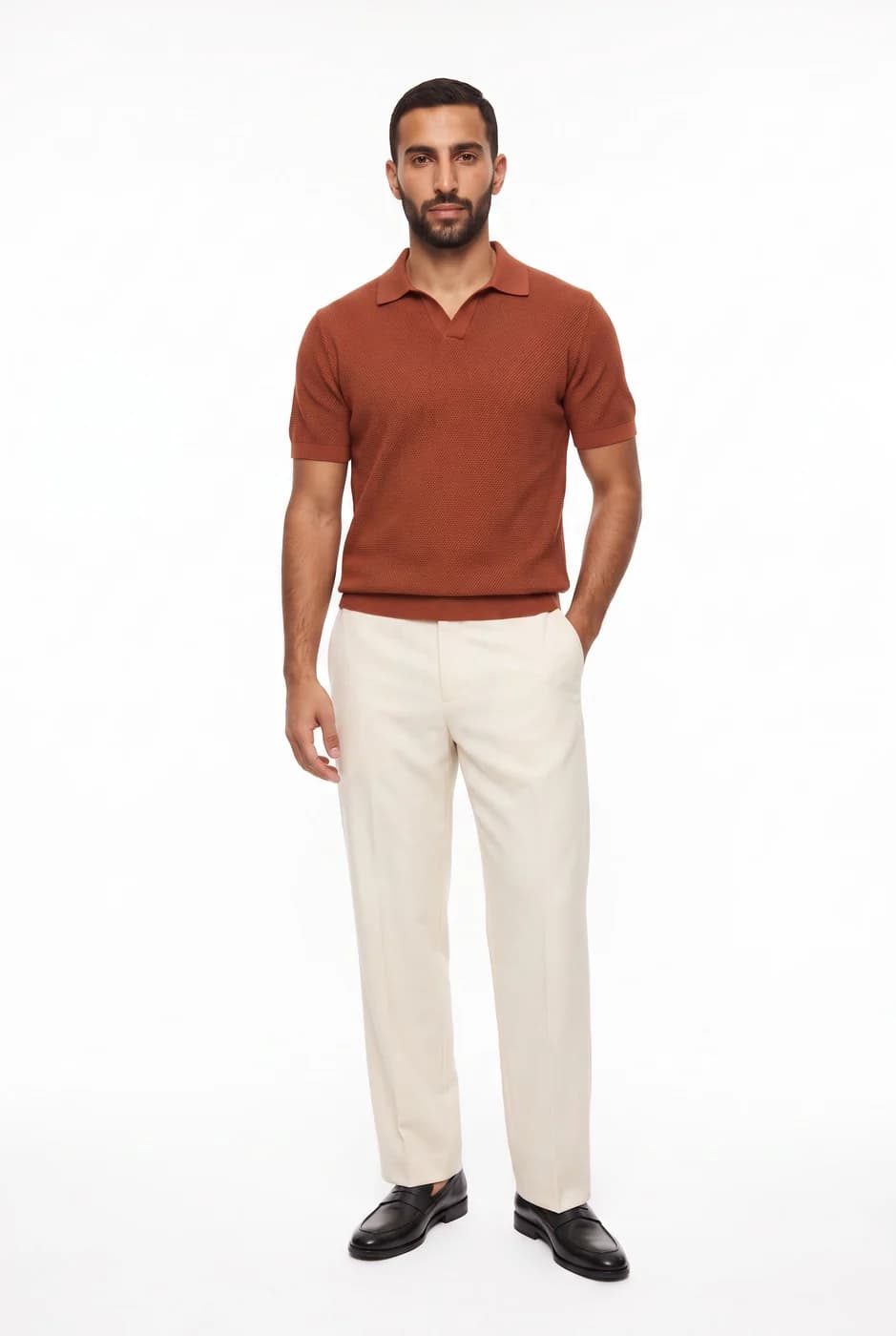
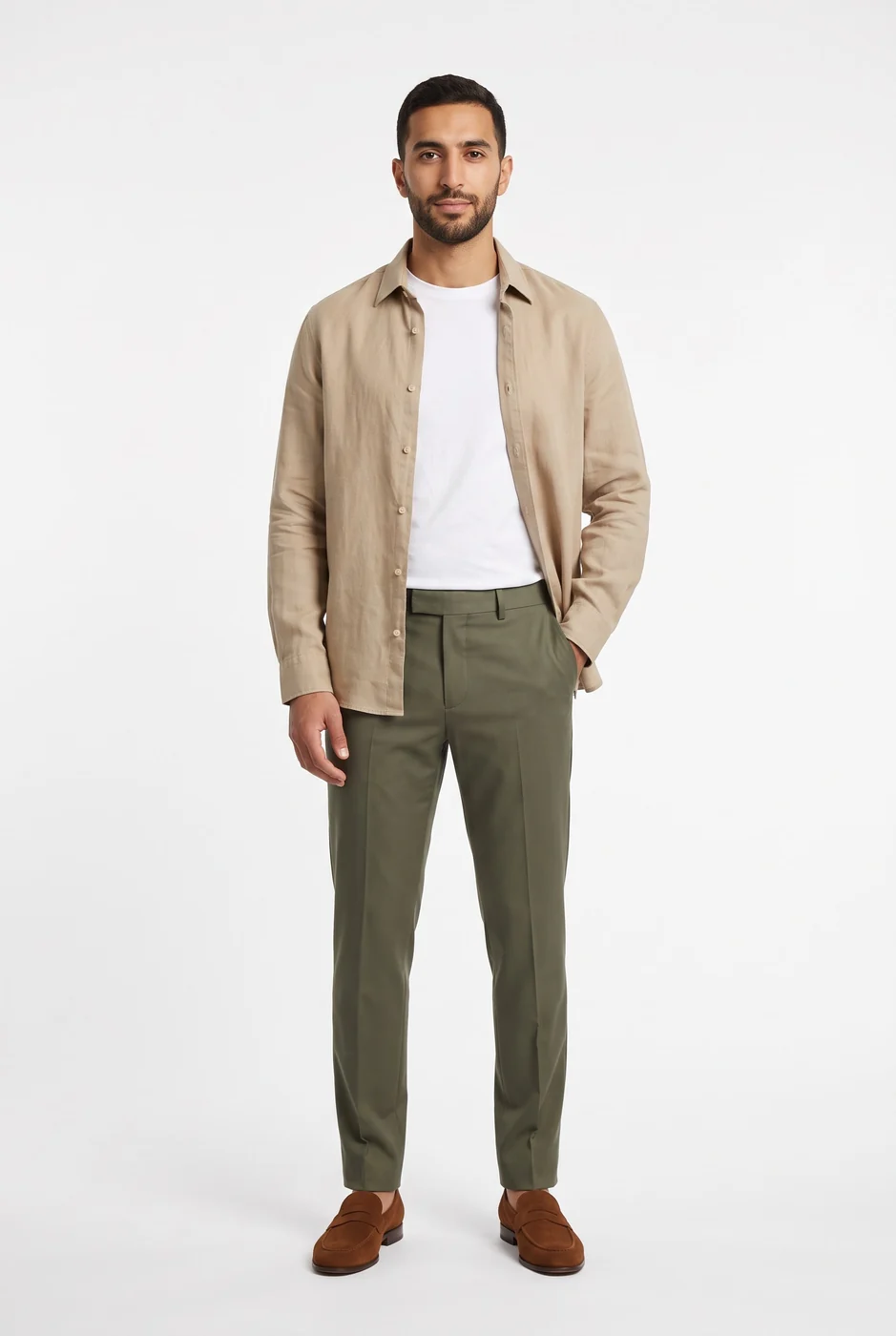
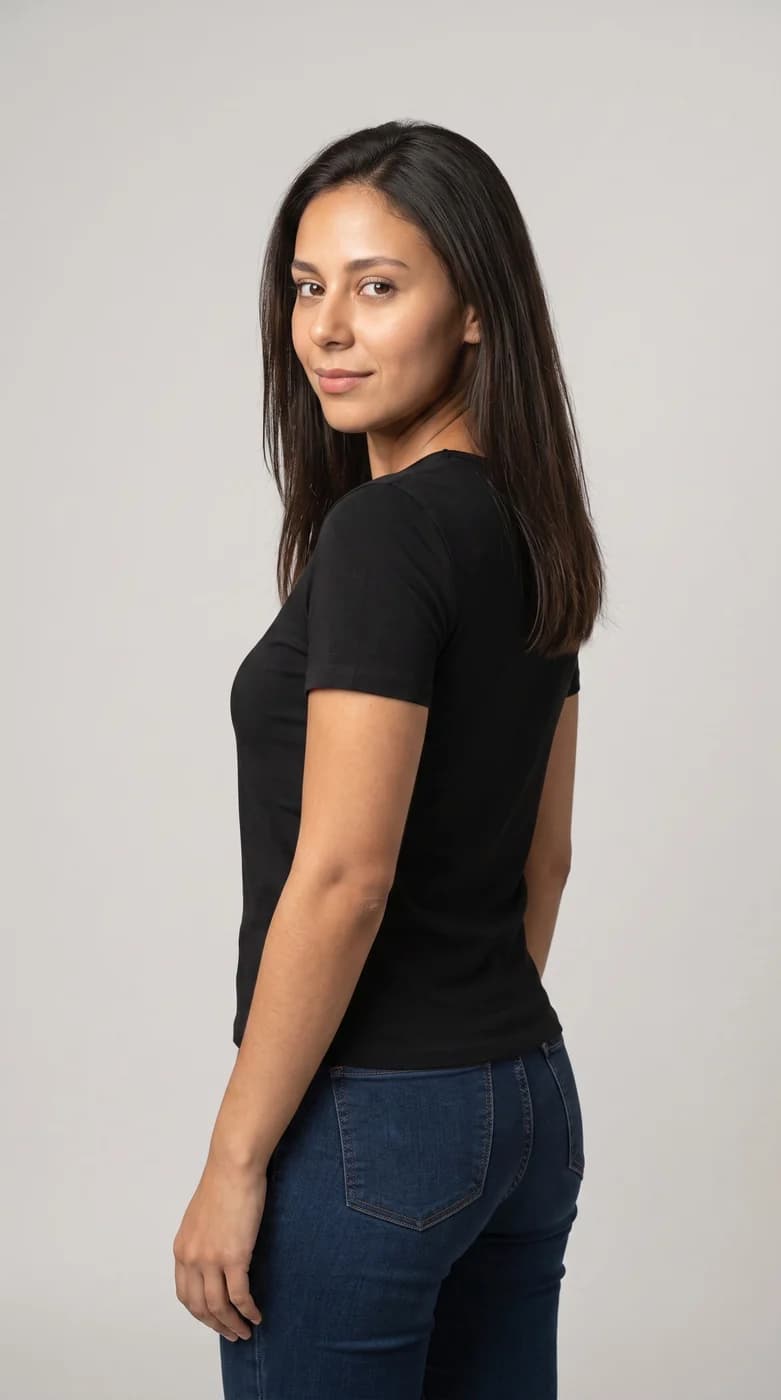
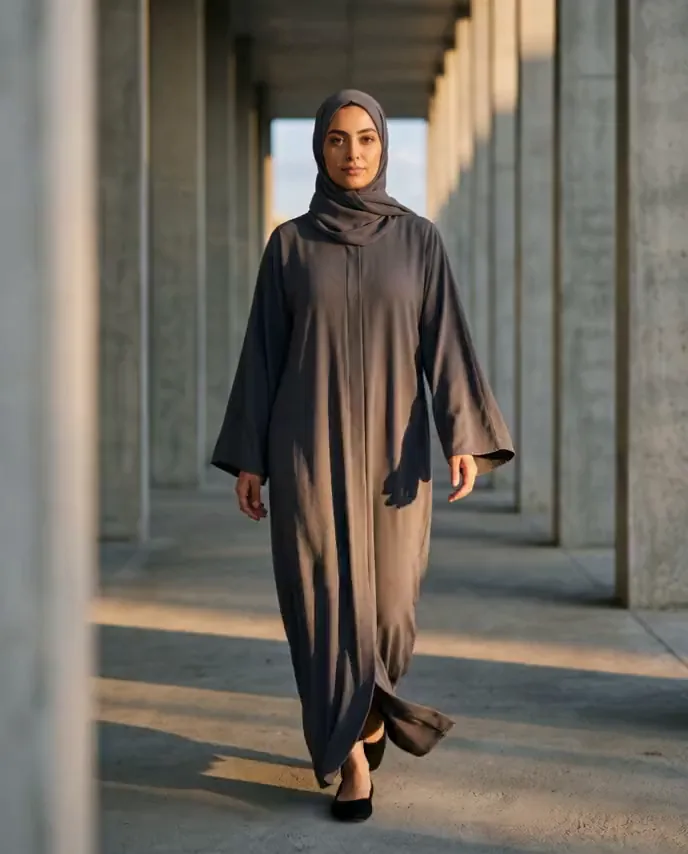
The model you pick keeps the same face and the same features across every piece, and the product you upload keeps its shape, its colour and its label wherever you put it. Your shop looks like one shoot, not forty separate ones.
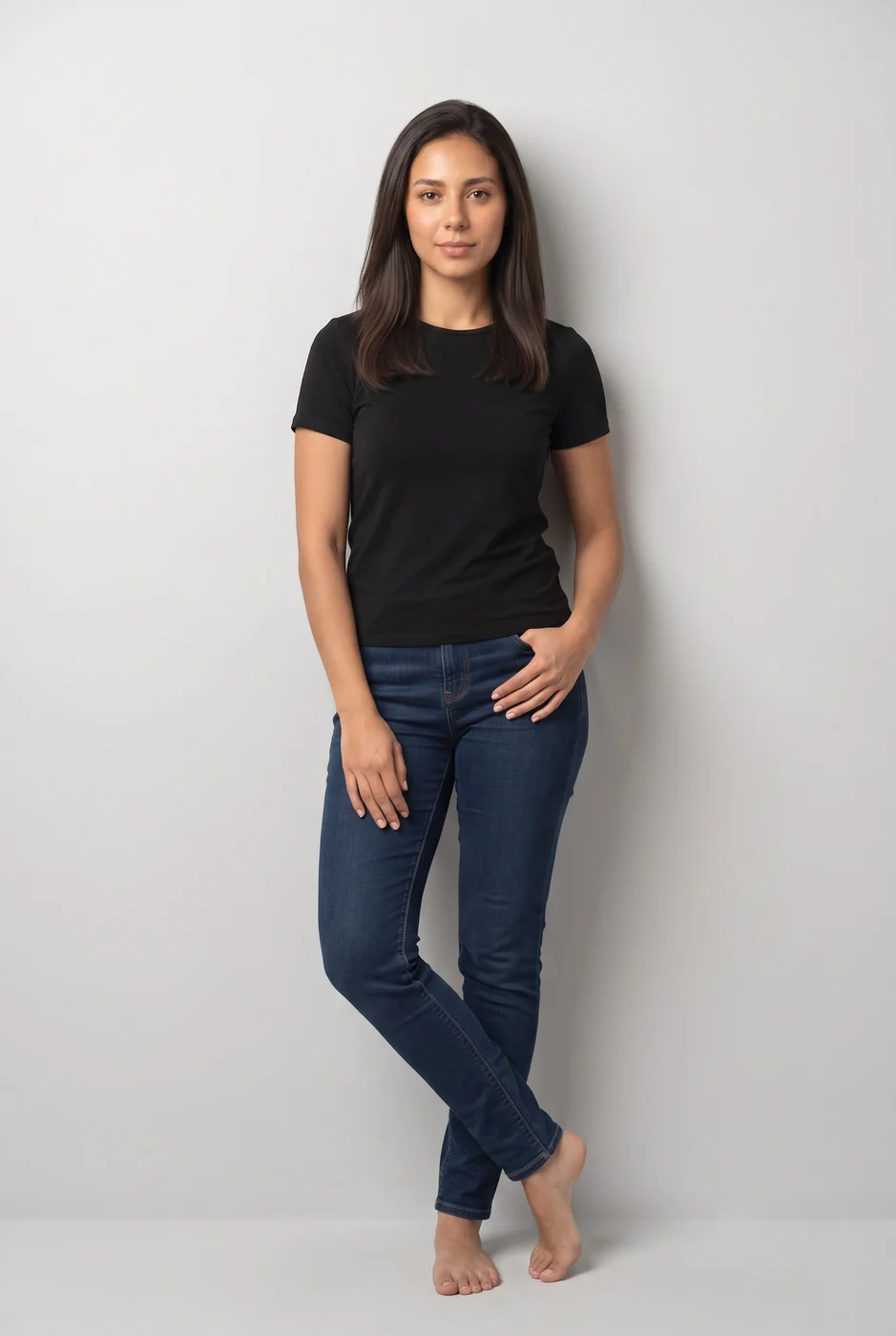
Standing
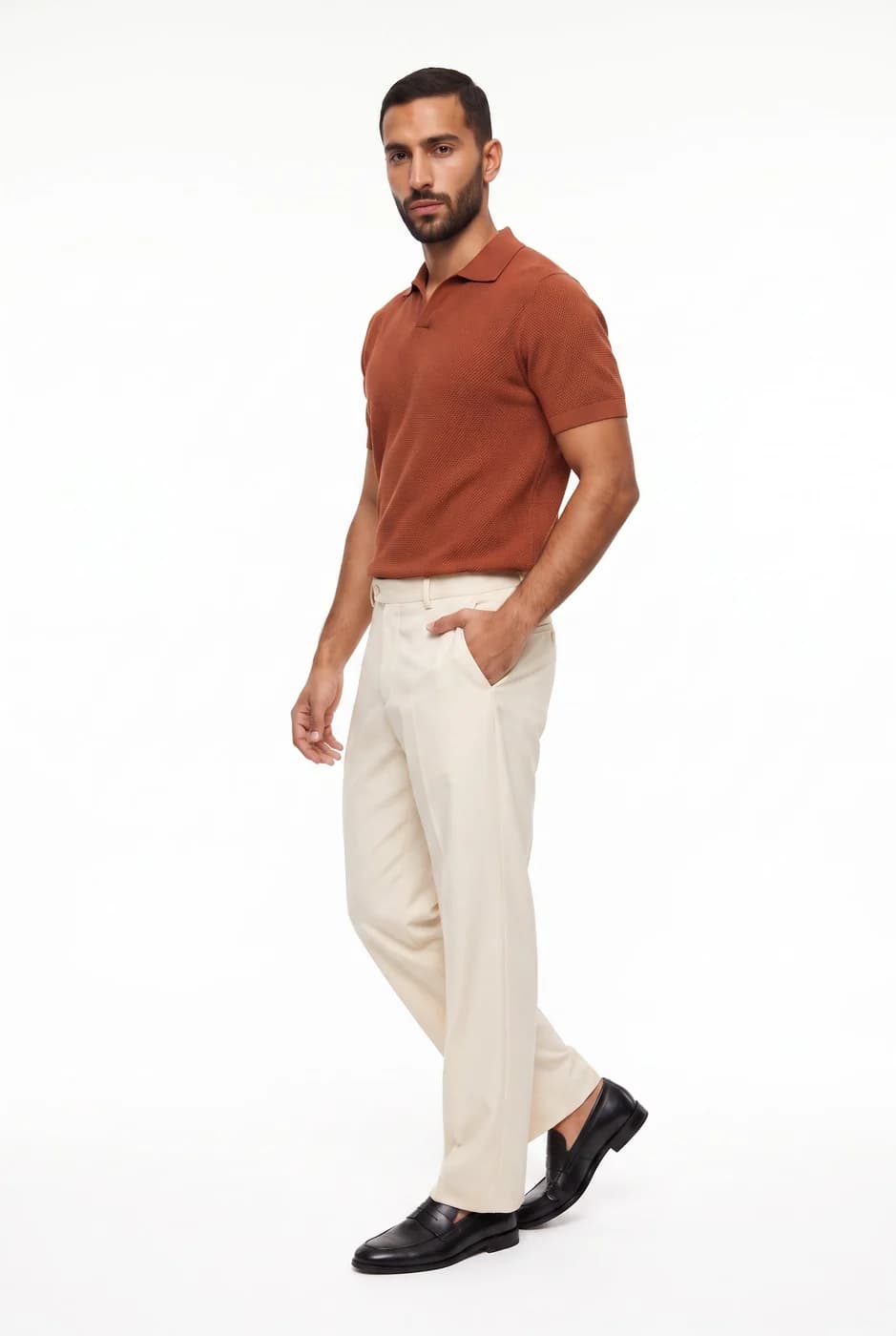
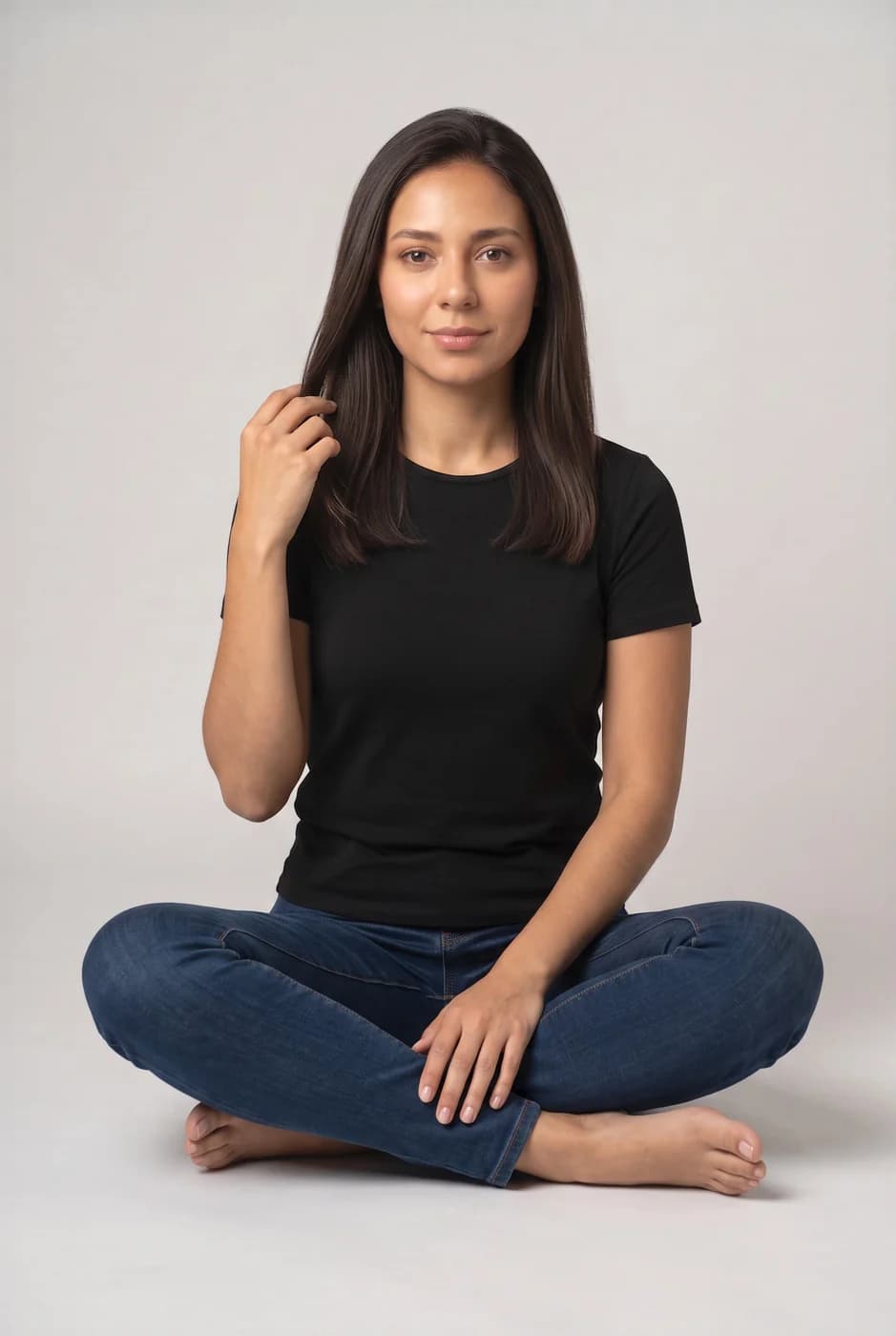
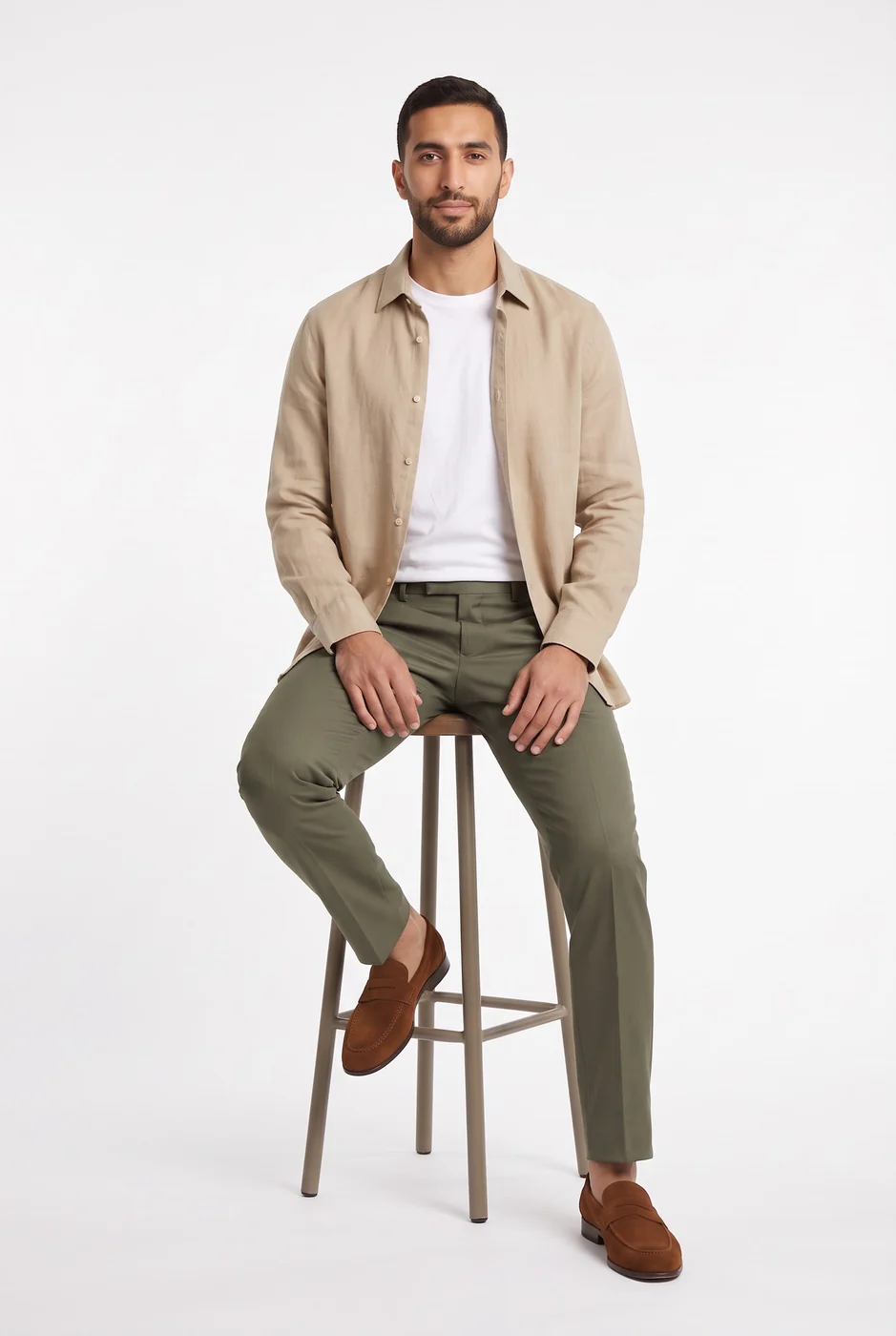
Turned at an angle
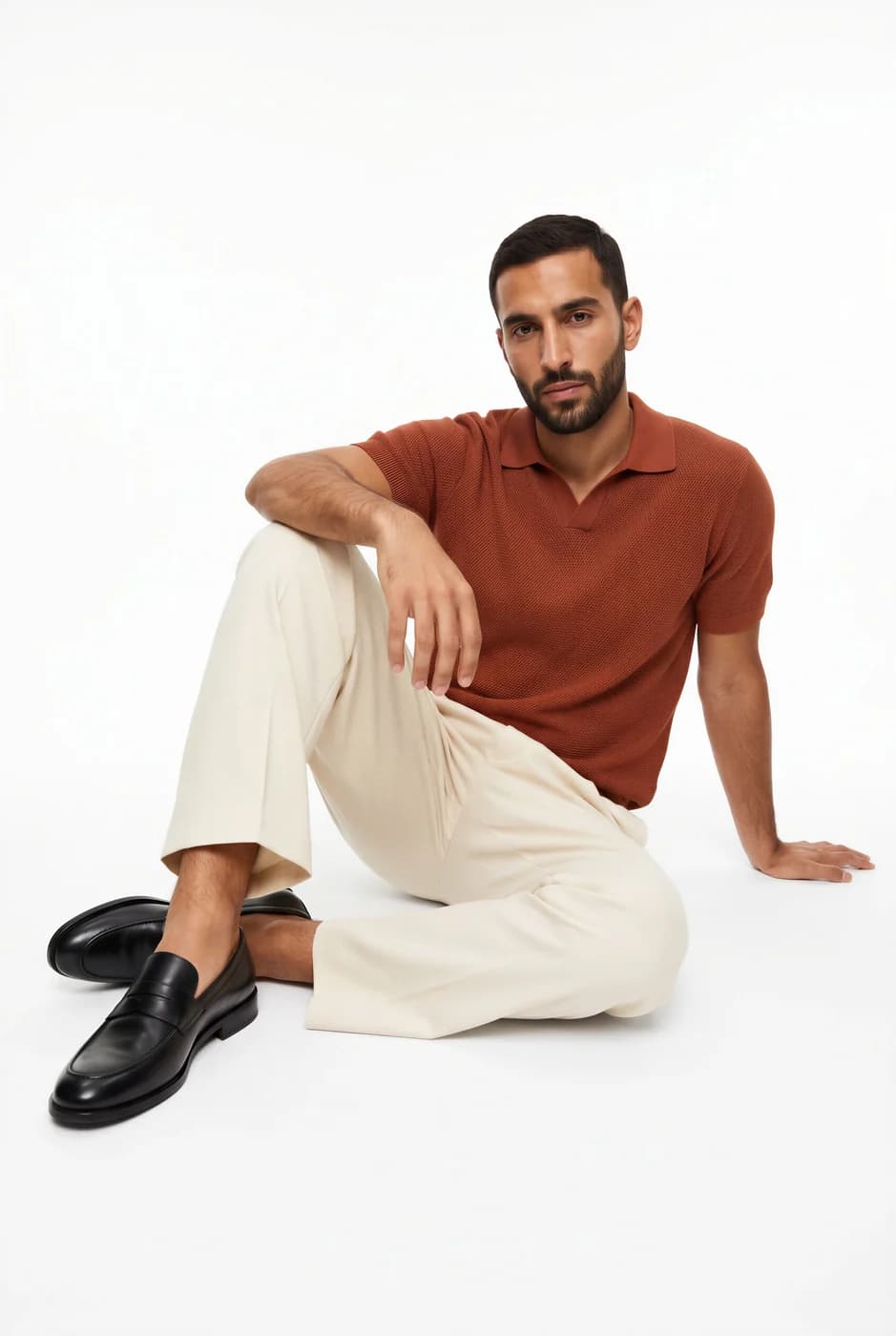
Seated on the floor
One photo becomes a video for Reels
One clip takes a photographer, a video editor and a full shooting day. Here you upload a photo you already have — a piece on a model, or a product — and it moves in a short clip ready for Instagram and TikTok, where your audience decides to buy.
Original photo 
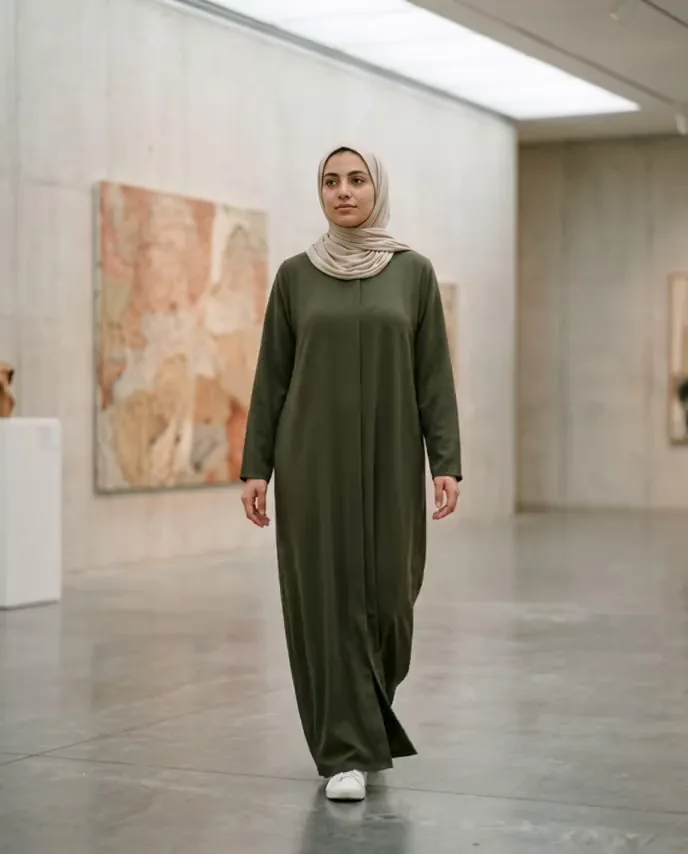
Original photo 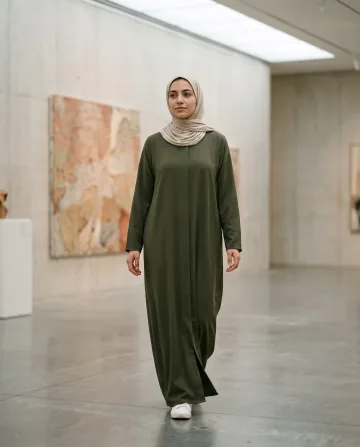
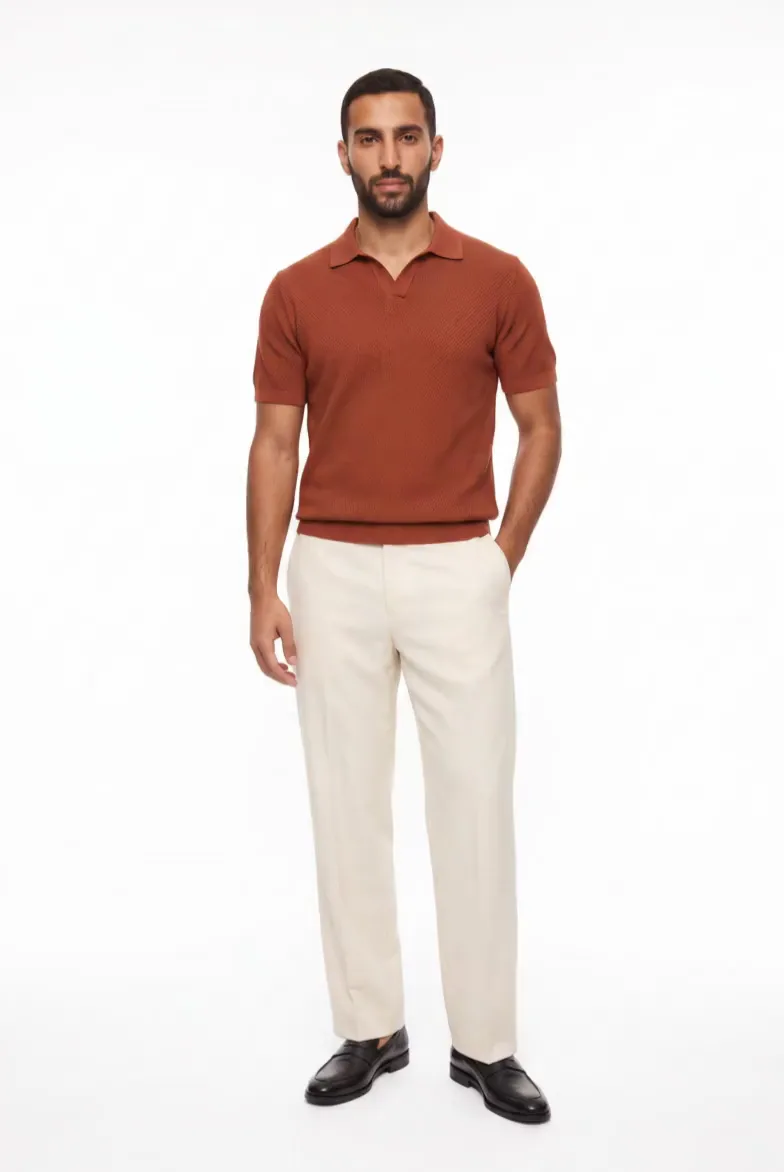
Original photo 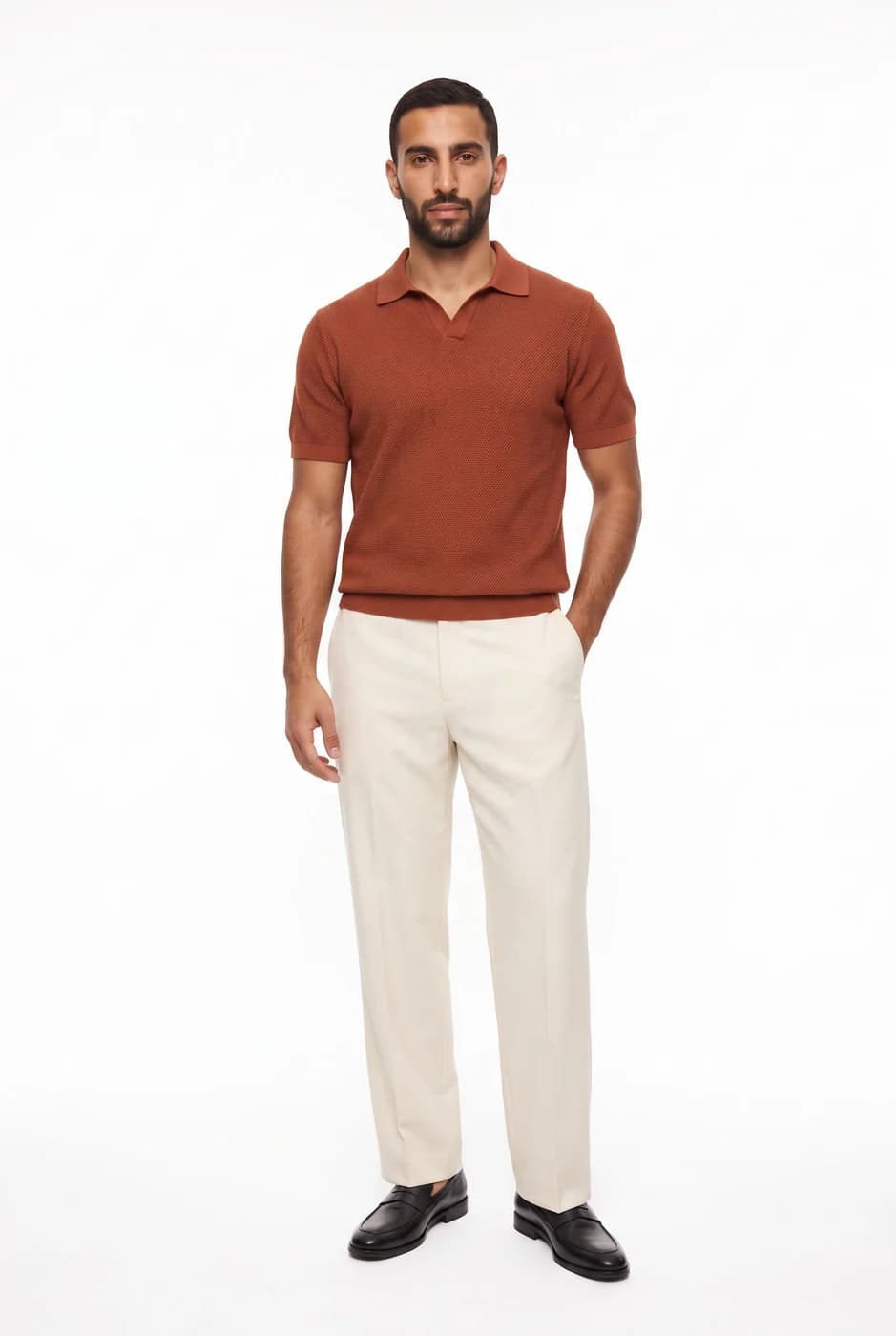
Zoom in on any detail
Photographs that survive a close look: the face, the weave of the cloth, the facets of a stone and the light, as clear as a real shoot.

 Natural features
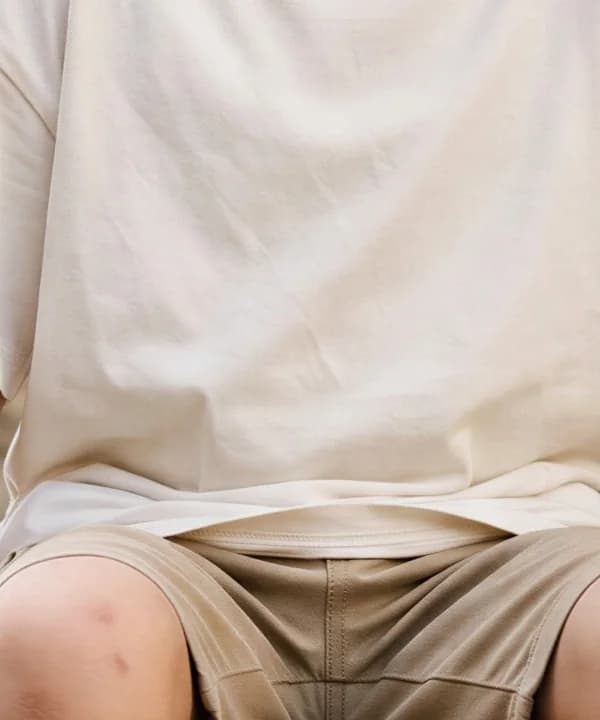 Cotton texture
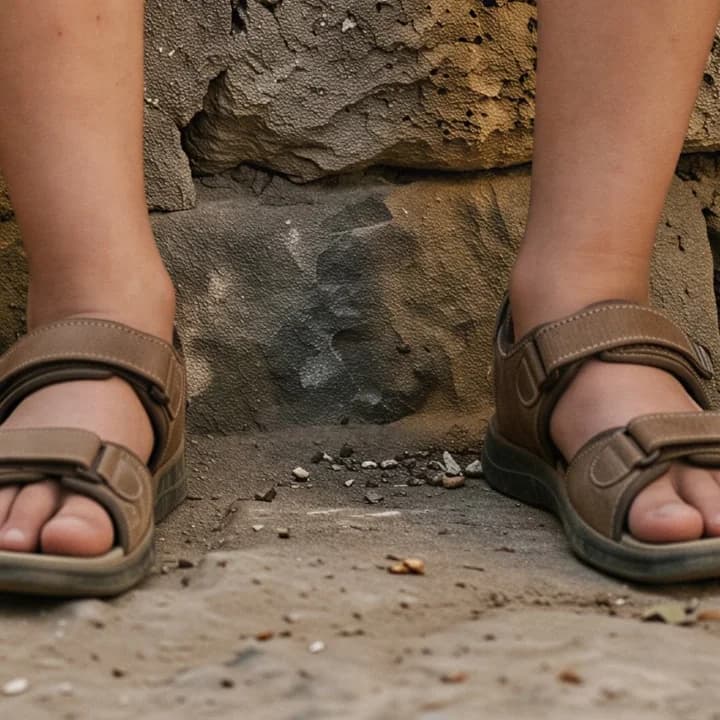 Sandals and shadow
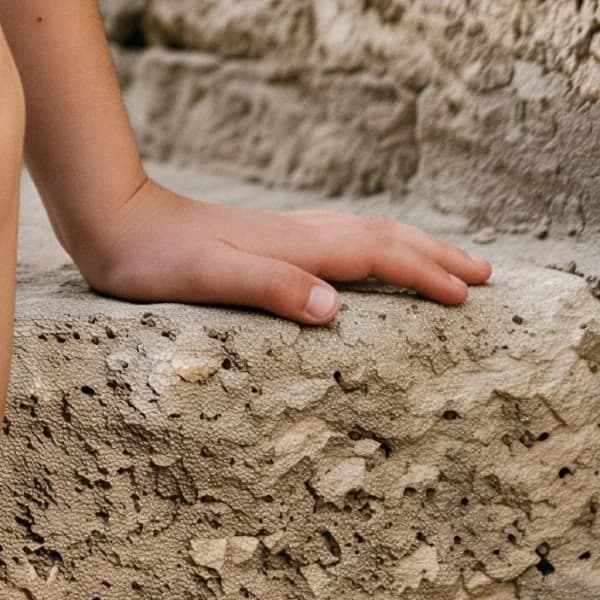 Hand on stone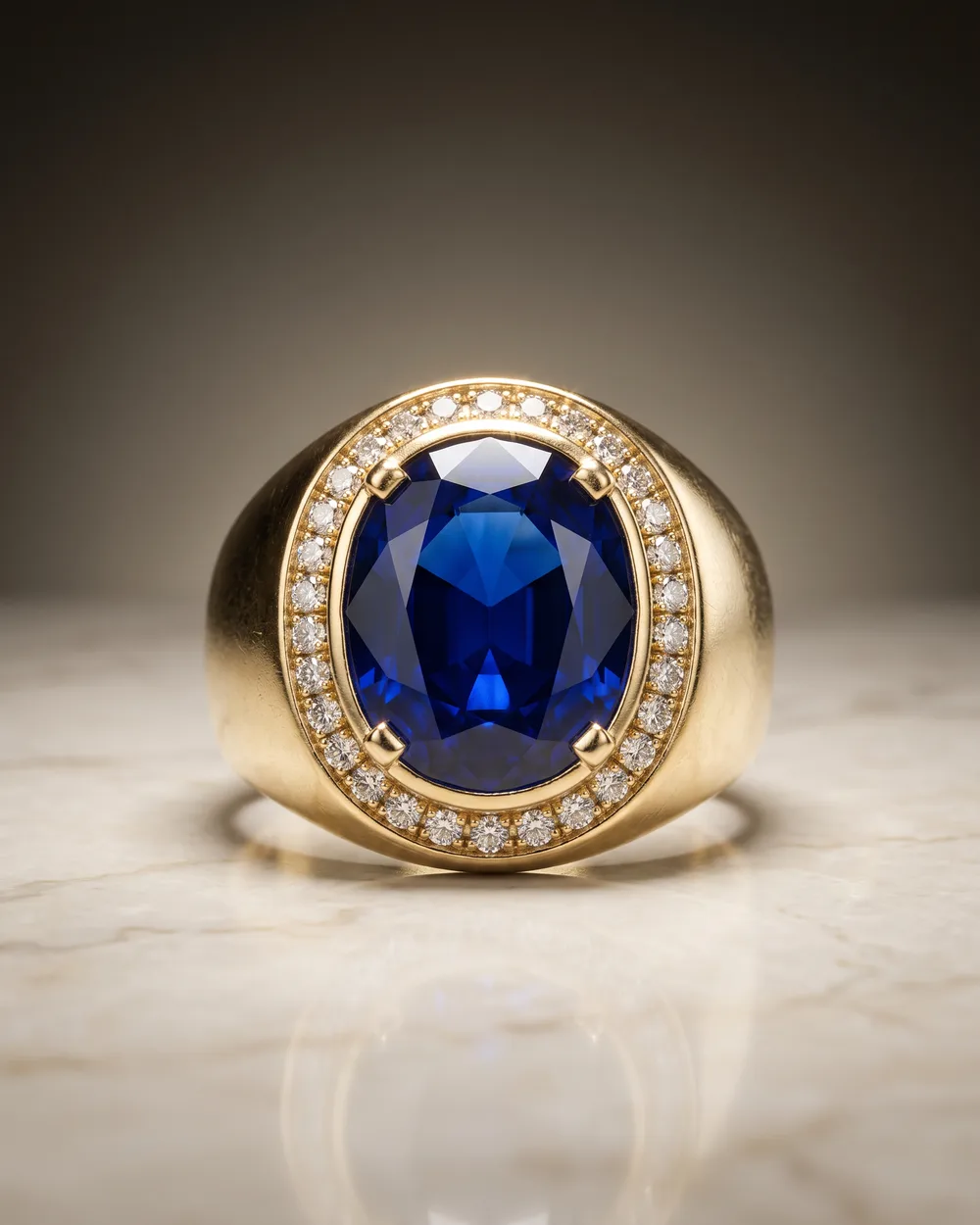
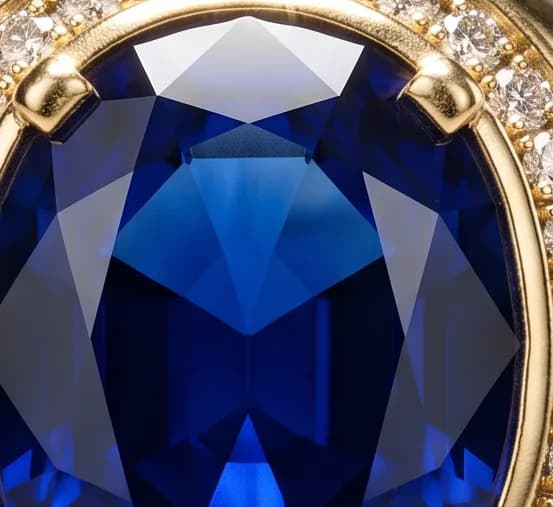 The facets
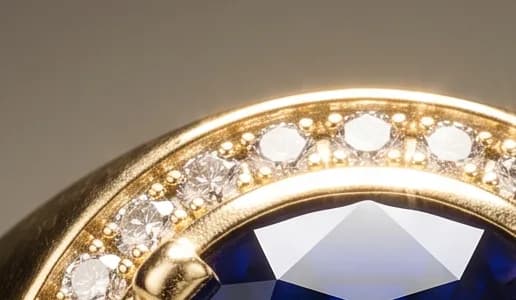 The pavé stones
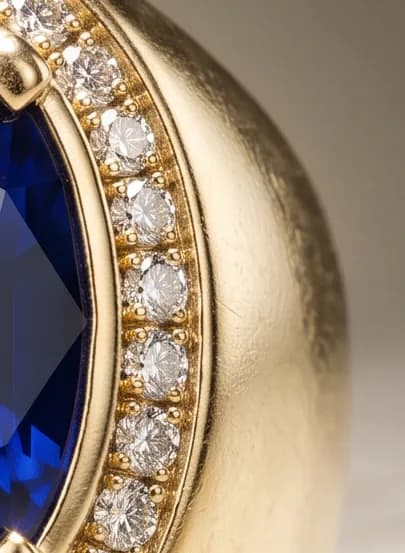 The brushed gold
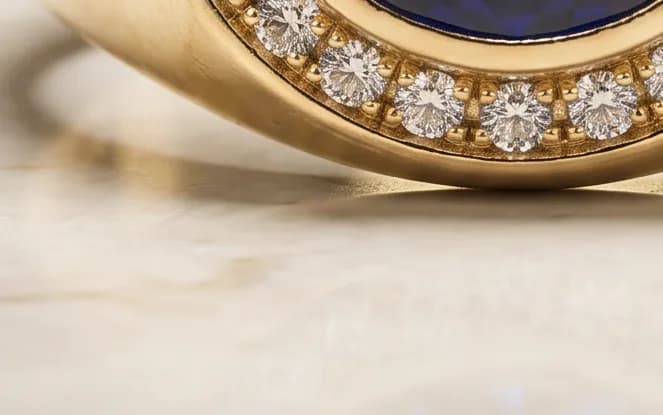 Marble and reflection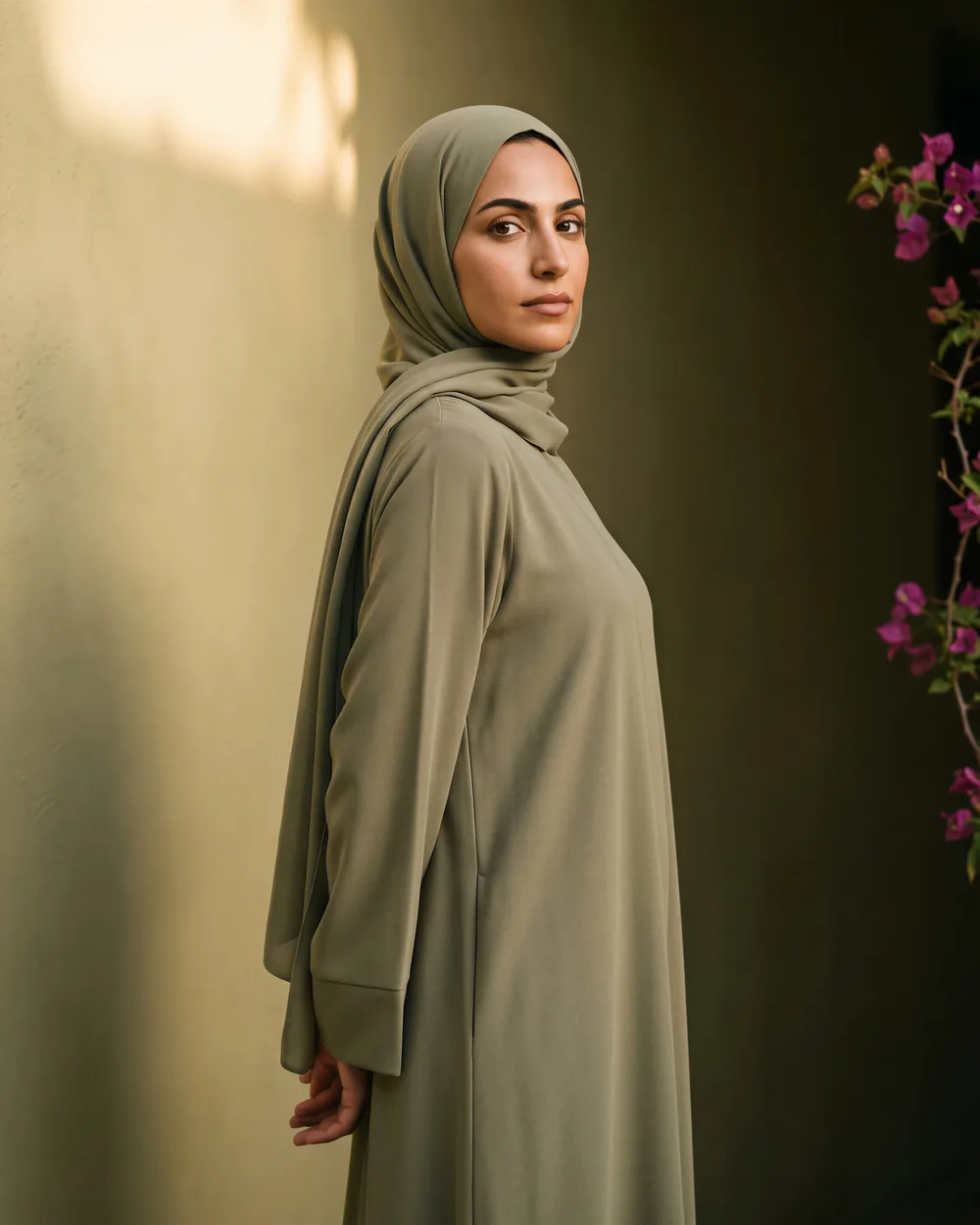
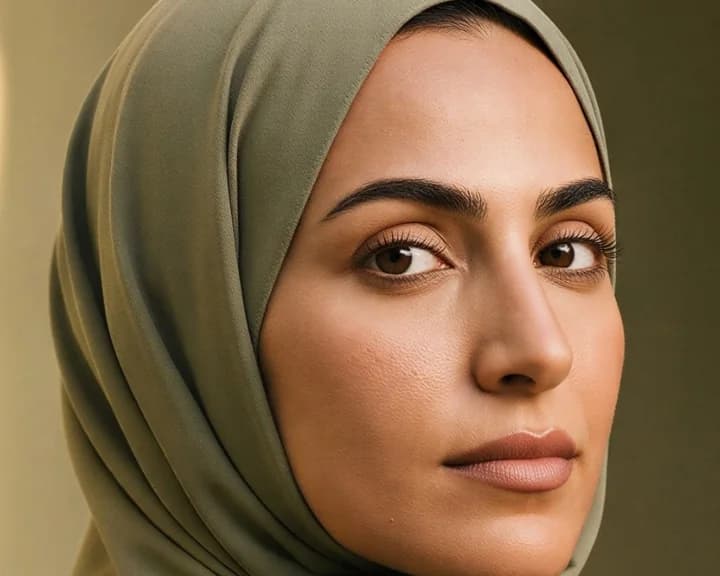 Features and light
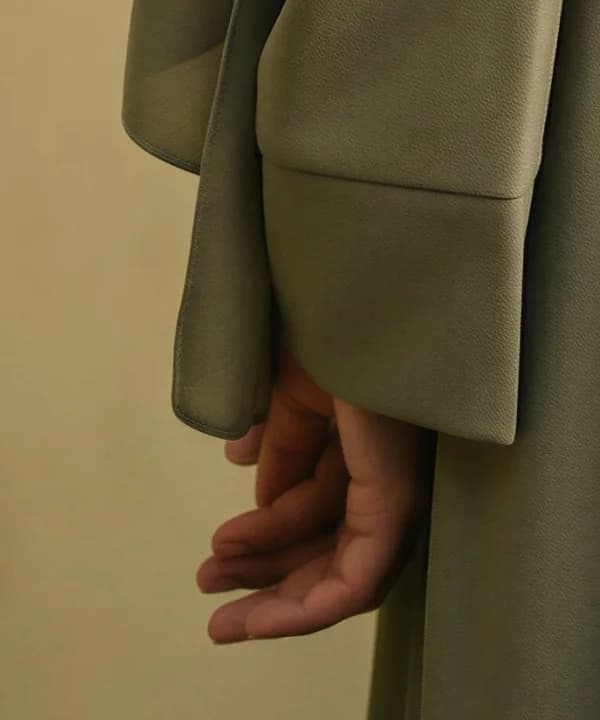 Sleeve and hand
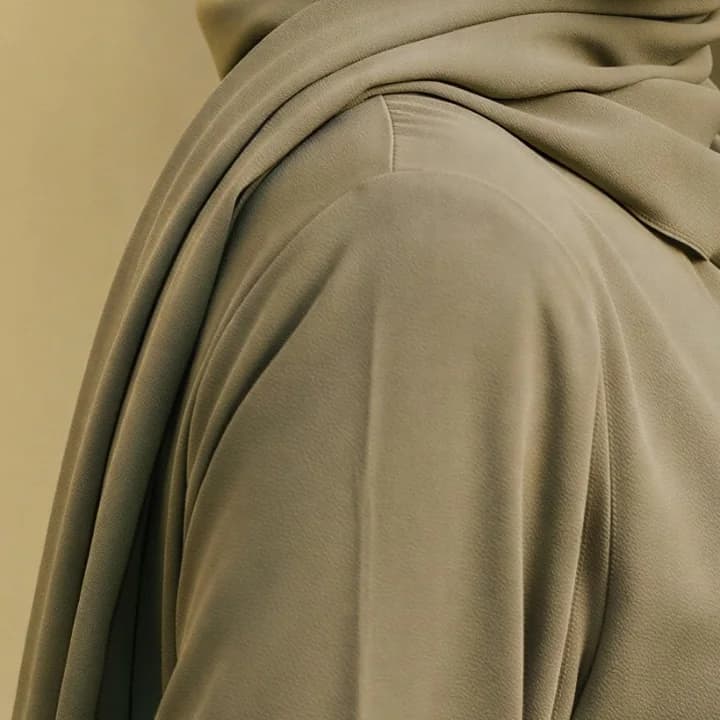 How the fabric falls
 Depth behind her
The tools
Tools covering the whole life of an image
Every example below is a real output from the platform: the picture that went in, and the picture that came out.
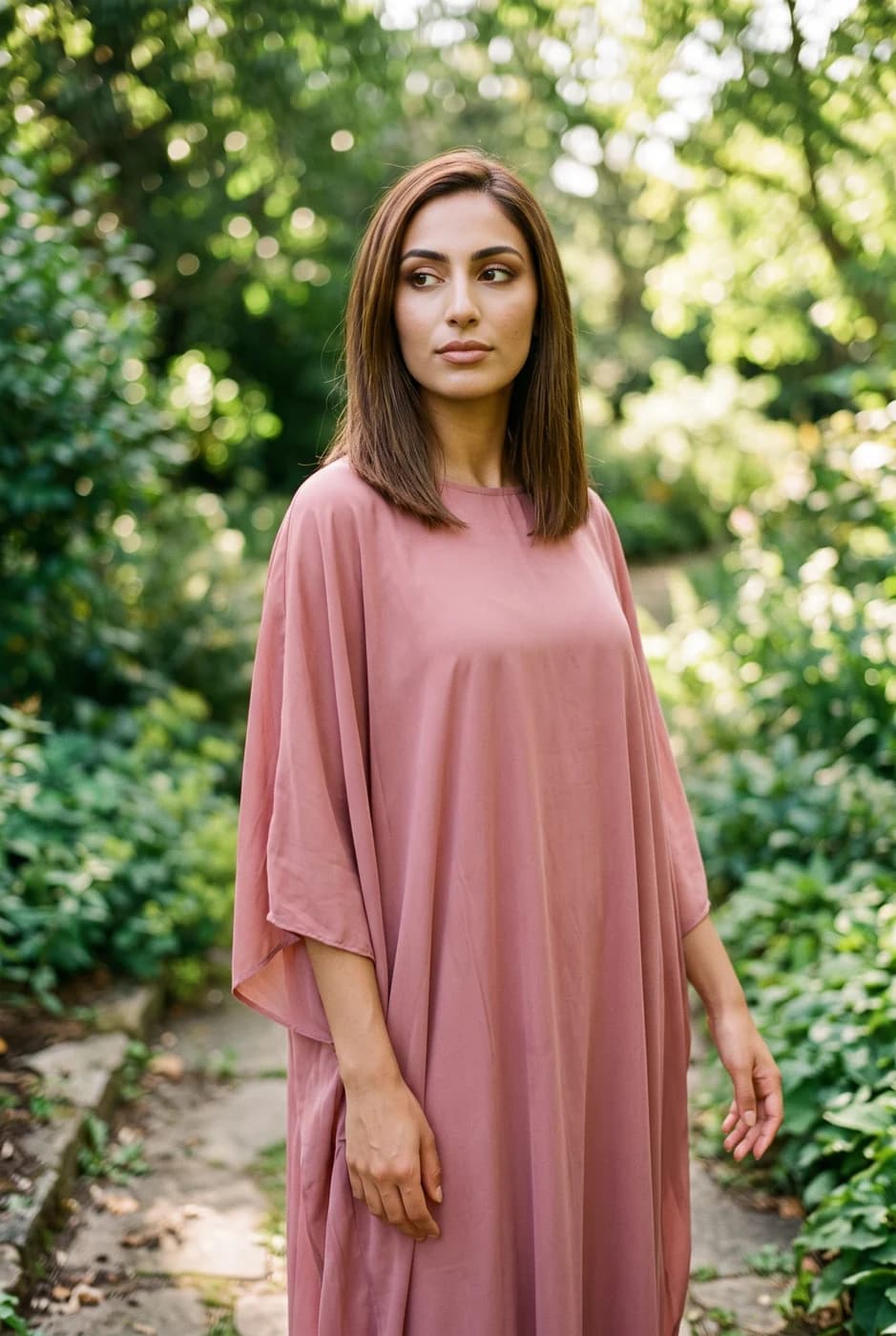
Dress a model from a ready photo, from our library or your own, and the person stays as in their photo, hijab and hair included. A written note changes the place and pose. Takes clothing, bags and shoes.
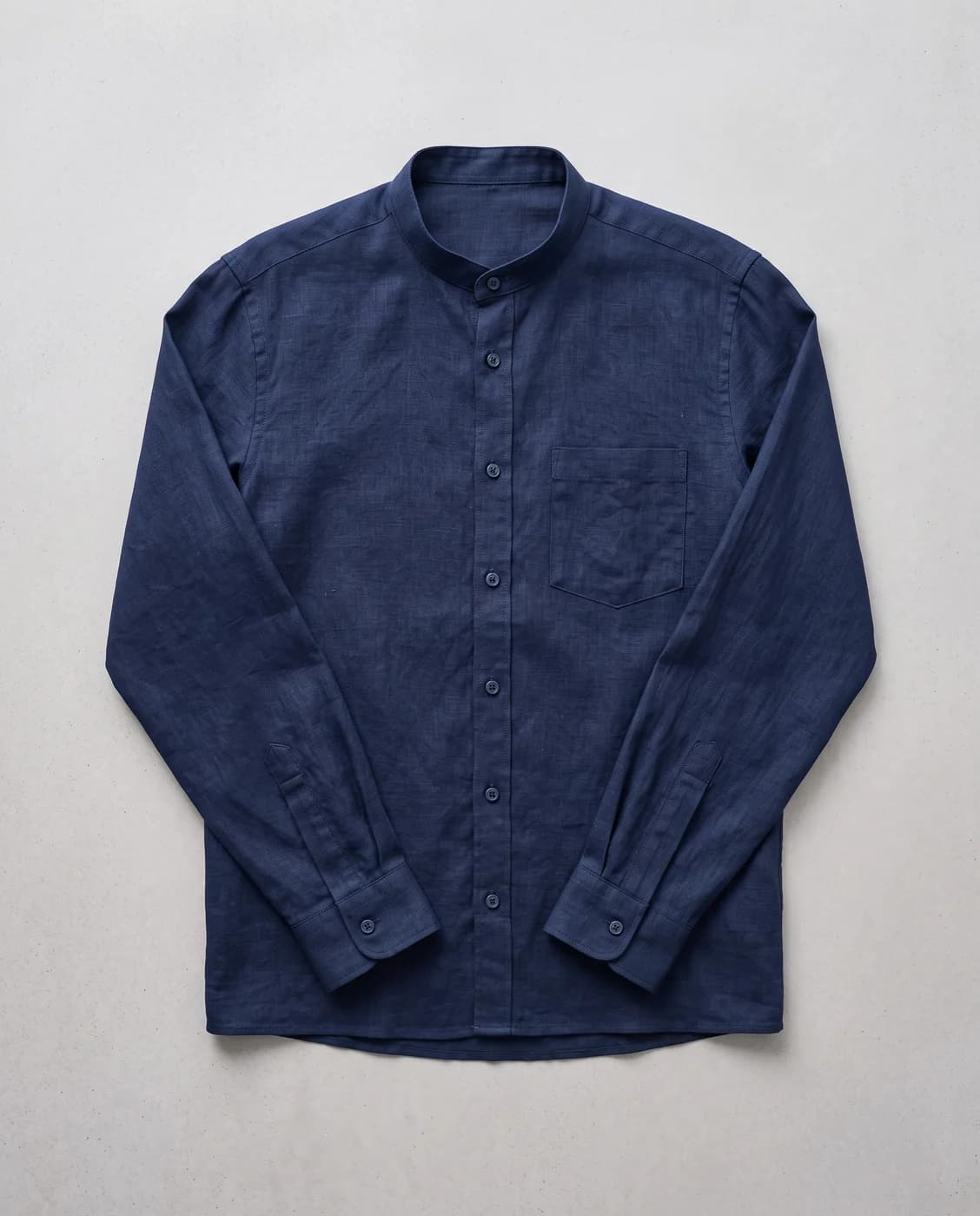

Upload only your garment and get a full shoot: a model, a place and a pose, new in every photo. To repeat the same face across your photos, lock the face.
a Gulf man with a trimmed beard
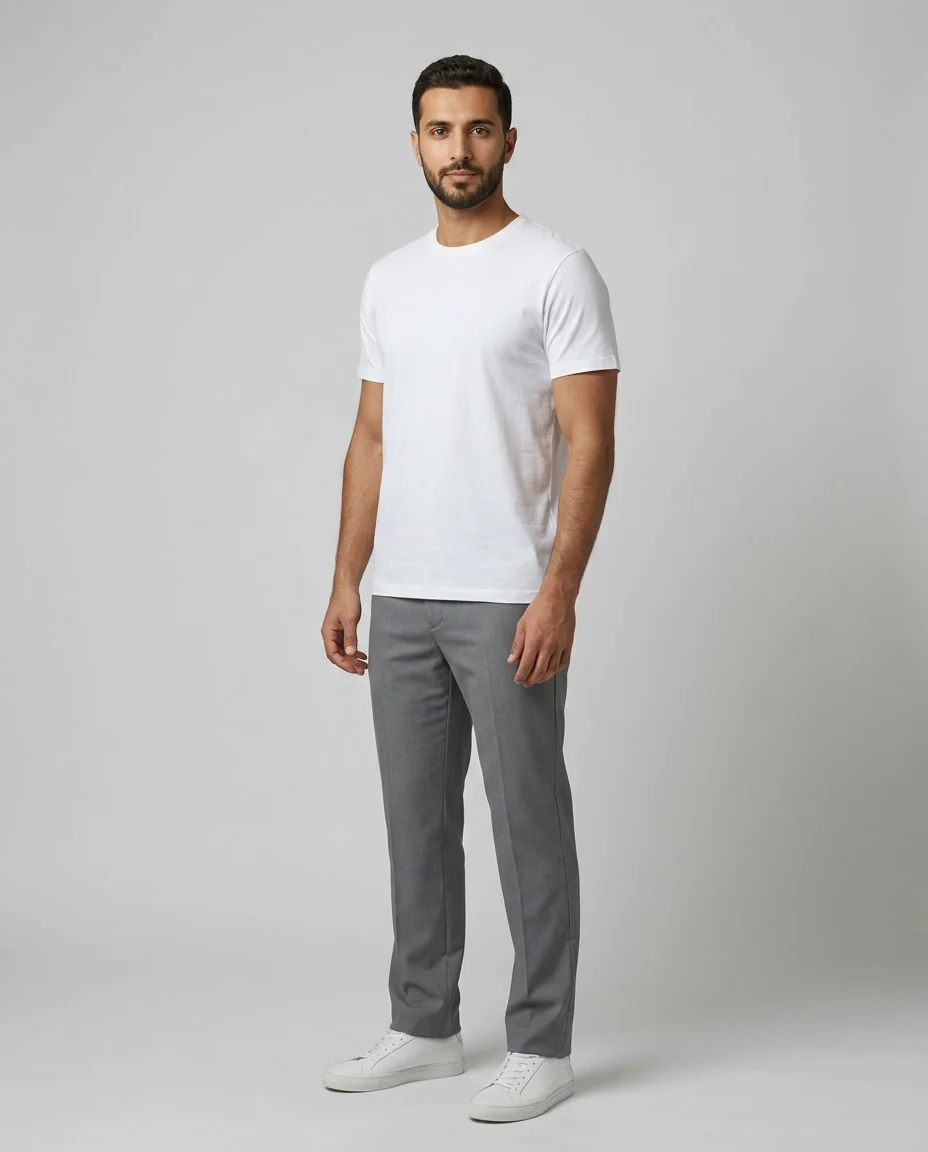
When the model library does not have who you want: describe them in your own words, and the result becomes a model you can use in Virtual Try-On.
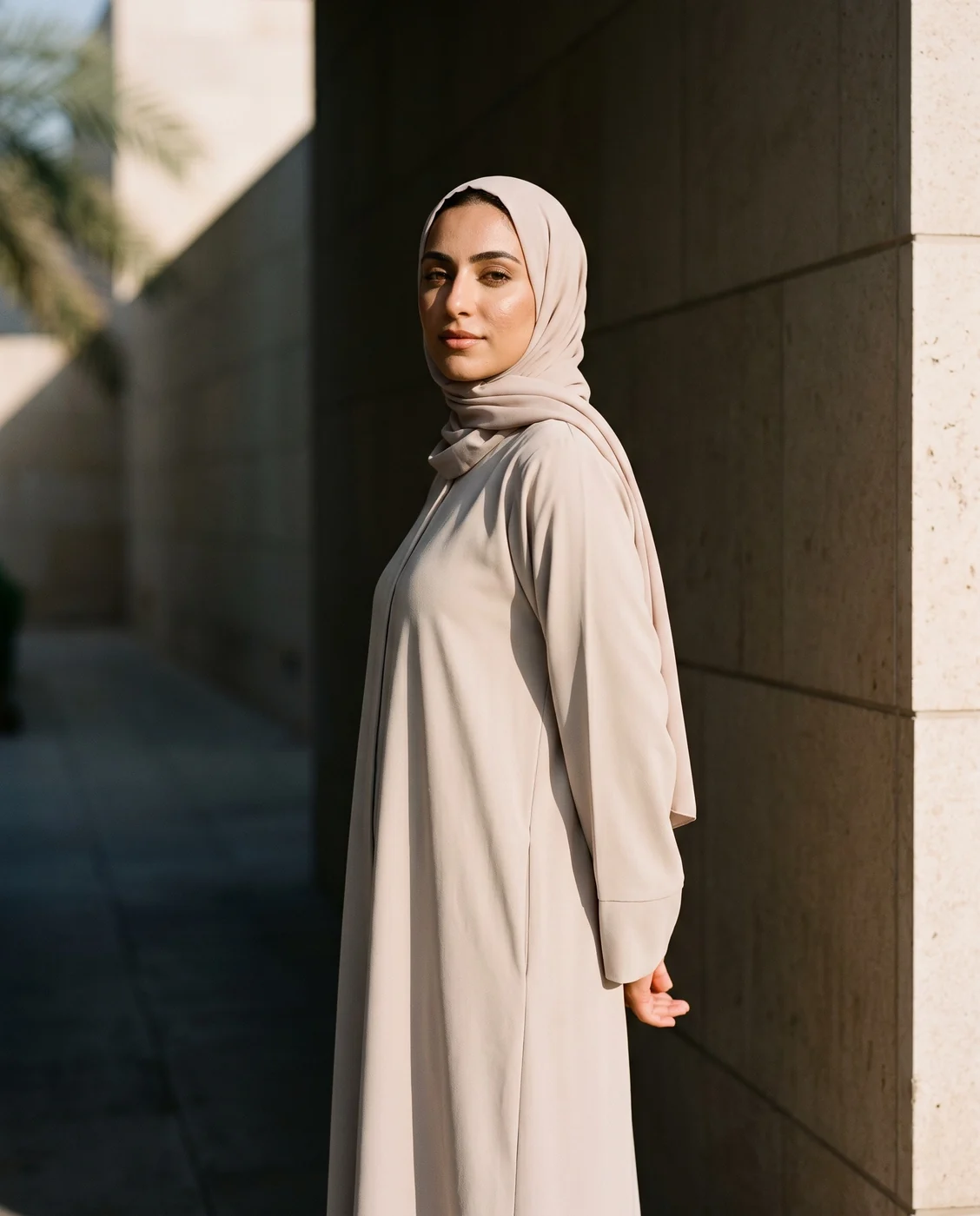
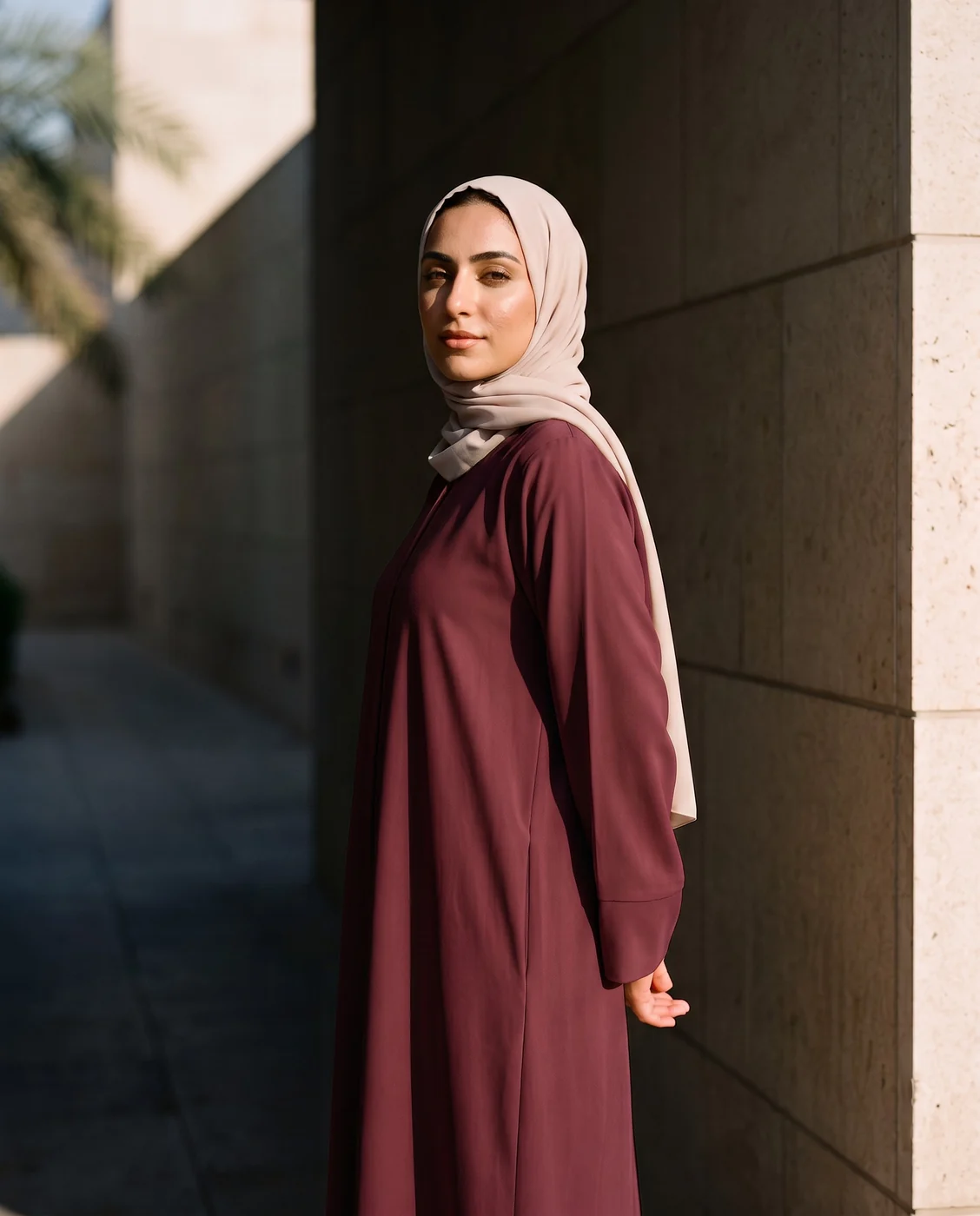
Change the colour, pose, background and more with a single instruction.
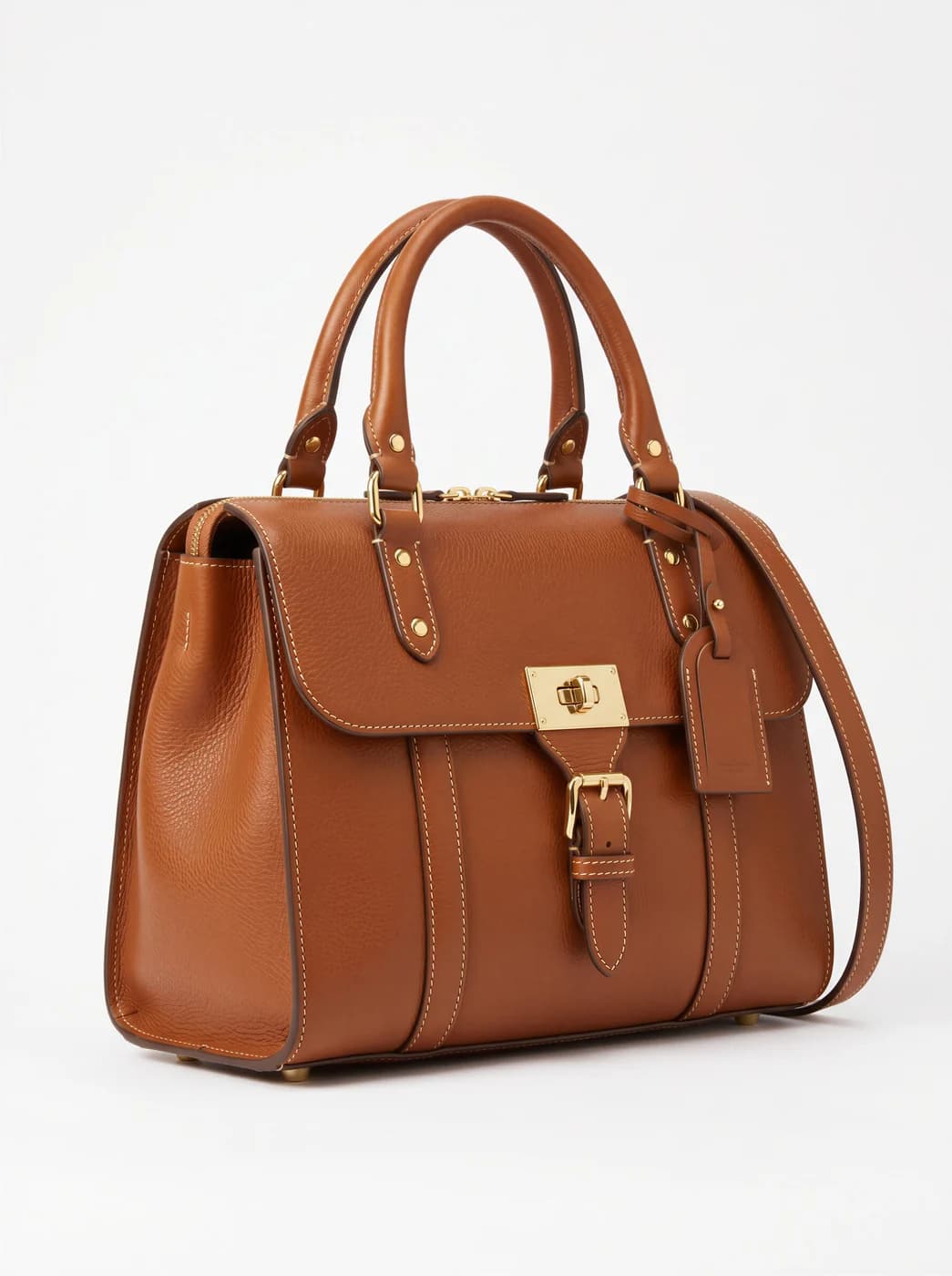
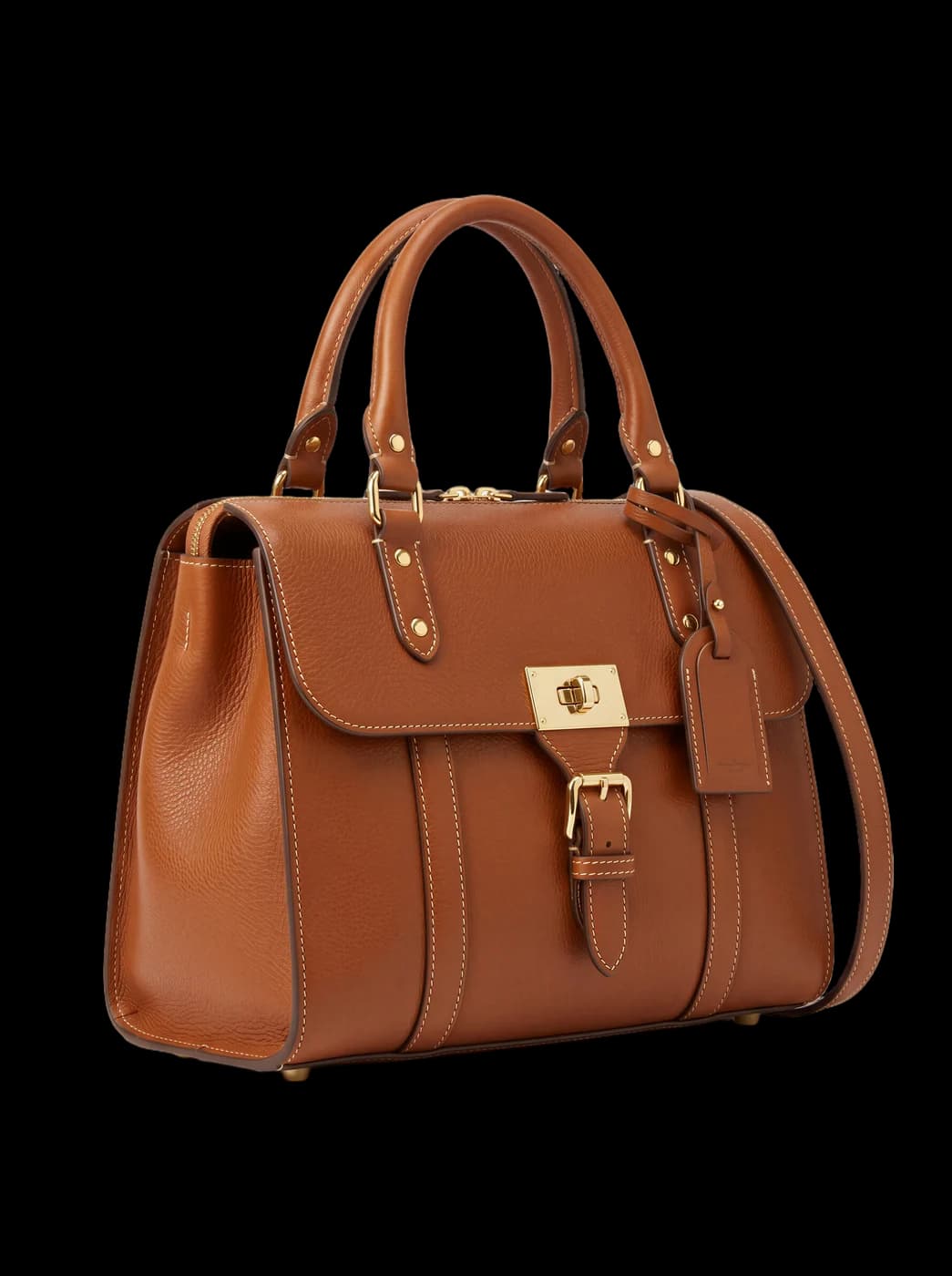
Isolate the product from its background and get a transparent cut-out.
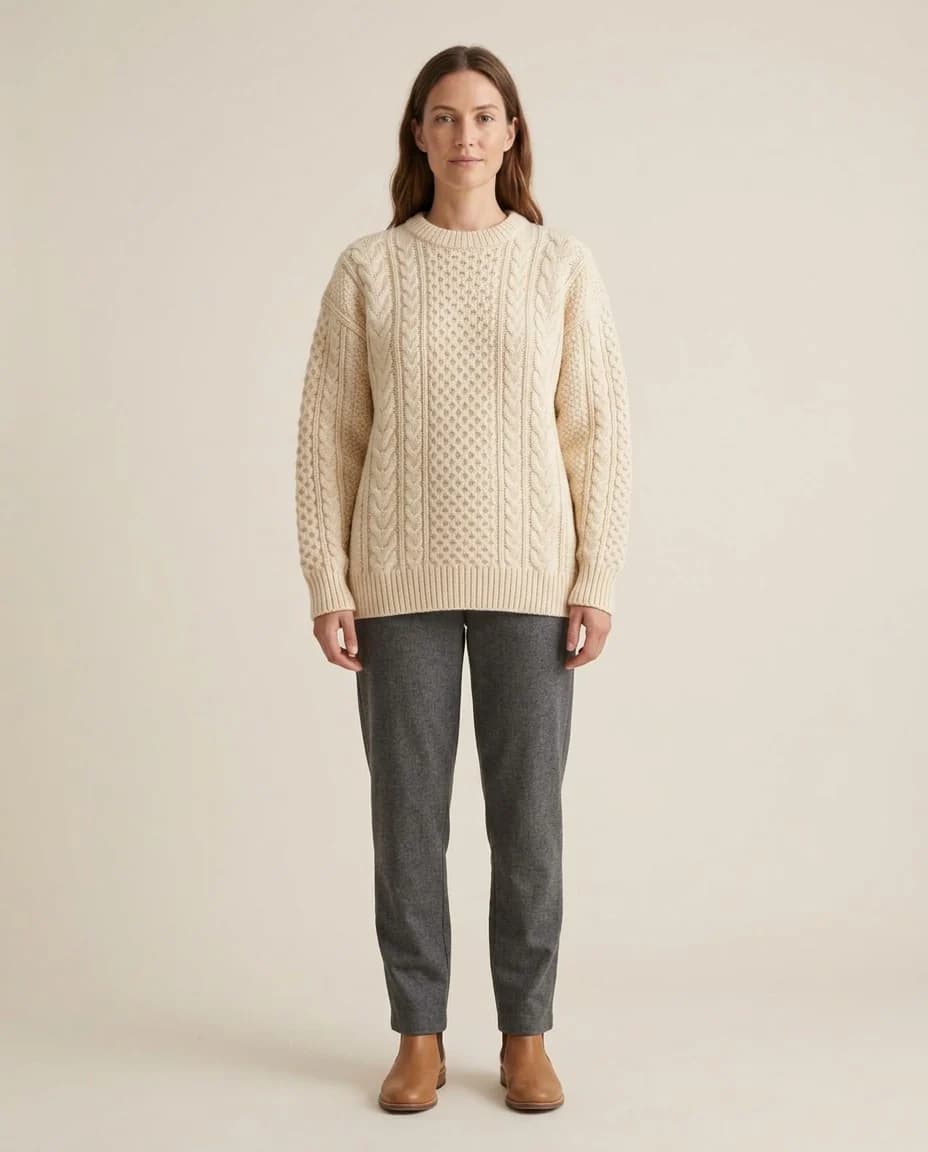
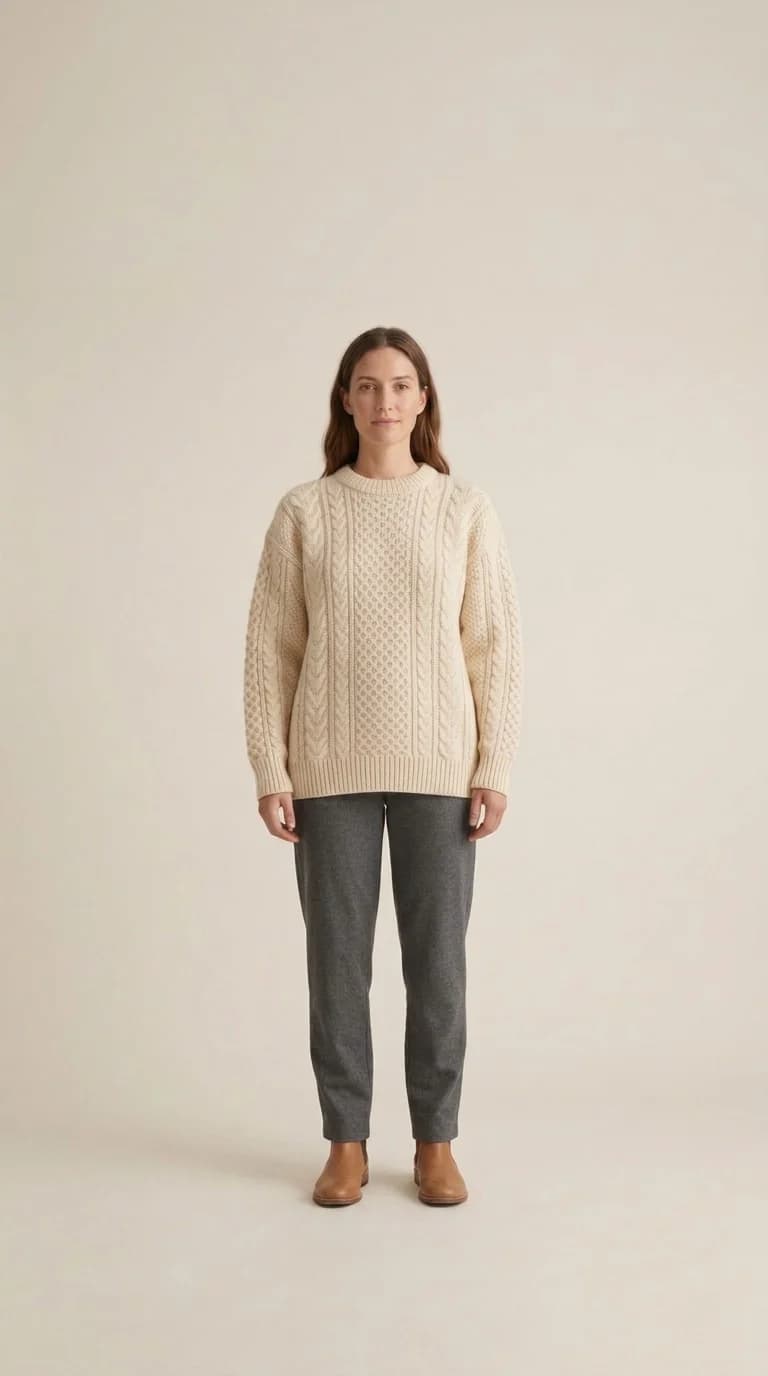
Convert a finished image to another aspect ratio — it expands or crops the scene intelligently, keeping the product intact.
Turn a finished photo into a short clip. Made for ads and stories, with an optional note to steer the motion.
Upload your product and describe the setting you want: an advertising photograph with no people in it.
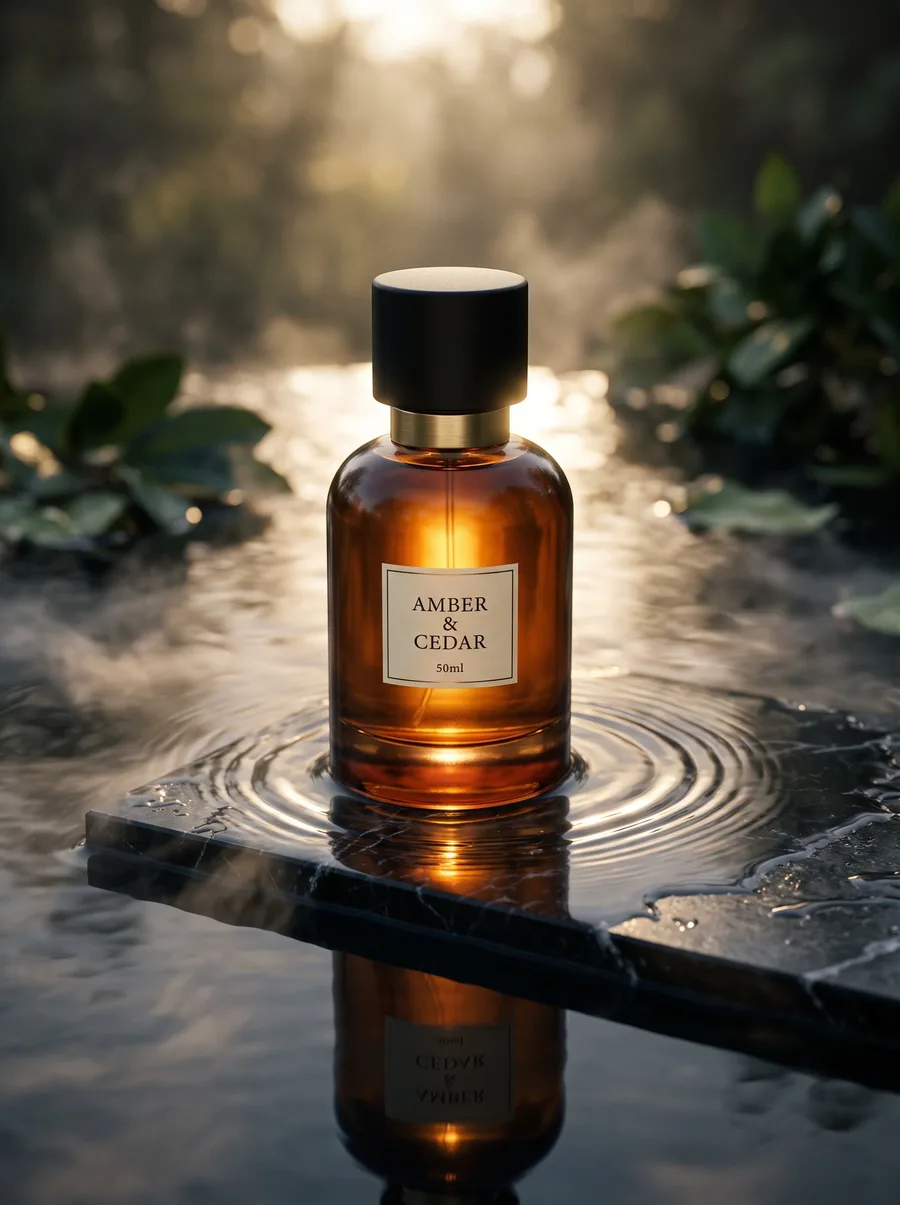
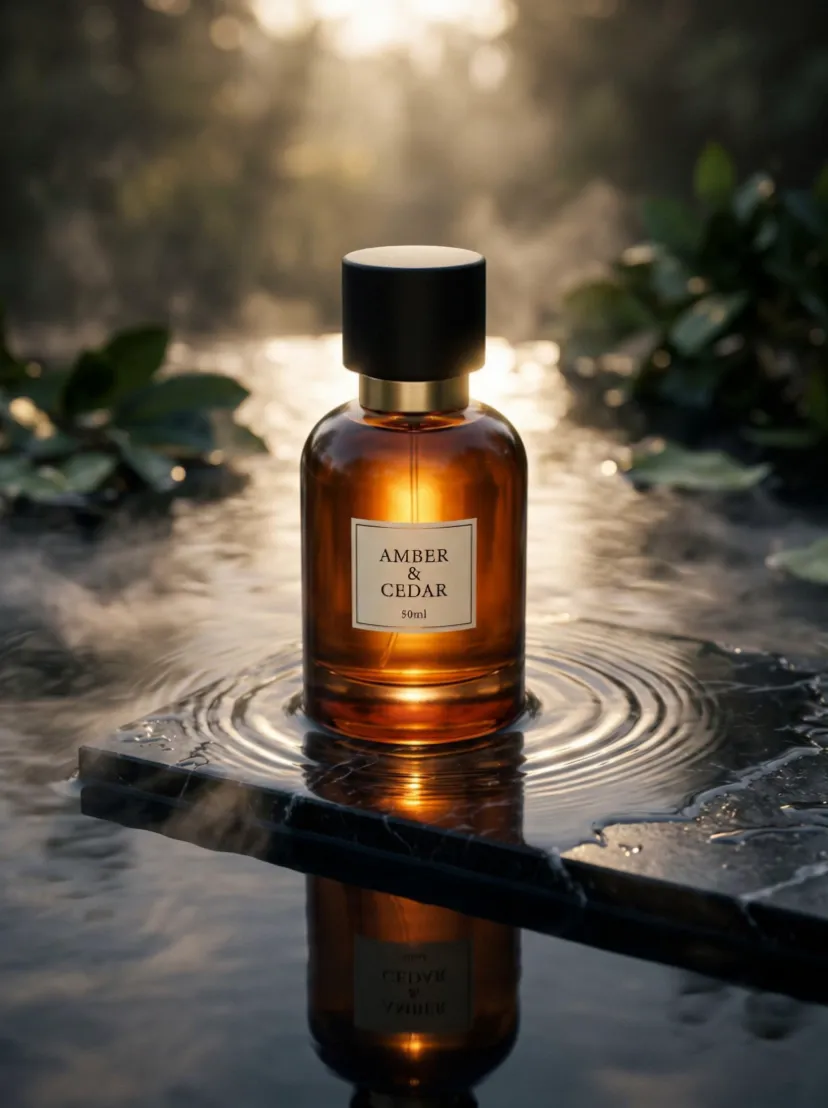
Upload your product and get a short clip where the light and the camera move around it, with no people.
A traditional shoot drains your budget and your calendar
Costs repeat with every collection
A photographer, a model or a product shooter, a studio and a producer — for every new collection and every new product.
Weeks between shooting and publishing
Book a date, shoot, then wait on retouching and delivery. Your product sits on the shelf.
Too few images for too many channels
Your store needs one crop, Instagram another, ads a third — all from one limited shoot.
10x
Faster
99.3%
Lower cost
+7.6%
More sales
+50%
More clicks
Questions you might have
What is Fotisma?
A platform that produces professional product photography for your brand — clothes on models, and products in full scenes — from a single photo.
Is the platform only for clothes?
No. The fashion studio photographs clothes on models; the product studio photographs perfume, jewellery, skincare and the rest in a scene you describe, with no people in the frame. Both studios live in one account on one balance.
Do I need photography or design experience?
No. Upload your product photo, pick a style, and the platform handles the rest.
What photo do I need to upload?
One clear photo of your piece or your product, well lit and on a plain background — even on a simple white floor.
Does the same model appear in every photo?
Yes — pick a model from the library, or describe one yourself, and the same face and features appear in every piece you shoot.
How long does each image take?
Usually one to three minutes, depending on the tool. You can leave the page — the result will be waiting in your Gallery.
How is the cost of each image calculated?
Every image deducts a clear credit amount you see before you generate. A failed attempt costs nothing, and whatever was held for it is returned.
Do credits expire?
No, credits do not expire. Once bought they stay in your account and are there whenever you need them, with no monthly subscription and no deadline.
Can I get different sizes?
Yes — square for social media, story format, or a product-page shape, at resolutions up to 4K.
Is my product data and photos private?
Yes. Your images live in a workspace of your own, no other user sees them, and we neither market nor sell them. The Fotisma team may look at them for support and quality only.
Have next week’s product photos ready this week
Start with a single shoot and compare the result to what you pay today.