Product photos for a Salla store
Your Salla store is live, the products are in, and the photographs are what is holding you up. You shoot the piece on a table with your phone and it sells for half what it should. This page is about turning that same photograph into an on-model shot, without booking a studio or waiting a fortnight.

What changes for you
- A consistent catalogue, not mixed photographs
- What weakens a Salla store is rarely one bad photograph. It is that the photographs disagree: daylight here, room light there, a mannequin on one and a flat lay on the next. Run them all through one tool and they come back sharing a light, a background and a ratio.
- A new piece goes live the day it arrives
- A traditional shoot waits until enough pieces have accumulated, so items sit in your dashboard with no photograph. Here you shoot a piece the hour it arrives, and nothing in your store is waiting on a camera.
- A cost you know before you spend it
- No mandatory subscription and no minimum order. You buy credits and use them when you like, and each image's cost is shown before it runs — so you can price your next collection on paper before you start.
The tools that serve you here
Not every tool — the ones that serve your case, in order of usefulness.
- Product PhotoshootUpload only your garment and get a full shoot: a model, a place and a pose, new in every photo. To repeat the same face across your photos, lock the face.
- Background RemovalIsolate the product from its background and get a transparent cut-out.
- Resize for Any ChannelConvert a finished image to another aspect ratio — it expands or crops the scene intelligently, keeping the product intact.
How to start
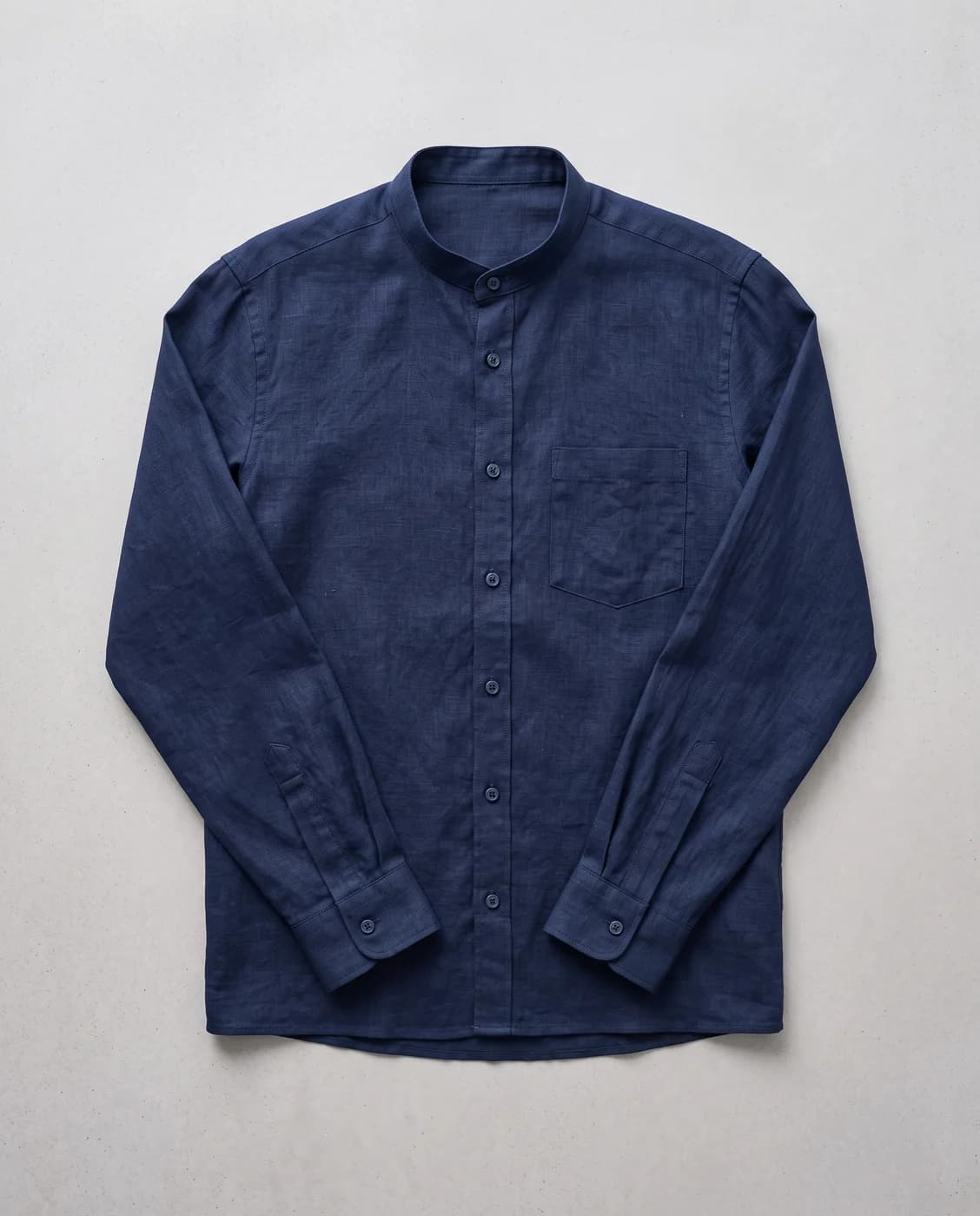
- Upload the piece as it is — laid flat on an even surface in clear light is enough.
- Pick a model from the library and a style for the scene, or describe what you want.
- Download the result and upload it in Salla as a product image.
Cost
| The tools that serve you here | 1k1024×1024 | 2k2048×2048 | 4k4096×4096 |
|---|---|---|---|
| Product Photoshoot+3 credits when a ready-made model is used | 2 | 3 | 4 |
| Background Removal | 1 | 1 | 1 |
| Resize for Any Channel | 2 | 3 | 4 |
Credits per single image, shown before you press generate.
Questions from Salla merchants
Is there an automatic Salla integration?
Not yet. You download the image from Fotisma and upload it in Salla like any product photo. We say so plainly rather than let you find out: if you are looking for an app that installs inside Salla and syncs images by itself, it does not exist here today.
What size do I get back?
You choose the ratio and resolution before generating — square for the product page, tall for a story, up to 4K. And if you already have an image at the wrong ratio, the resize tool converts it without cropping the product.
I sell abayas and modest wear. Does it work?
Yes, and it is most of what the platform was built for. Be aware that black fabric and loose cuts are harder than the rest, because drape and shadow have less contrast to work with — we write about that in the blog rather than pretend every category behaves the same.
Do I need photography skills or prompt writing?
No. You pick a look the way you would pick a location, and you are never asked to write technical instructions. The description box is there for anyone who wants a precise change, not as the price of a good result.
Nearby situations
Try it free when you create your account, no card needed.