Product photos for TikTok Shop
TikTok Shop shows quickly, small, and in a tall frame. The photograph that works on a web store — a small piece inside a wide white background — is lost here: the product becomes a dot and the viewer scrolls before understanding what they saw.
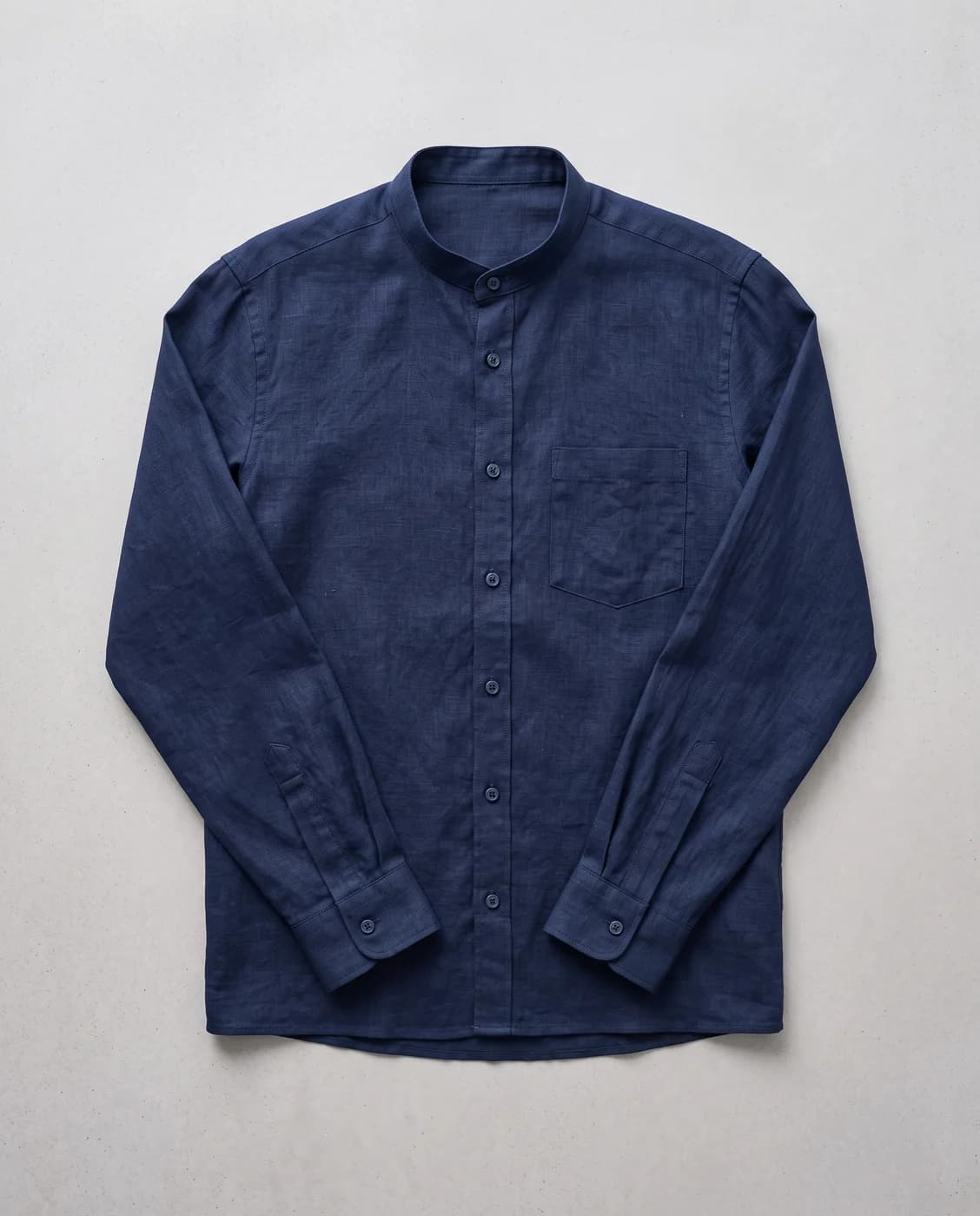

What changes for you
- The product fills the frame
- A tall frame gives a piece more room if it is used properly. Resizing rebuilds the scene vertically instead of cutting the sides, so the piece becomes the image rather than a dot inside one.
- A background that does not compete
- A busy background steals the first second, and the first second is all you get. Background removal gives you an isolated piece to place on any colour, or a clean scene built for the purpose.
- Enough versions to actually test
- Success here is testing: ten images of the same piece in different styles, and you let the numbers choose. One traditional shoot does not give you ten attempts. This does.
The tools that serve you here
Not every tool — the ones that serve your case, in order of usefulness.
- Product PhotoshootUpload only your garment and get a full shoot: a model, a place and a pose, new in every photo. To repeat the same face across your photos, lock the face.
- Resize for Any ChannelConvert a finished image to another aspect ratio — it expands or crops the scene intelligently, keeping the product intact.
- Background RemovalIsolate the product from its background and get a transparent cut-out.
- Image to videoTurn a finished photo into a short clip. Made for ads and stories, with an optional note to steer the motion.
How to start
- Upload the garment and choose a model and a style.
- Generate several versions in different styles to test.
- Convert them to the tall frame and upload to TikTok Shop.
Cost
| The tools that serve you here | 1k1024×1024 | 2k2048×2048 | 4k4096×4096 |
|---|---|---|---|
| Product Photoshoot+3 credits when a ready-made model is used | 2 | 3 | 4 |
| Resize for Any Channel | 2 | 3 | 4 |
| Background Removal | 1 | 1 | 1 |
Credits per single image, shown before you press generate.
Questions from TikTok Shop sellers
Do you generate video?
Not today. The output is still images. We say so plainly, because TikTok is a video platform first and anyone looking for image-to-video will not find it here yet.
What ratio works best there?
The tall frame is native to in-app browsing. The ratios available here include 9:16 and 4:5, chosen before generating, or converted afterwards with the resize tool.
I sell small accessories. Does it work?
Background removal serves them well, as does showing them worn. But very fine detail — engraving on a ring, say — should be checked by eye, since that is what can differ most from the original.
What do ten attempts cost?
Cost is in credits per image, shown before each attempt, and a failed attempt costs nothing. The table further down this page gives the exact figure per tool and resolution.
Nearby situations
Try it free when you create your account, no card needed.