Tools
Tools covering the whole life of an image
Tools that make an image or prepare one, each with a real example and its cost in credits.
Each tool here solves one step of an image's journey: from the garment laid flat on a table to a picture ready to publish at the size your channel asks for. They run on credits rather than a subscription, and the cost is shown before you press generate, so you never pay to find out.
Tools that make an image that did not exist
Upload the garment or the product, or describe what you want, and a new photograph comes back with a model or the product alone, in a place and lighting. These are the tools that replace booking a studio, a model and a photographer.
- Virtual Try-OnDress a model from a ready photo, from our library or your own, and the person stays as in their photo, hijab and hair included. A written note changes the place and pose. Takes clothing, bags and shoes.
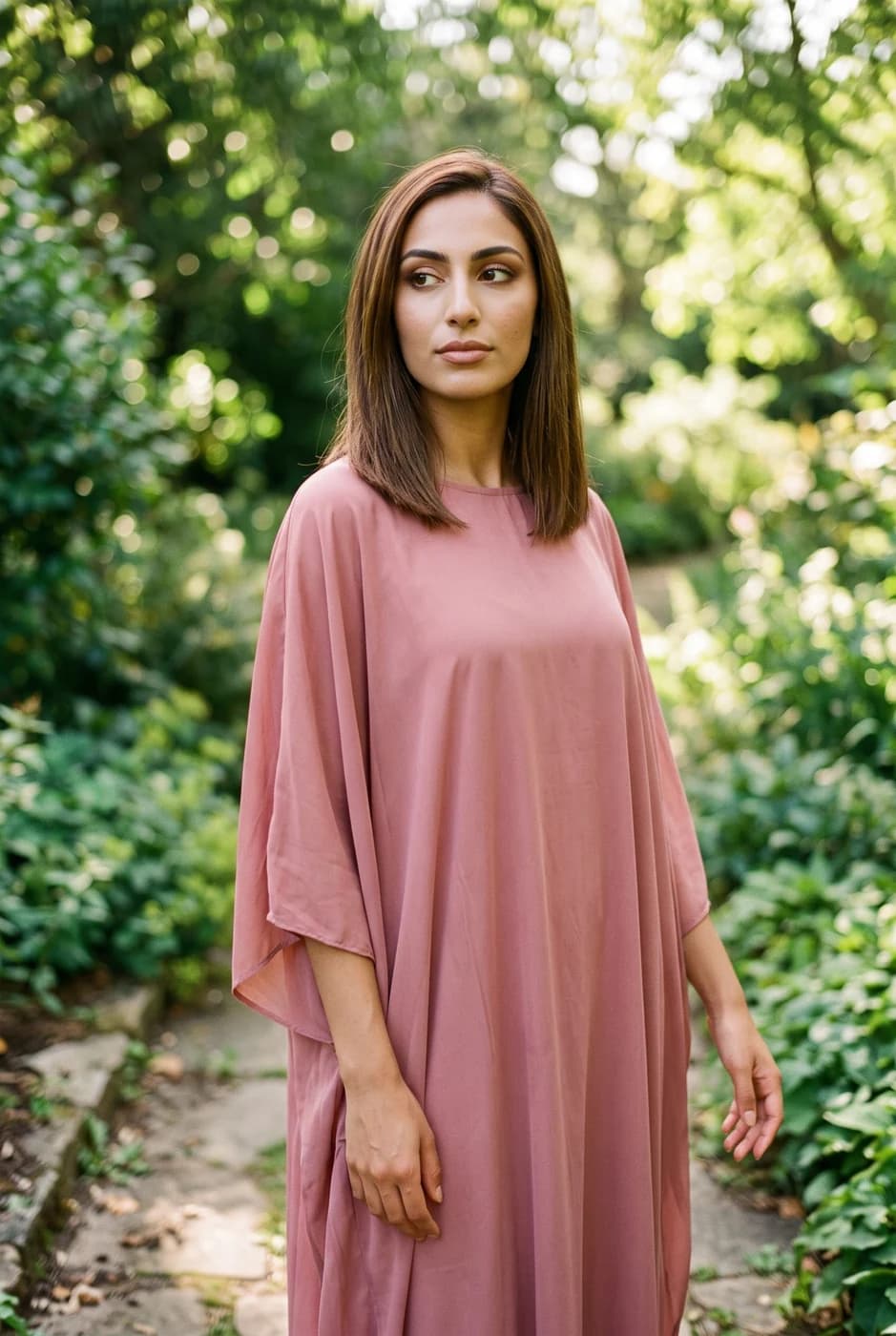
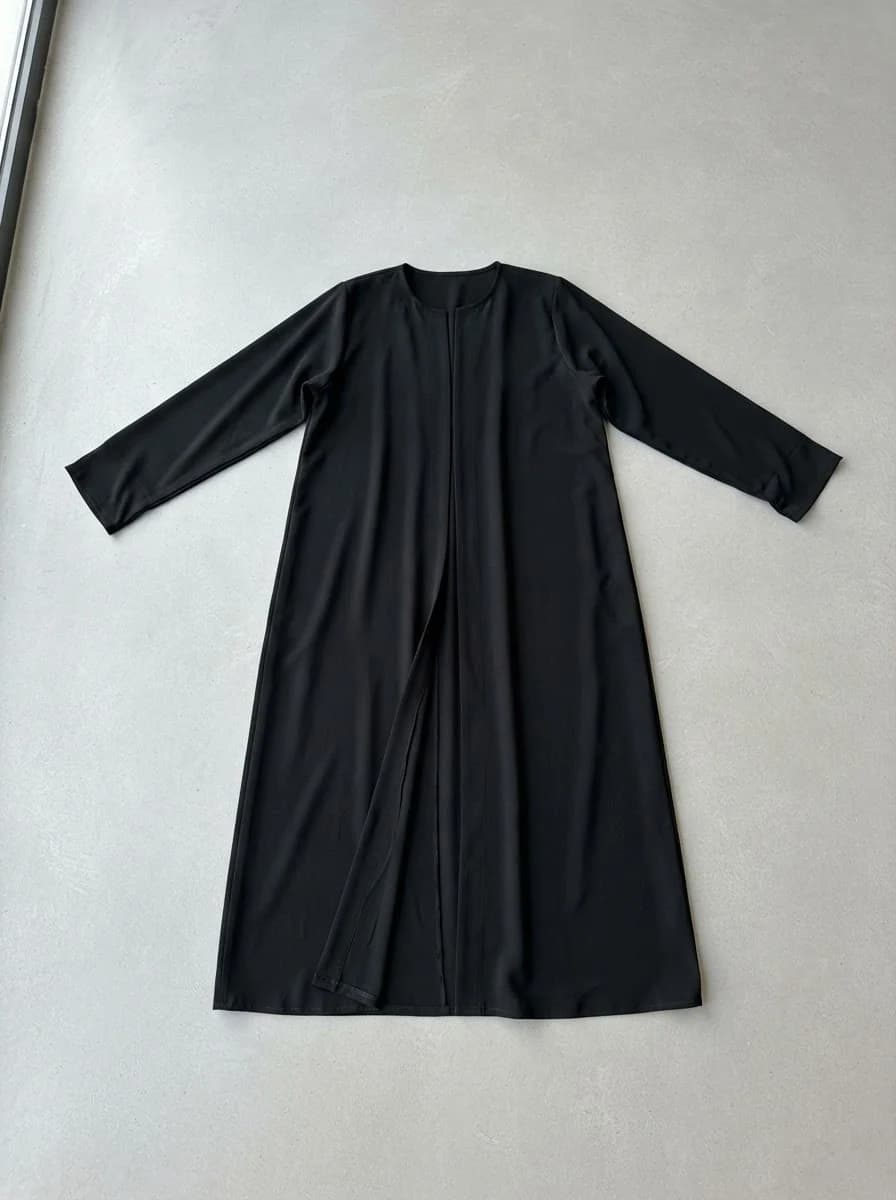
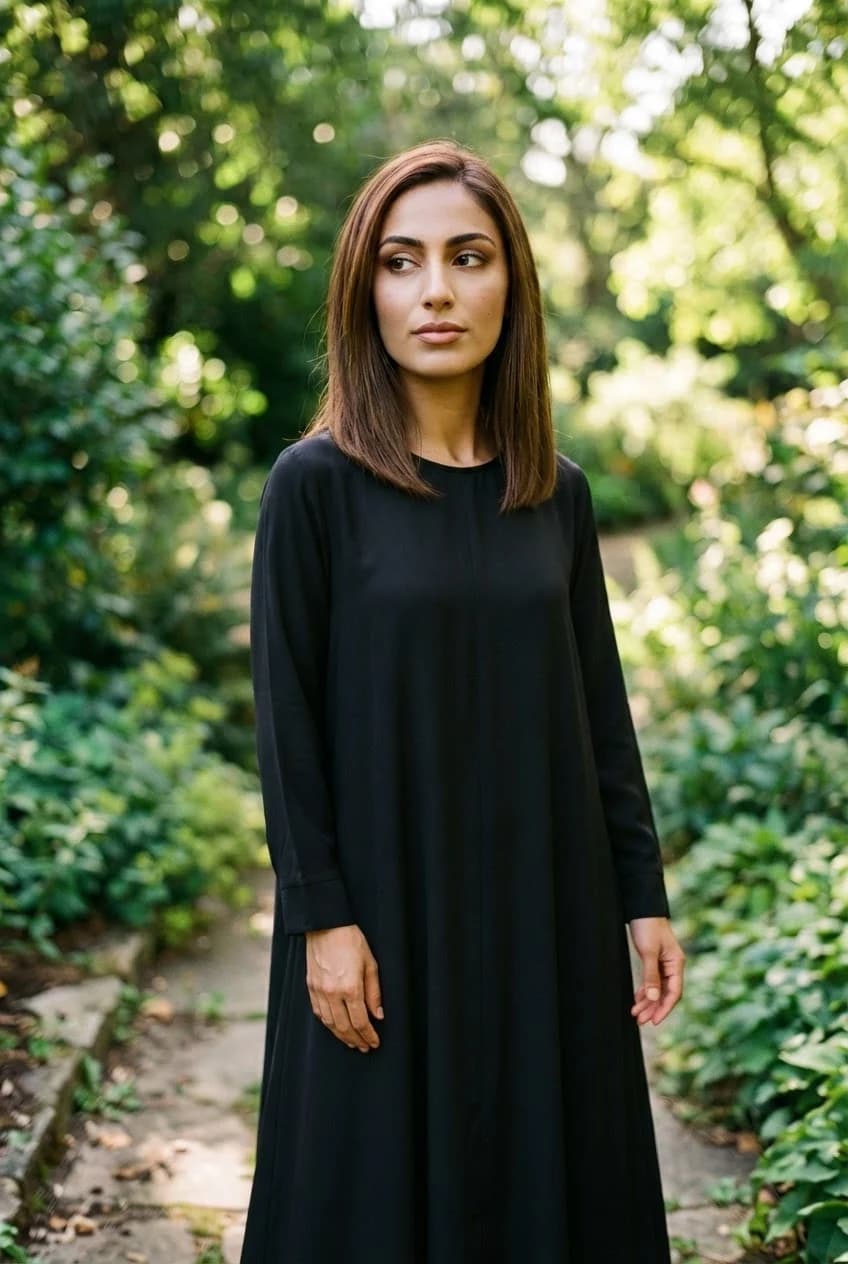
- Product PhotoshootUpload only your garment and get a full shoot: a model, a place and a pose, new in every photo. To repeat the same face across your photos, lock the face.
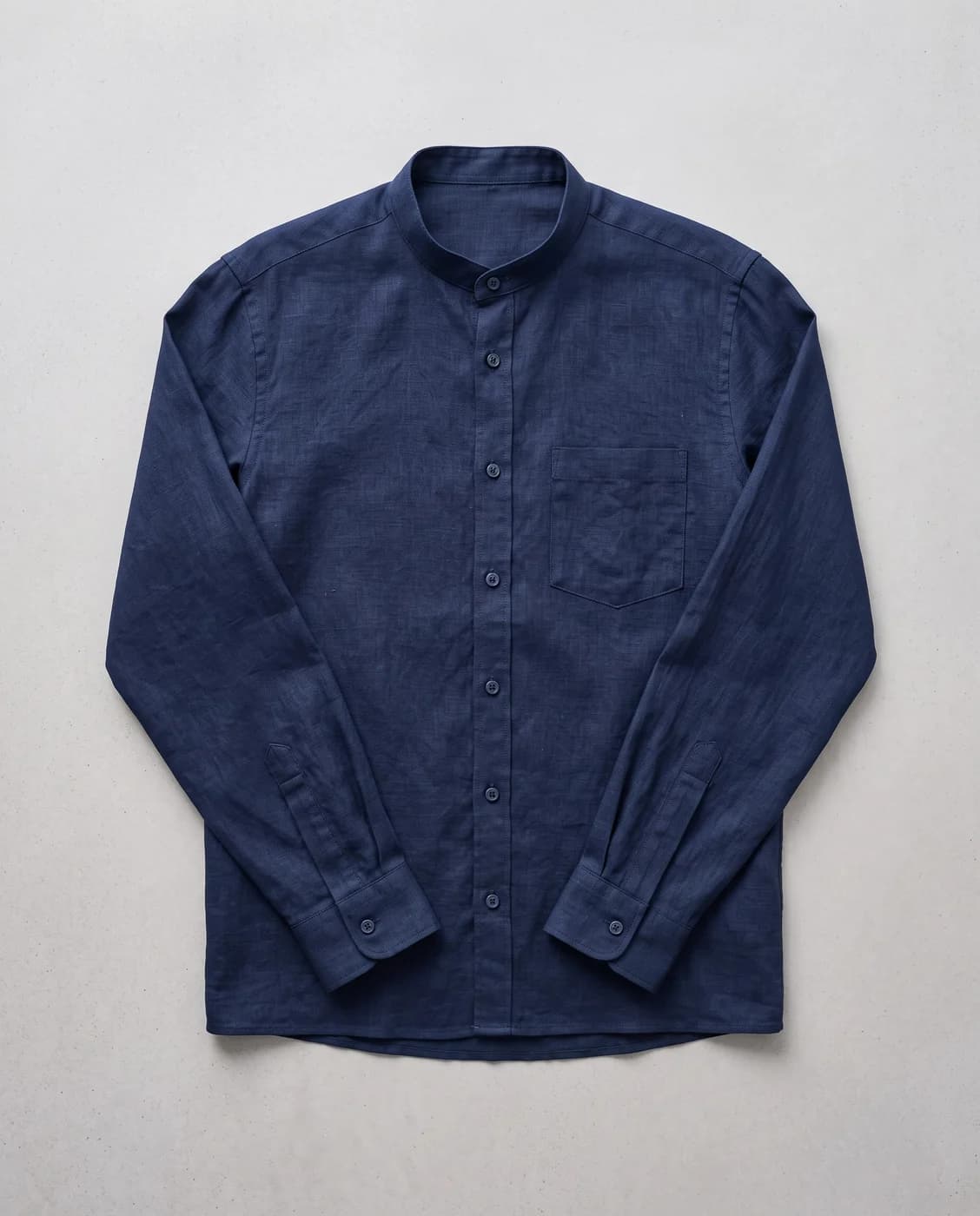
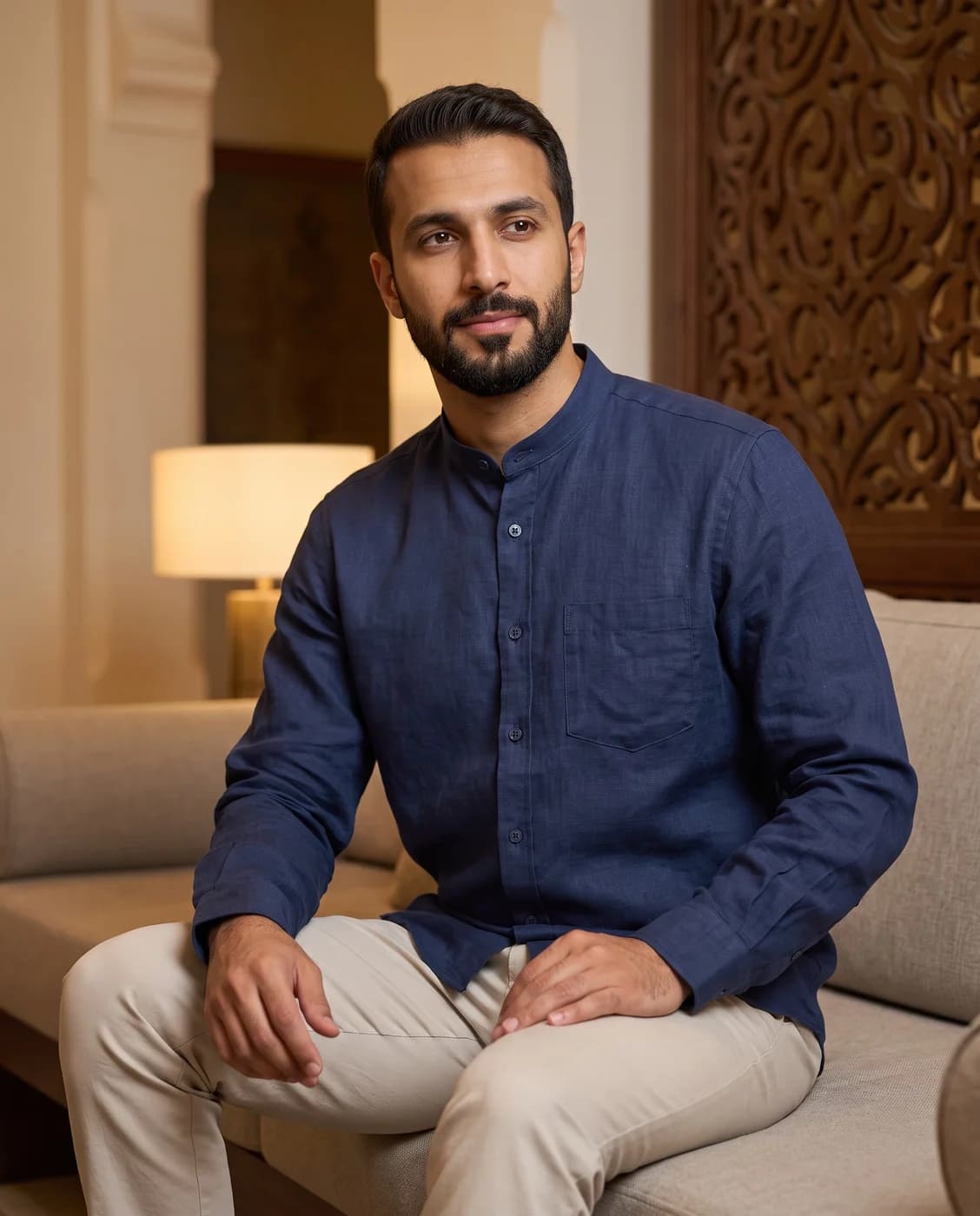
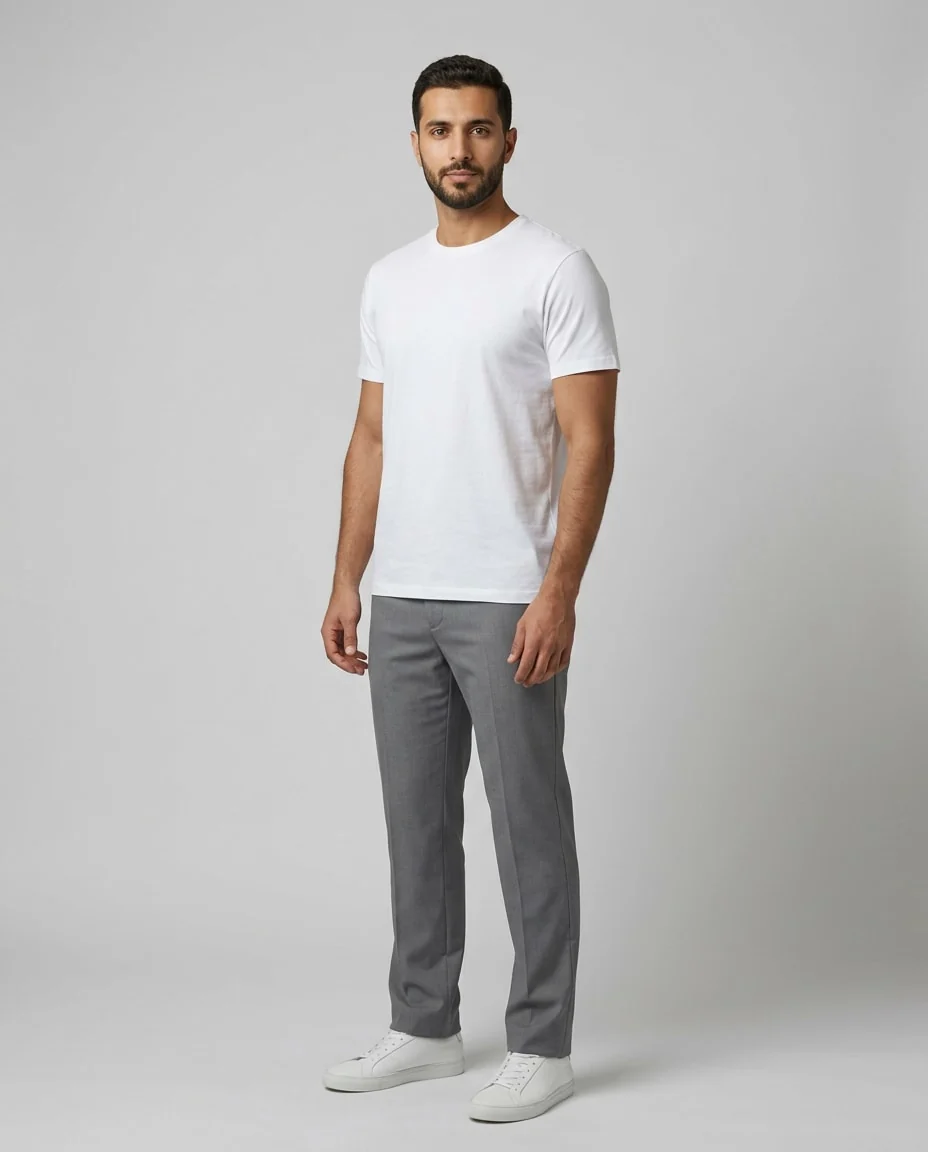
- Create a ModelWhen the model library does not have who you want: describe them in your own words, and the result becomes a model you can use in Virtual Try-On.a Gulf man with a trimmed beard
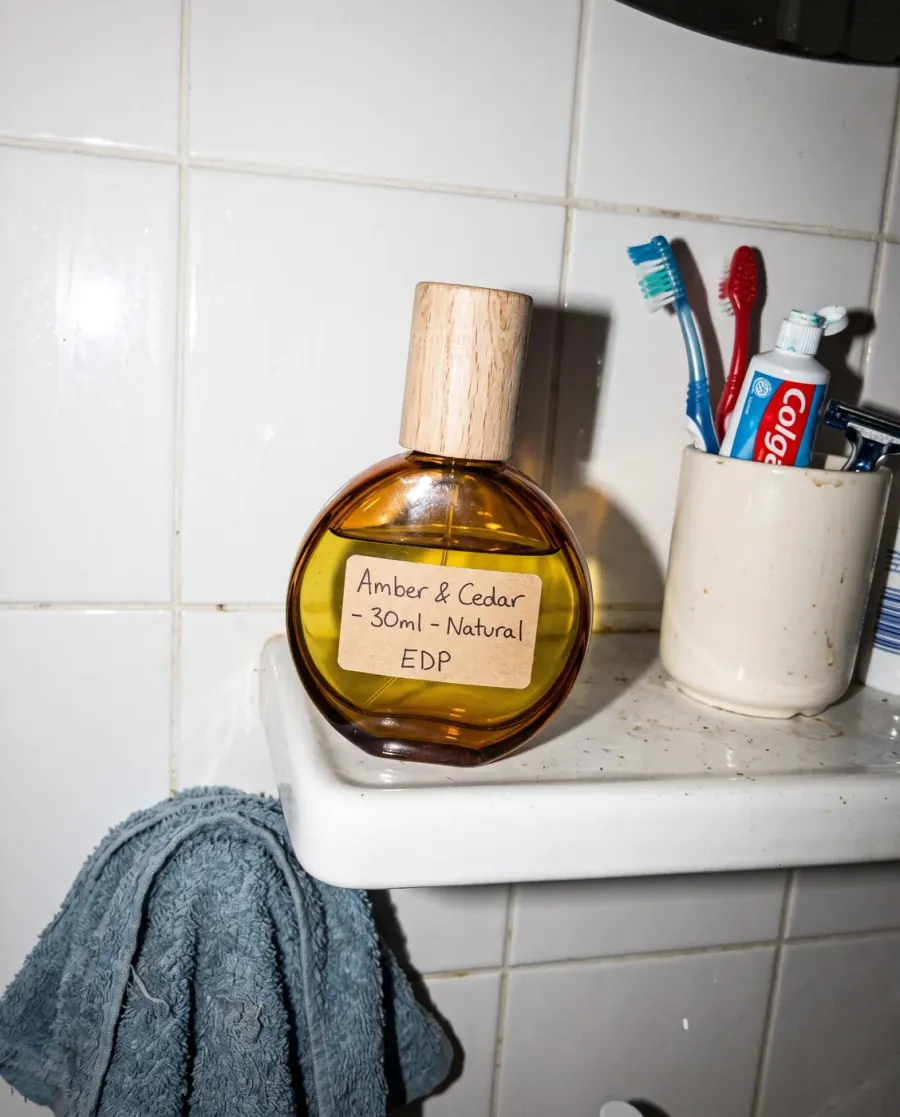
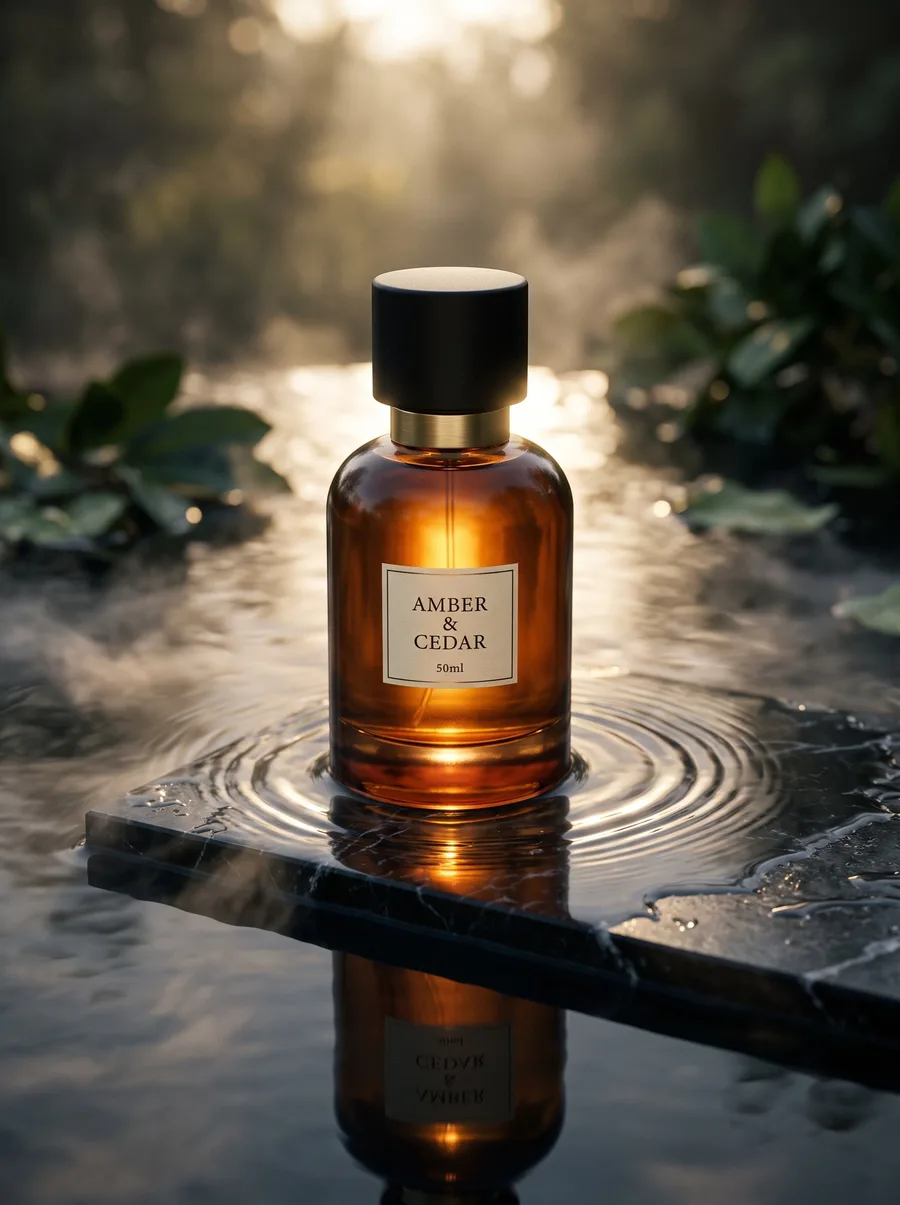
- Product photographyUpload your product and describe the setting you want: an advertising photograph with no people in it.
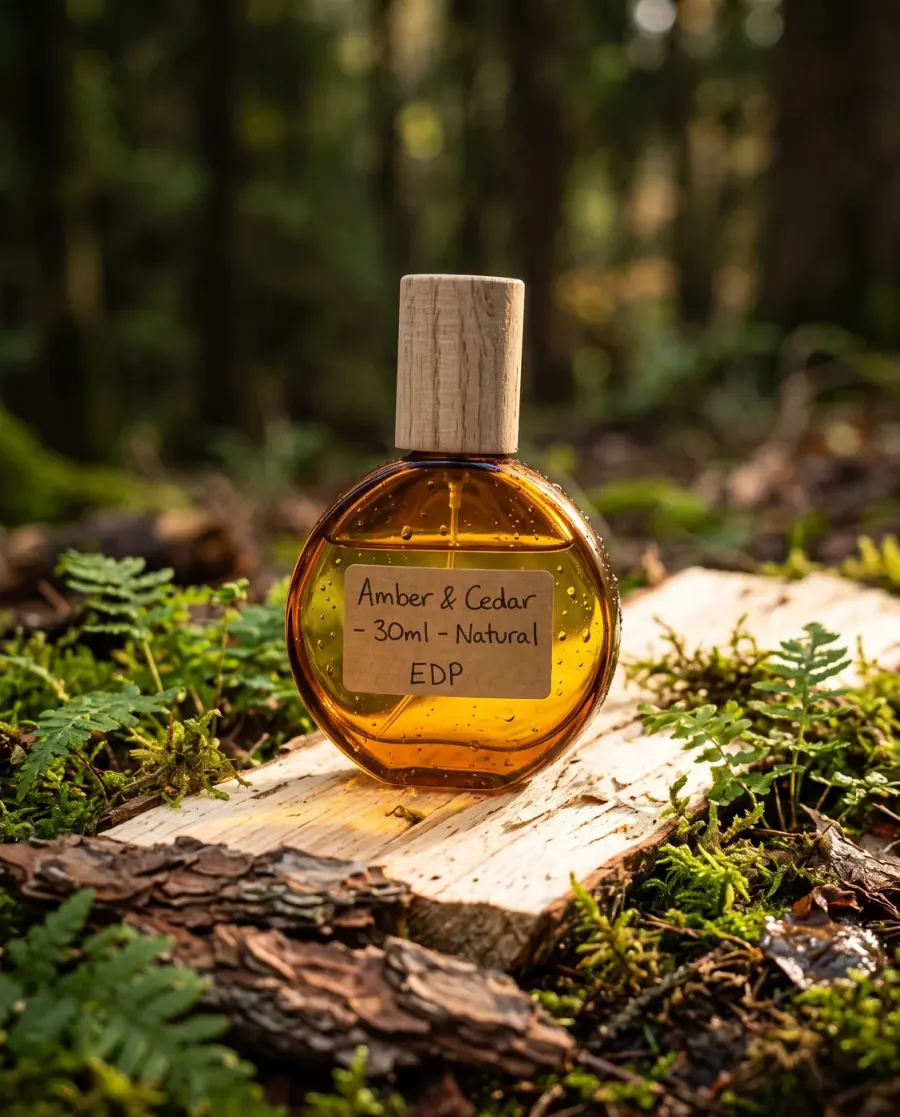
- Product videoUpload your product and get a short clip where the light and the camera move around it, with no people.
Tools that prepare an image you already have
The photograph exists and needs one change: a background lifted, a colour altered, or a different size between your store and your Instagram. These cost less because they do not build a scene from nothing.
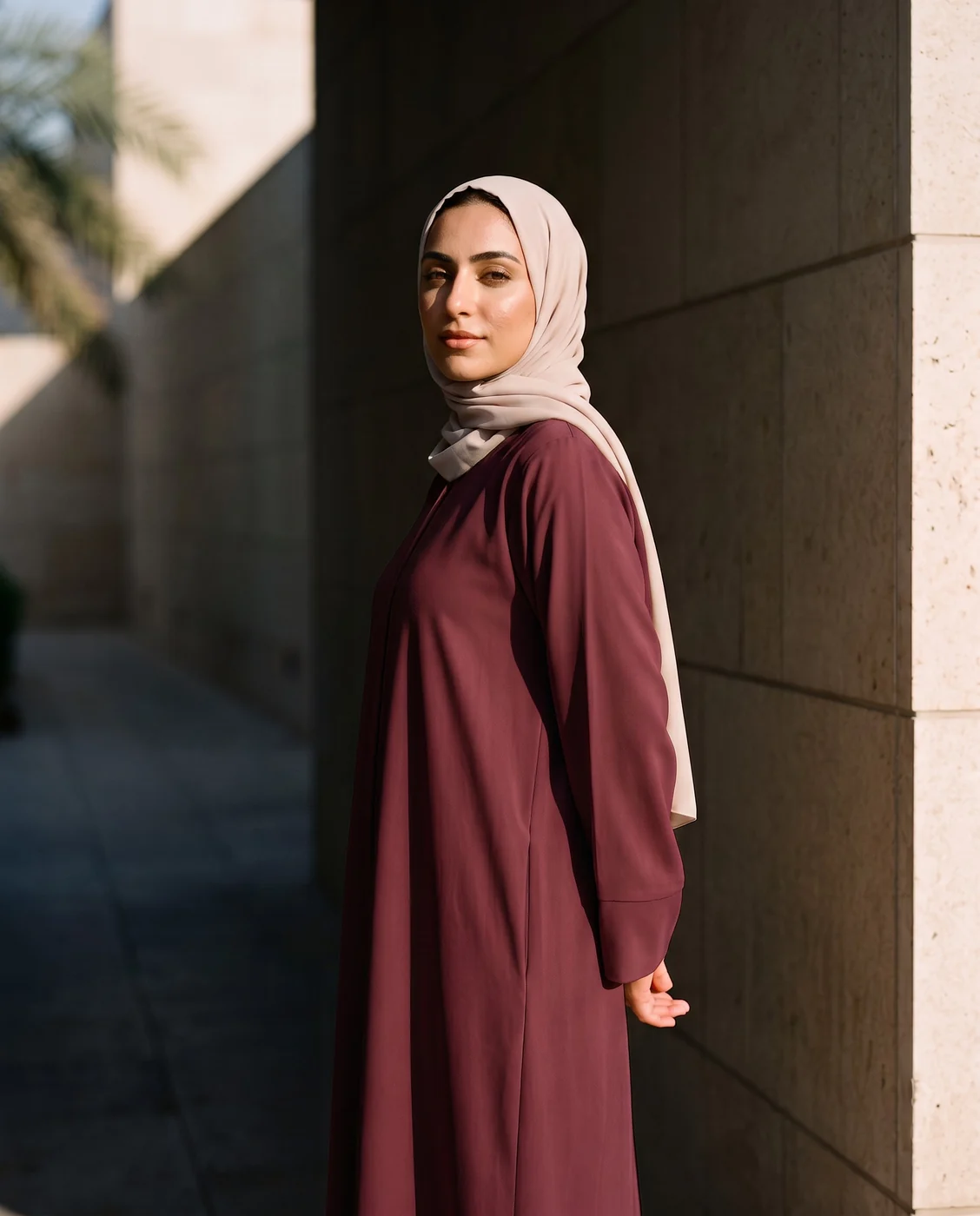
- Describe an EditChange the colour, pose, background and more with a single instruction.
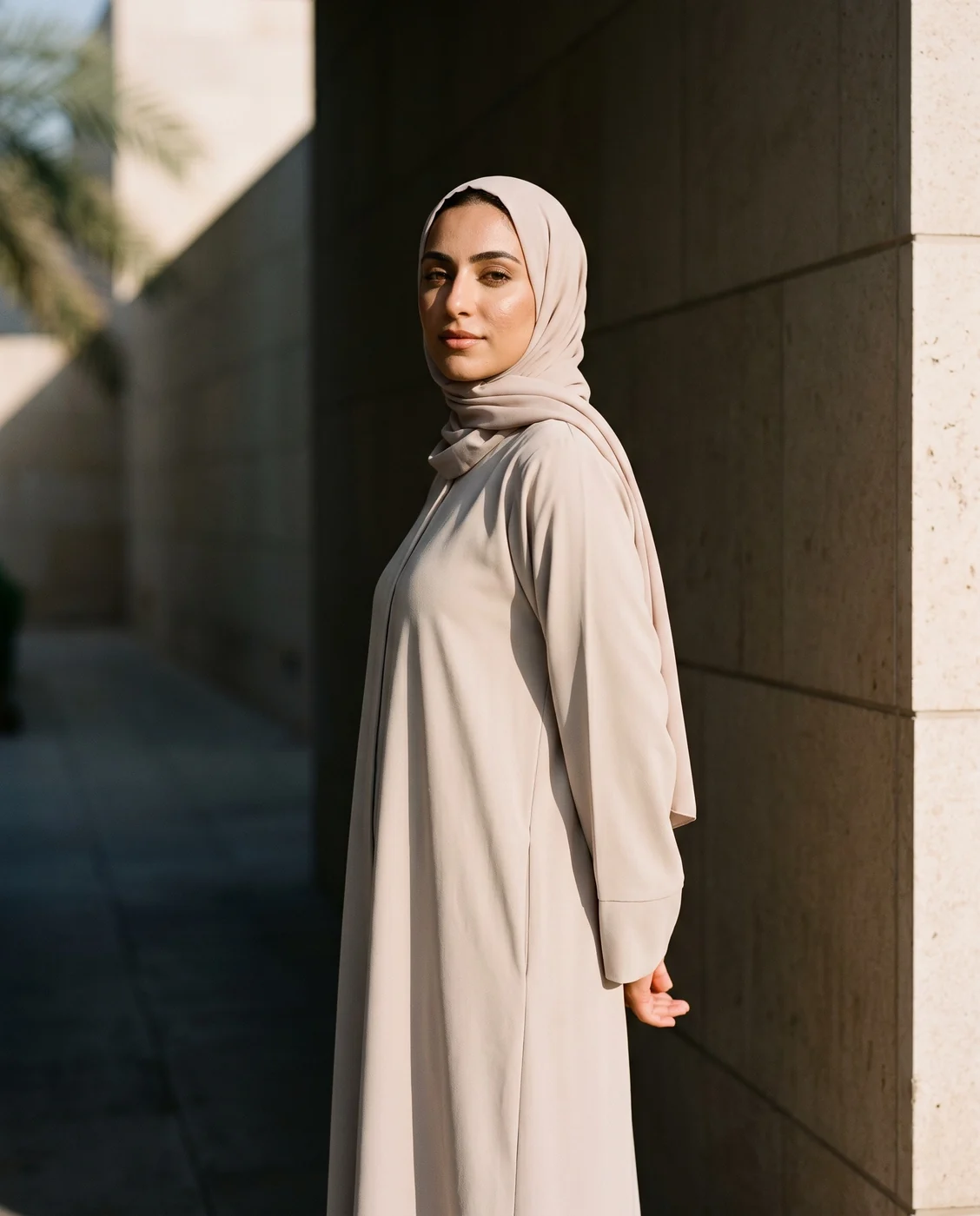 Change the abaya to burgundy
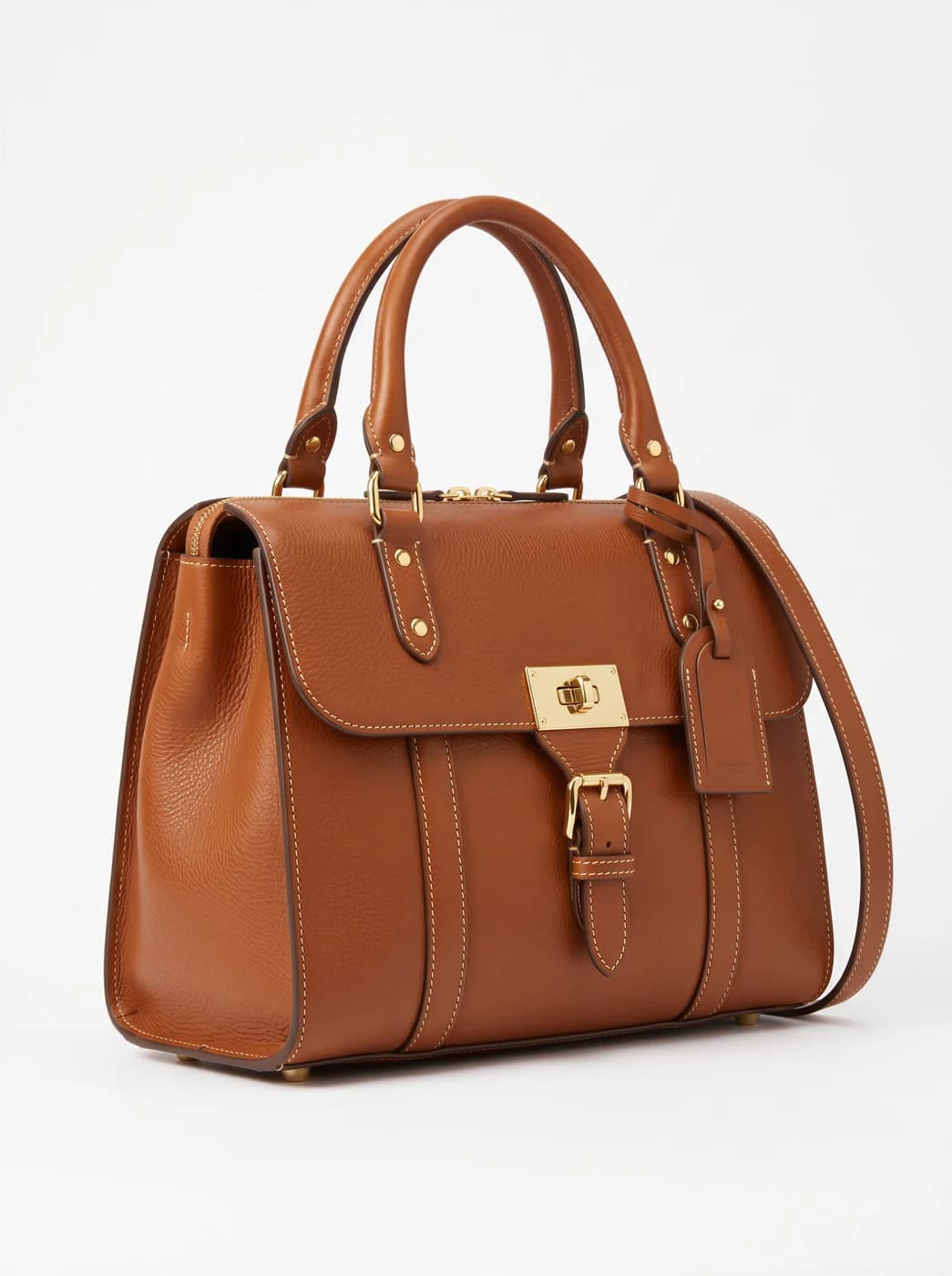
- Background RemovalIsolate the product from its background and get a transparent cut-out.
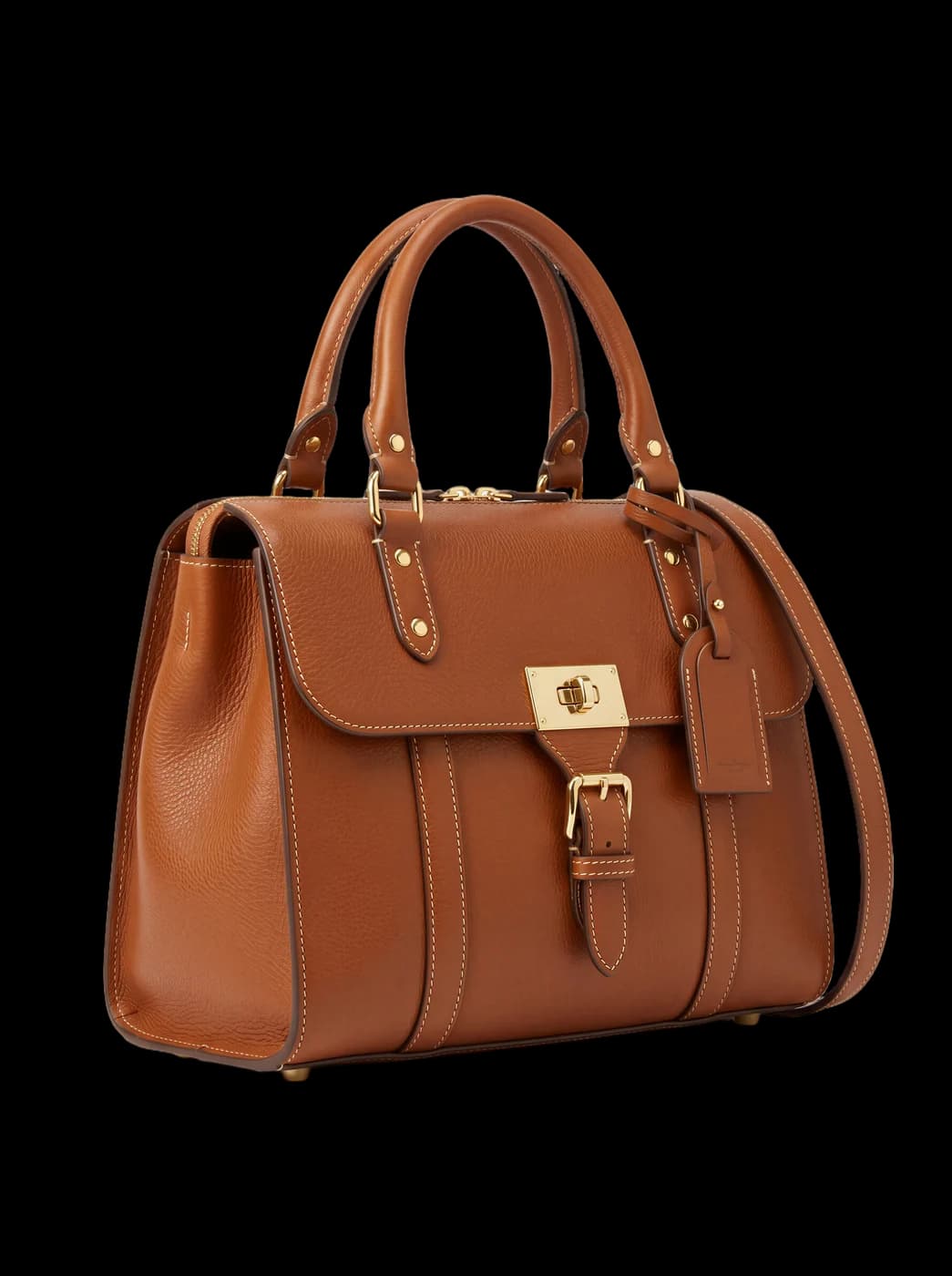
- Resize for Any ChannelConvert a finished image to another aspect ratio — it expands or crops the scene intelligently, keeping the product intact.
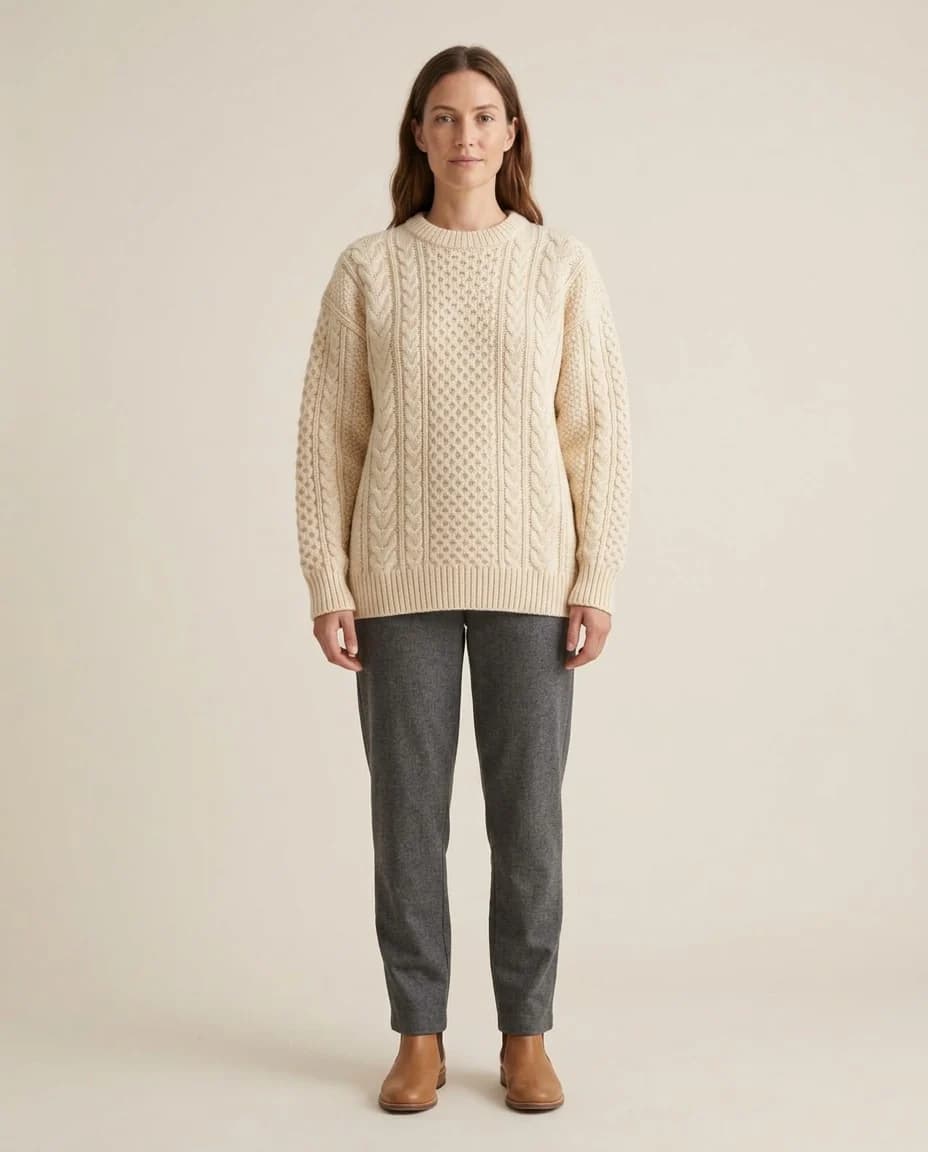
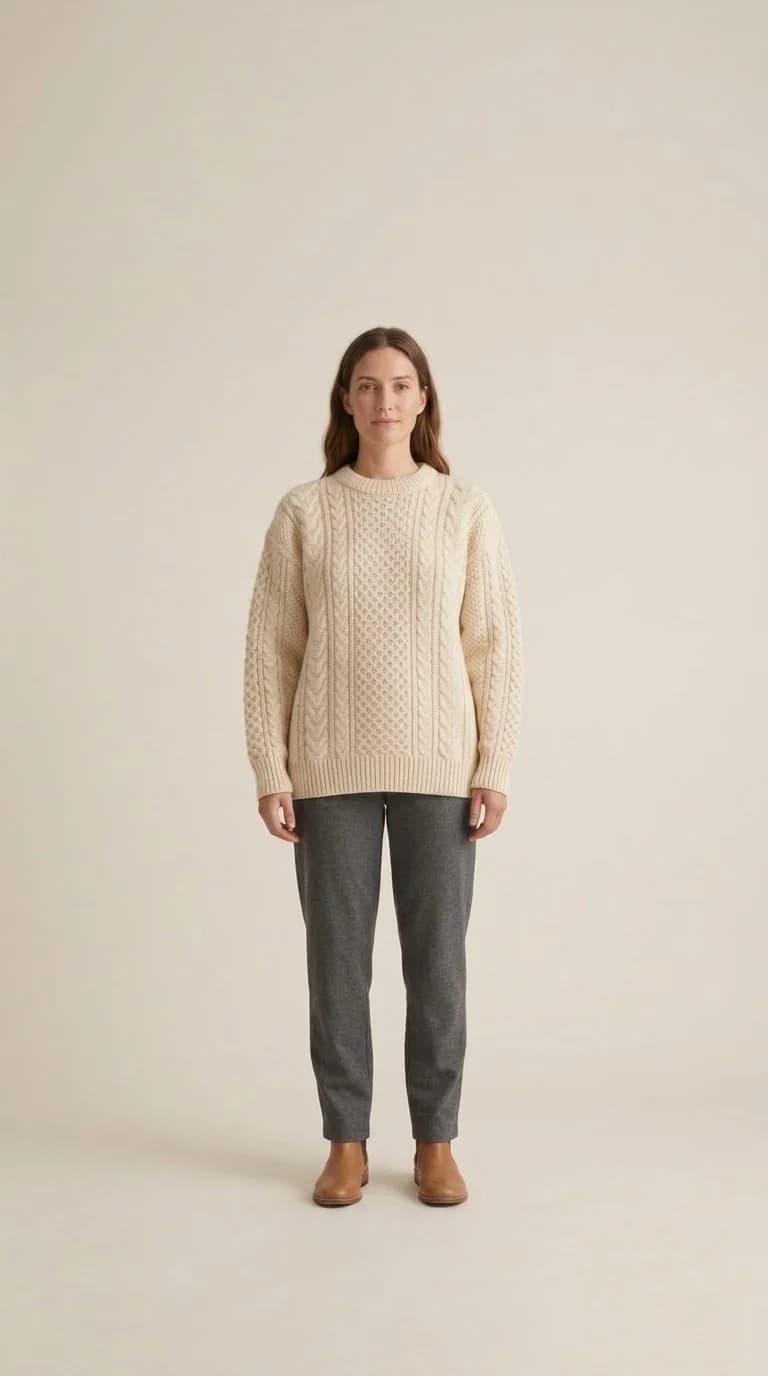
- Image to videoTurn a finished photo into a short clip. Made for ads and stories, with an optional note to steer the motion.
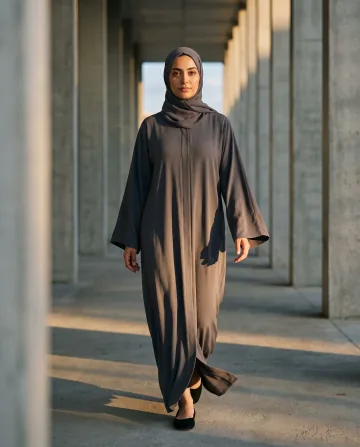 A confident walk between the columns, sleeves moving in the breeze
Which tool do you need?
Start from your situation, not from a tool's name. These are the ones we are asked about most:
| Your situation | Tool |
|---|---|
| You picked a model and want the same one across the whole collection. | Virtual Try-On |
| You have the garment on its own, and no model and no studio. | Product Photoshoot |
| The library has nobody whose look fits your brand and its audience. | Create a Model |
| The photograph is fine except for one thing: a colour, a detail, a background. | Describe an Edit |
| You need a transparent background for a catalogue or an ad. | Background Removal |
| The photograph is right and the size is wrong: square for the store, tall for a story. | Resize for Any Channel |
| You have a still and need a moving clip for an ad or a story. | Image to video |
| You sell perfume, jewellery or skincare and want the product on its own in a scene. | Product photography |
| You have a product photo and need a short clip with light moving around it for Reels. | Product video |
The cost, before you run it
Credits per single image, varying with the resolution you choose. These are the same figures the studio charges, not an estimate near them.
| Tool | 1k1024×1024 | 2k2048×2048 | 4k4096×4096 |
|---|---|---|---|
| Virtual Try-On | 2 | 3 | 4 |
| Product Photoshoot | 2 | 3 | 4 |
| Create a Model | 2 | 3 | 4 |
| Describe an Edit | 2 | 3 | 4 |
| Background Removal | 1 | 1 | 1 |
| Resize for Any Channel | 2 | 3 | 4 |
| Product photography | 2 | 3 | 4 |
Per single image, shown before you press generate.